MiiNePort E2/E3 NetEZ Technologies
Step 1: Compile EZPage
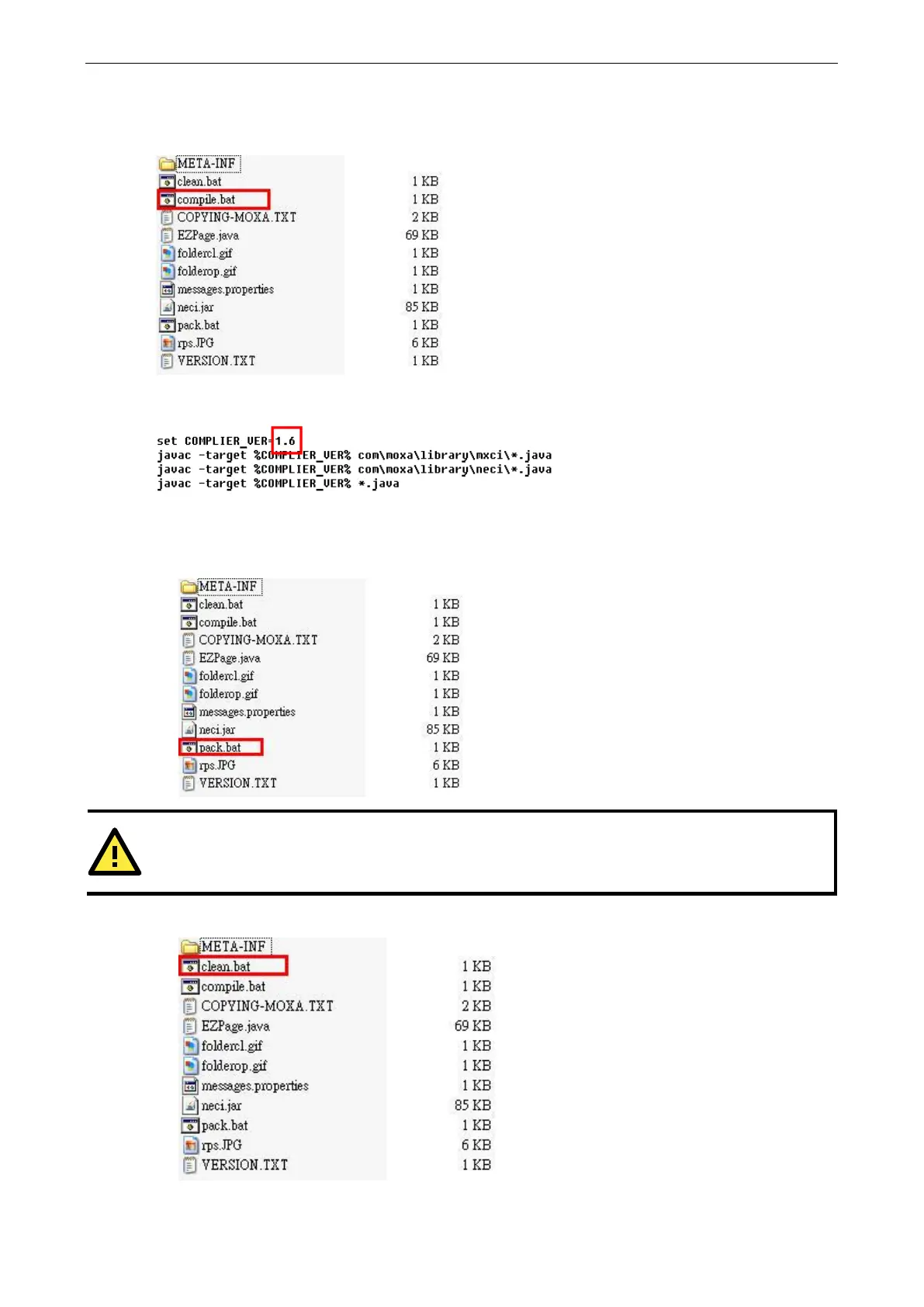
You can compile all *.java files in the src\jar directory one-by-one, or use src\jar\compile.bat to complete the
task.
Execute compile.bat. If you experience any problems compiling this example, make sure the version of the
compiler you are using is correct.
Step 2: Pack EZPage
1. You could pack all *.class files in the src\jar directory to a .jar file or use src\jar\pack.bat to pack all *.class
files as EZpage.jar.
order to reserve EZPage space for more useful applications, do not pack the source code into the .jar file.
2. To delete all *.class files after packing them, issue the following command: src\jar\clean.bat.
Execute src\jar\clean.bat to delete all *.class files.



 To Next Page