Operation ValueCut USER MANUAL
50
VC2E-A-00
Step 4
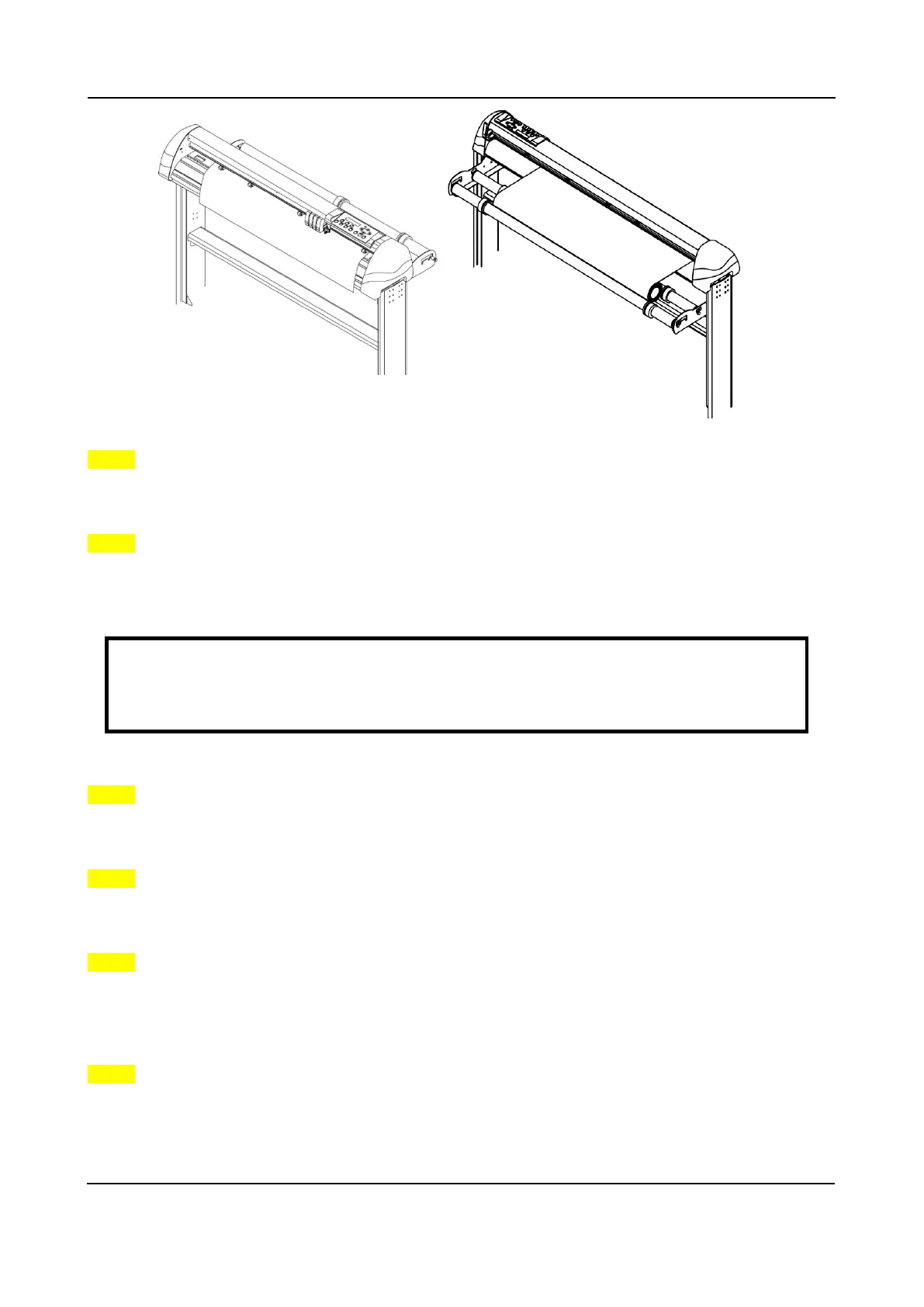
Turn the roll downward to make an equal tension across the media. (Figure 4-11)
Step 5
Move the pinch rollers to the appraise location and note that the pinch rollers must be positioned above
the grid drums.
Step 6
Push the lever backward to lower down the pinch rollers.
Step 7
Fix roll media guide bushes on the roll holder to secure the roll media.
Step 8
The media sizing selection menu (Roll, Edge, Single) appears on the control panel. Use
~
or
|
key to
choose Roll.
Step 9
Use the reverse steps to remove the media.
Note:
Make sure that the media tension is equally distributed from left to right. If the media were not
tightened enough against the platen, it would cause tracking problems!
Figure 4-11 Figure 4-10











 To Next Page