7-8
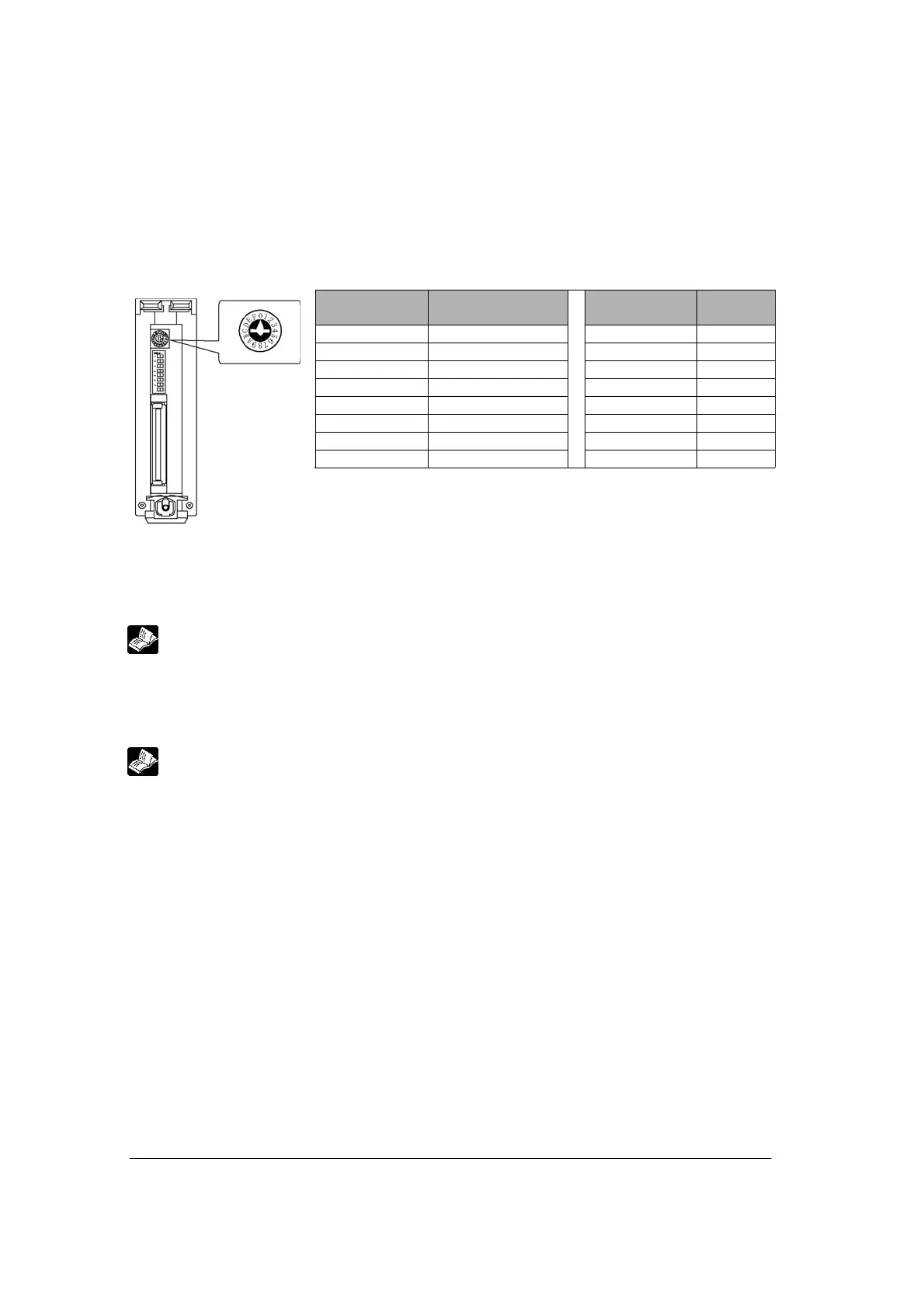
Setting unit numbers with the setting switch
The unit number setting switch is located at the back of the unit. The rotary switch can be used to set a
unit number between 1 and 15.
Table of switch settings and related unit numbers
Unit No.
setting switch
Unit No.
Unit No.
setting switch
Unit No.
0 Memory switch
Note1)
88
11 99
22 A10
33 B11
44 C12
55 D13
66 E14
77 F15
Note1) Sets by the MCU setting and F159 (MTRN) instruction, and sets
more than 15 unit numbers. The default setting of the memory switch is
1.
Note2) Only COM. 1 port can be speicifed.
(COM. 2 port is specified using the memory switch.)
Setting using F159 (MTRN) instruction
Baud rate and communication format can be specified with this instruction.
Reference: <8.2 Setting Communicaiton Conditions and Monitoring>
Setting using MCU setting
The detailed settings are specified on the exclusive screen for FP2 Multi Communication Unit using the
programming tool.
Reference: <4.4.3 Memory Switch MCU Setting>



 To Next Page