7-2
7.1 Overview of Func tion
7.1.1
What is Computer Link
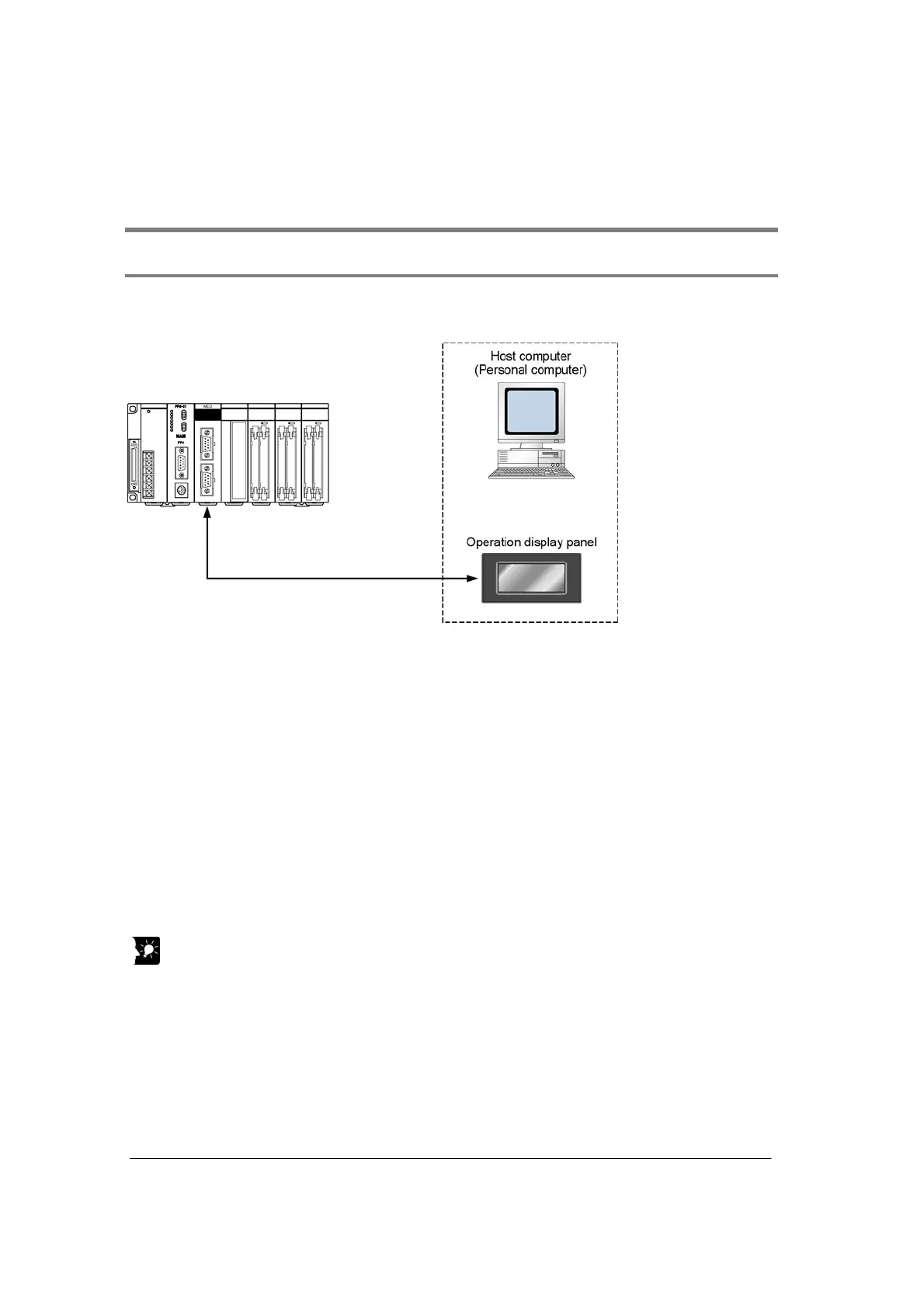
The computer link mode is used as a communication interface that allows data to be read and written
between an device such as a personal computer or display panel and a CPU unit.
Can be connected to a display panel and computer.
Enables a 1:1 connection to a display panel and computer. No software program is needed for
communication.
Economic peer-to-peer communication with a personal computer is possible.
This unit can be directly connected with a personal computer through RS232C to collect and write data
from it without building up a large-scale network.
No communication program is needed on the PLC.
The PLC automatically returns responses using the FP series’ MEWTOCOL-COM communication
protocol so that there is not need to prepare a communication program at the side of the PLC.
Conneciton with Modem
It is possible to receive data over telephone lines from another PLC, by connection modem with your
PLC. (Receiving only)
Key Point:
“C-NET link” is a communication function with 1:N communication (maximum of 99 units can be
connected).
When setting to 230400 bps, a USB port should be usd at a computer side.
When connecting with a RS232C port, the communication is not carried out due the occurrence of a
device open error.



 To Next Page