8-3
8.2 Setting Communi cation Conditions and Monitoring
Setting communication conditions and motoring using instructions
The communication conditions for Multi Communication Unit (MCU) can be changed in ladder programs
using F159 (MTRN) instruction. The current comunication conditions specified with F159 (MTRN)
instruction or the MCU Setting using the programming tool can be monitored using F161 (MRCV)
instruction.
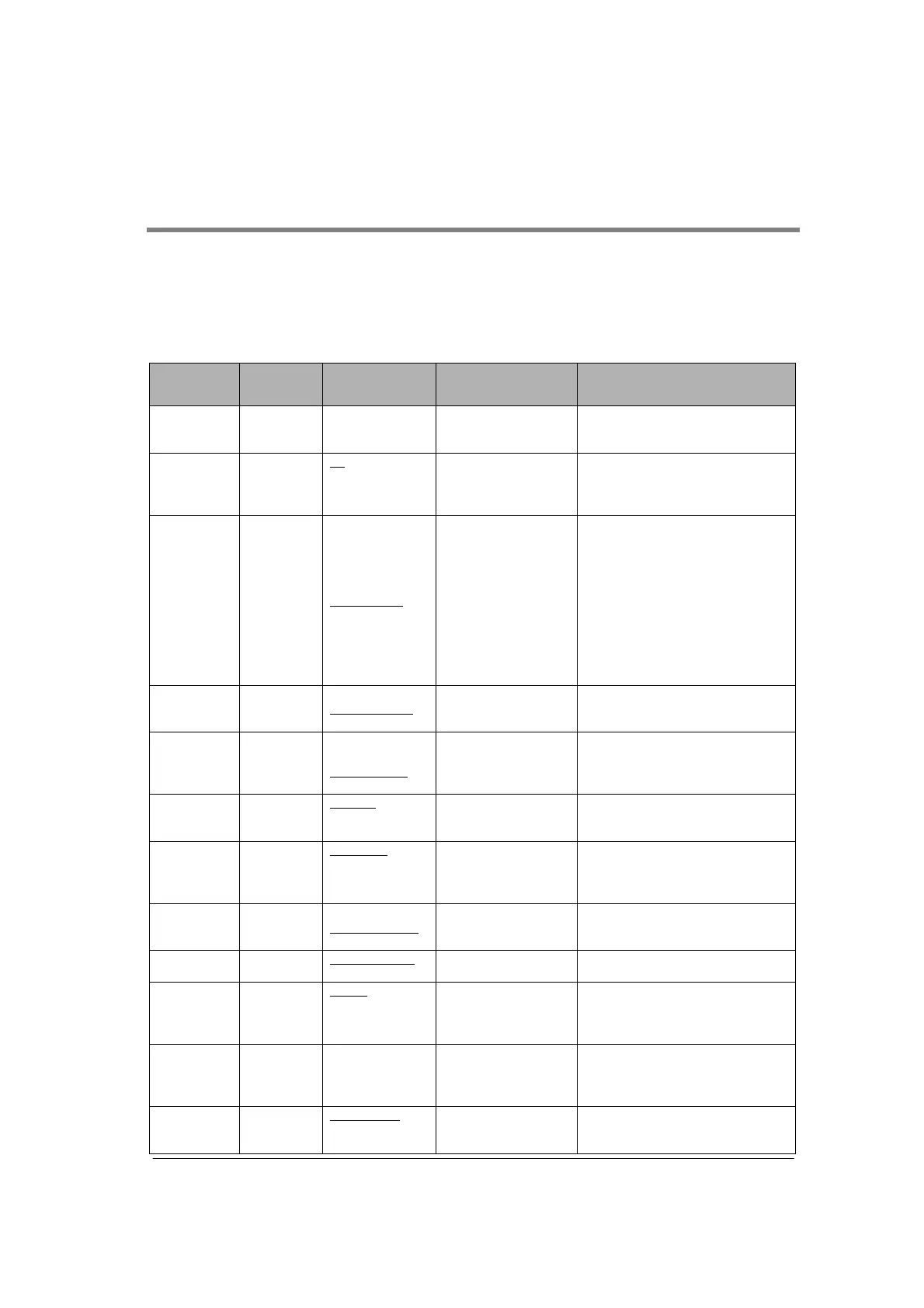
Settable items, contents and values (monitoring values) are as below.
Address
Communi-
cation
condition
Setting content
and value
Settable operaiton
mode
Remarks
1
st
, 2
nd
byte
(1
st
word)
- Received No. of
bytes
- Byte no. “24” is stored when
monitoring (receiving). It has no
meaning when setting.
3
rd
, 4
th
byte
(2
nd
word)
Unit No.
Note2)
K1 to K99
• PC(PLC) link
• General-purpose
serial communication
• Computer link
COM. 1: Unit no. setting switch
should be set to 0.
COM. 2: Can be always set using
F159 (MTRN) instruciton.
5
th
, 6
th
byte
(3
rd
word)
Baud rate K0: 300 bps
K1: 600 bps
K2: 1200 bps
K3: 2400 bps
K4: 4800 bps
K5: 9600 bps
K6: 19200 bps
K7: 38400 bps
K8: 57600 bps
K9: 115200 bps
K10: 230400 bps
• General-purpose
serial communication
• Computer link
There are following conditions to
specify using F15 (MTRN)
instruction.
1. The speed setting of the mode
speed setting switch (at the back of
the unit) must be set to the memory
switch setting.
2. The setting for the COM. port
which was set to PC(PLC) link mode
is not available.
7
th
, 8
th
byte
(4
th
word)
Character
bit
K0: 7-bit length
K1: 8-bit length
• General-purpose
serial communication
• Computer link
9
th
, 10
th
byte
(5
th
word)
Parity K0: No parity
K1: Parity 0
K2: Parity odd
K3: Parity even
• General-purpose
serial communication
• Computer link
11
th
, 12
th
byte
(6
th
word)
Stop bit
length
K0: 1 bit
K1: 2 bits
• General-purpose
serial communication
• Computer link
13
th
, 14
th
byte
(7
th
word)
RS/CS
Valid/Invalid
K0: Invalid
K1: Valid
• General-purpose
serial communication
• Computer link
• PC(PLC) link
15
th
, 16
th
byte
(8
th
word)
Send
waiting time
K0 to K10000
(K0: Immediate)
• General-purpose
serial communication
• Computer link
Effective time=knx0.01 ms(0 to 100
ms)
17
th
, 18
th
byte
(9
th
word)
Header
STX
K0: STX invalid
K1: STX valid
• General-purpose
serial communication
19
th
, 20
th
byte
(10
th
word)
Terminator K0: cR
K1: cR+LF
K2: Time (24 bits)
K3: ETX
• General-purpose
serial communication
For the time (K2), refer to
“terminator judgement time”.
21
st
, 22
nd
byte
(11
th
word)
Terminator
judgement
time
Note3)
K0 to K10000
(K0: 32 bits)
• General-purpose
serial communication
Effective time=knx0.01 ms
(However, it is effective only when
the terminator setting is “Time
(K2)”.)
23
rd
, 24
th
byte
(12
th
word)
Initialize
modem
K0: Initialize K1:
Not initialize
• General-purpose
serial communication
• Computer link
Timing for execution of modem
initialization
Note4)



 To Next Page