8-2
8.1 Changing Applica tion of COM. Port
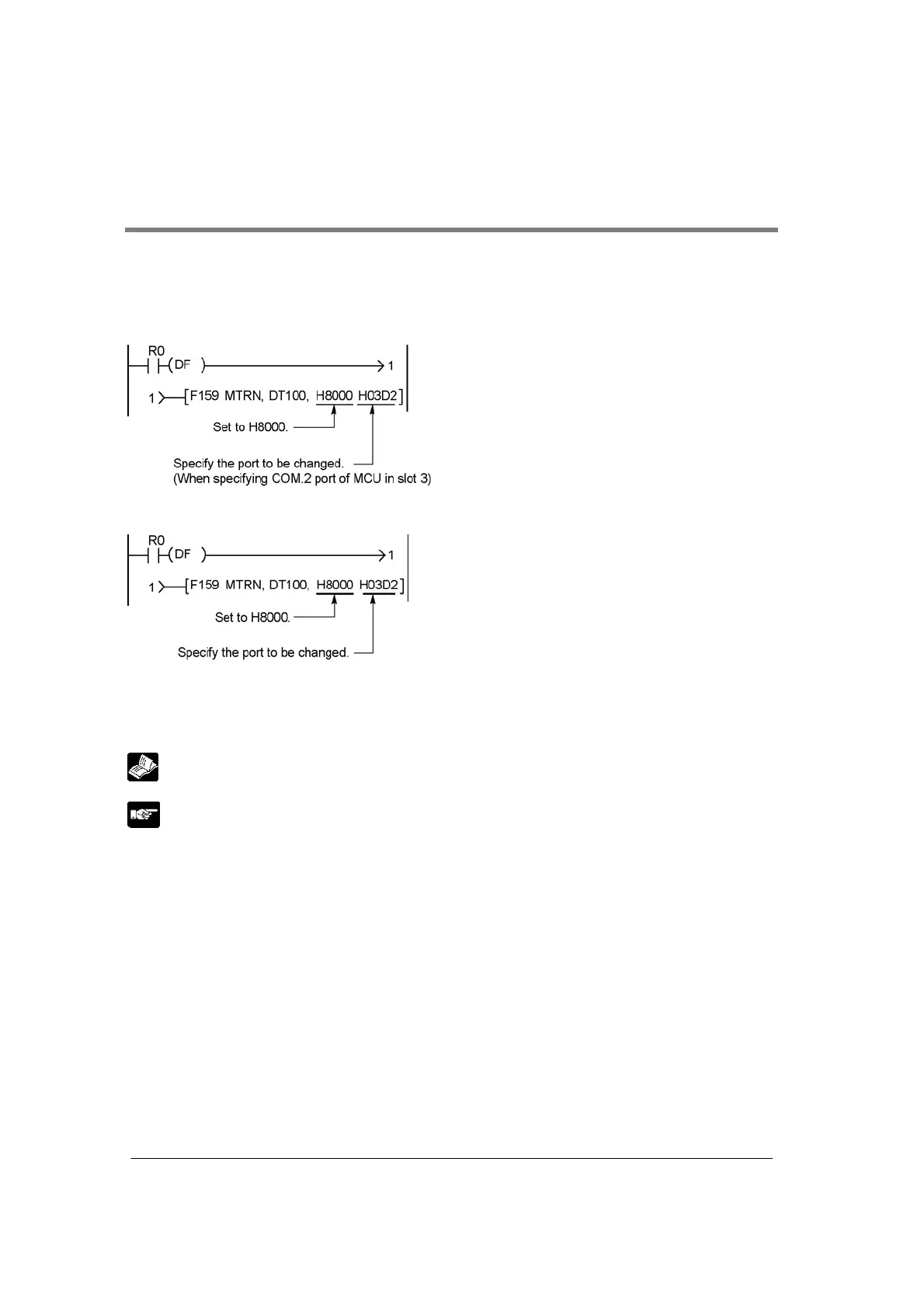
An F159 (MTRN) instruction can be executed to change between general-purpose serial communication
mode and computer link mode. To do so, specify H8000 for n (the number of transmission bytes) and
execute the instruction.
Changing from “general-purpose” to “computer link”
Changing from “computer link” to “general-purpose”
Whenever the above instruction is carreid out, the mode changes to the other.
Note) Current mode can be confirmed by “MCU status monitor”.
Reference: <8.3 MCU Status Monitor>
Note:
• When the power is turned on, the operating mode specified using the mode speed setting switch takes
effect. This is not available for the COM. port set to PC(PLC) link mode.



 To Next Page