7-5
7.2 Setting the Opera tion Mode and Baud Rate
7.2.1
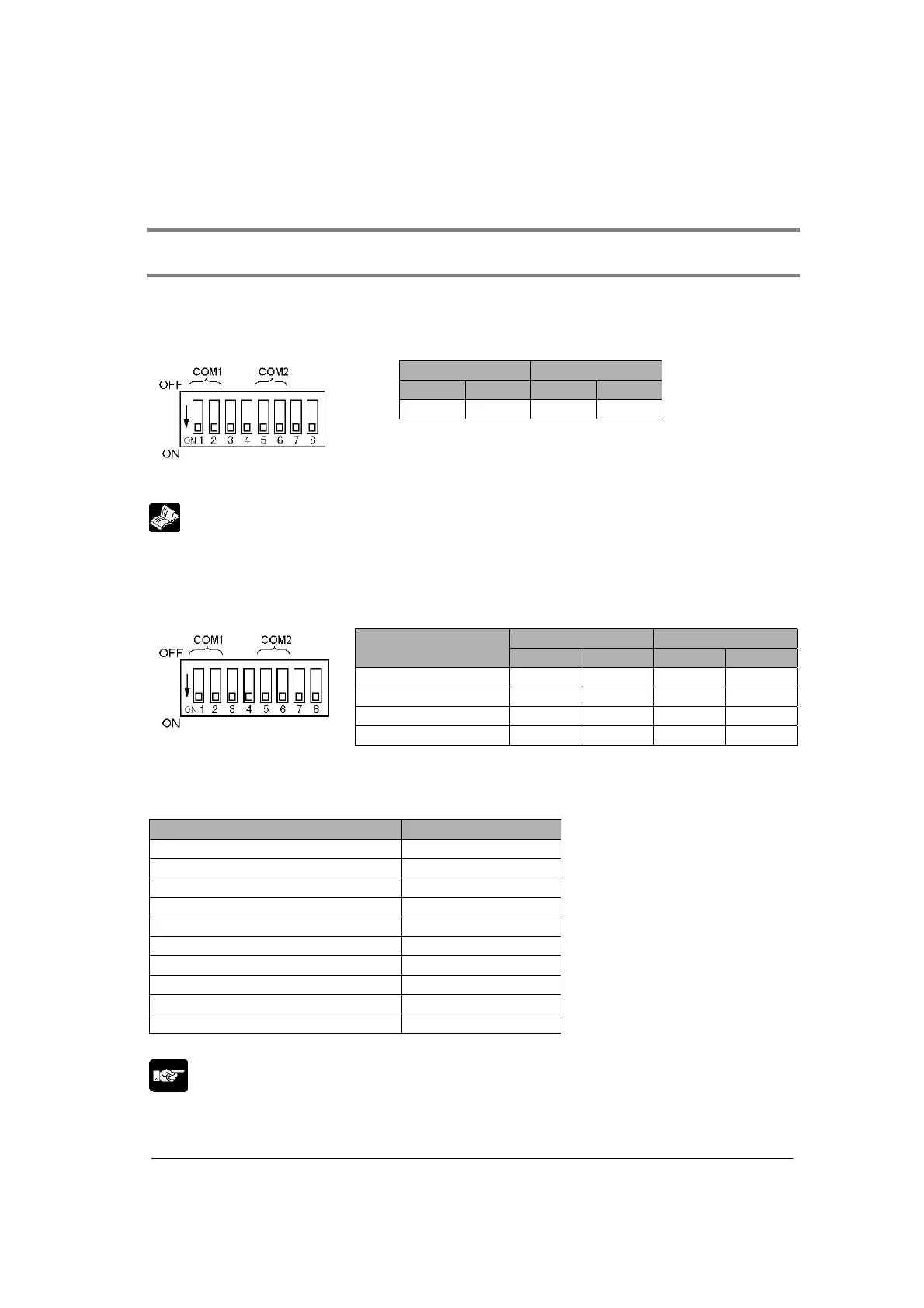
Setting using Mode Speed Setting Switch
The operation mode is set using the mode speed setting switch.
Setting general-purpose serial communicaiton mode
When COM. 1 and COM. 2 are both set to the general-purpose serial communicaiton mode:
COM. 1 COM. 2
1 2 5 6
ON ON ON ON
• The computer link mode can be changed to the general-purpose serial communication mode using the
F159 (MTRN) instruciton.
Reference: <8.2 Setting Communicaiton Conditions and Monitoring>
Setting baud rate
Baud rates for COM. 1 and COM. 2 ports are specified using the mode speed setting switch. The
allowable baud rates specified with the switch are 9600 bps, 19200 bps and 115200 bps.
The settings for each baud rate are as below.
COM. 1 COM. 2
Baud rate
3 4 7 8
115200 bps OFF OFF OFF OFF
19200 bps ON OFF ON OFF
9600 bps OFF ON OFF ON
Memory switch ON ON ON ON
Note) The values specified with this switch will be effective when the power turns on.
Setting communication format
The other formats are as below. (Default settings)
Setting Setting value
Unit No. 1
Baud rate 9600 bps
Character bit 8 bits
Parity Odd
Stop bit 1 bit
RS/CS (Only when using RS232C) Invalid
Send waiting time 0.00 ms
Header STX not exist
Terminator CR
Initialize modem No
Note) The above setting values can be changed using the memory switch.
Note:
The mode speed setting switch is at the back of Multi Communication Unit.



 To Next Page