25
SET THE PROCAB ADDRESS
Just as every locomotive has a separate number (address in DCC terms) each cab needs
a separate address so the command station can distinguish one cab from another. Each
ProCab is shipped from the factory with the address of 2. If this is not your first ProCab
you will have to change the address before using the cab. To easily change the
address:
1. Power up your Power Pro system.
2. Plug in the ProCab cable to the CAB BUS connector of the Power Pro
3. Unplug your procab at the base of the cab
4. Press and hold the SELECT LOCO button while re-plugging in the cable you just
removed from the cab
5. You should see the following display on the cab:
NCE PROCAB V1.3NCE PROCAB V1.3
NCE PROCAB V1.3NCE PROCAB V1.3
NCE PROCAB V1.3
CAB ADDRESS = 02CAB ADDRESS = 02
CAB ADDRESS = 02CAB ADDRESS = 02
CAB ADDRESS = 02
6. The cursor will be flashing over the 0 of “02”. Type in the new cab number. In this
case, you will press “3” (valid range = 1-63) followed by ENTER.
7. Press PROG/ESC to skip setting all the other cab setup options. They will be
discussed later on page 22 of this manual.
THE LCD SCREEN
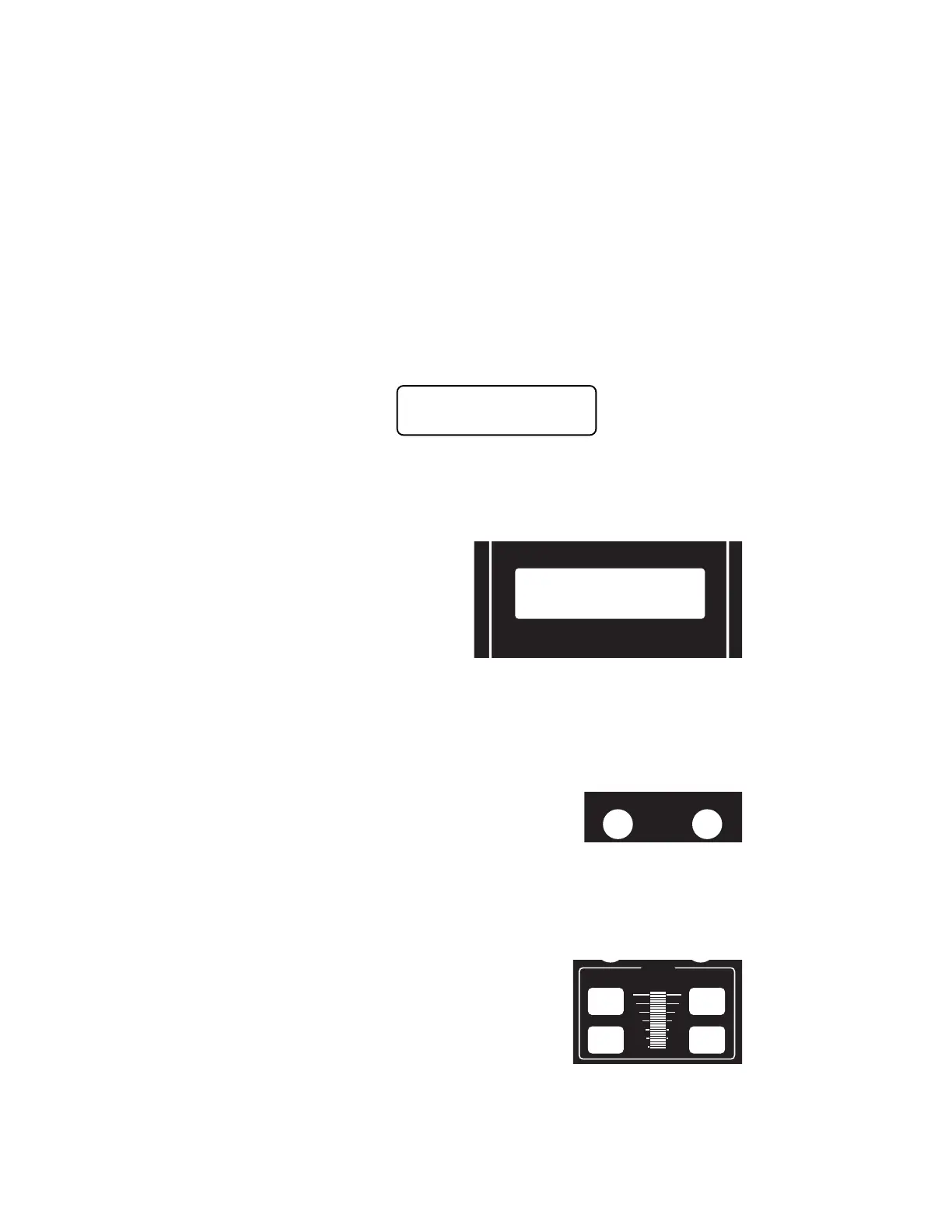
The LCD screen provides you with
messages from the Power Pro
Command Station. This information
includes: locomotive status, scale
time, command prompts and
messages regarding programming
decoders. The drawing above shows
how the display looks during normal
operation. The top line of the display
includes the locomotive number
being controlled and the scale time. The second line shows the direction, speed and
status of the locomotive function outputs. Decoder functions are represented with “L” for
headlight or the function number 1 through 6 being ON. A dash (“-”) indicating the
function is OFF
LOCOMOTIVE CONTROL AREA
DIRECTION
The DIR key changes the direction of your loco or
consist. The current direction is displayed as the first
three characters of the second line on the screen. This
button is disabled if the cab is in Yard mode.
MOMENTUM
This key changes the acceleration/deceleration rate of the currently controlled
locomotive/consist.
SPEED CONTROL SECTION
The digital encoder equipped ProCab allows you to
use both the speed buttons and the knob for
controlling the speed of your locomotive. The left two
keys increase or decrease the speed by either 4 or 10
speed steps, depending on the speed step mode (28
or 128), whereas the right keys increase and decrease
the speed by one speed step at a time.
INC FAST
DEC FAST
INC
DEC
SPEED
DCC COMPATIBLE COMMAND CONTROL
NCE PROCAB
LOC:1234
FWD: 000
12:00AM
L1-3---



 To Next Page