27
LOCO and ACCESSORY SELECTION GROUP
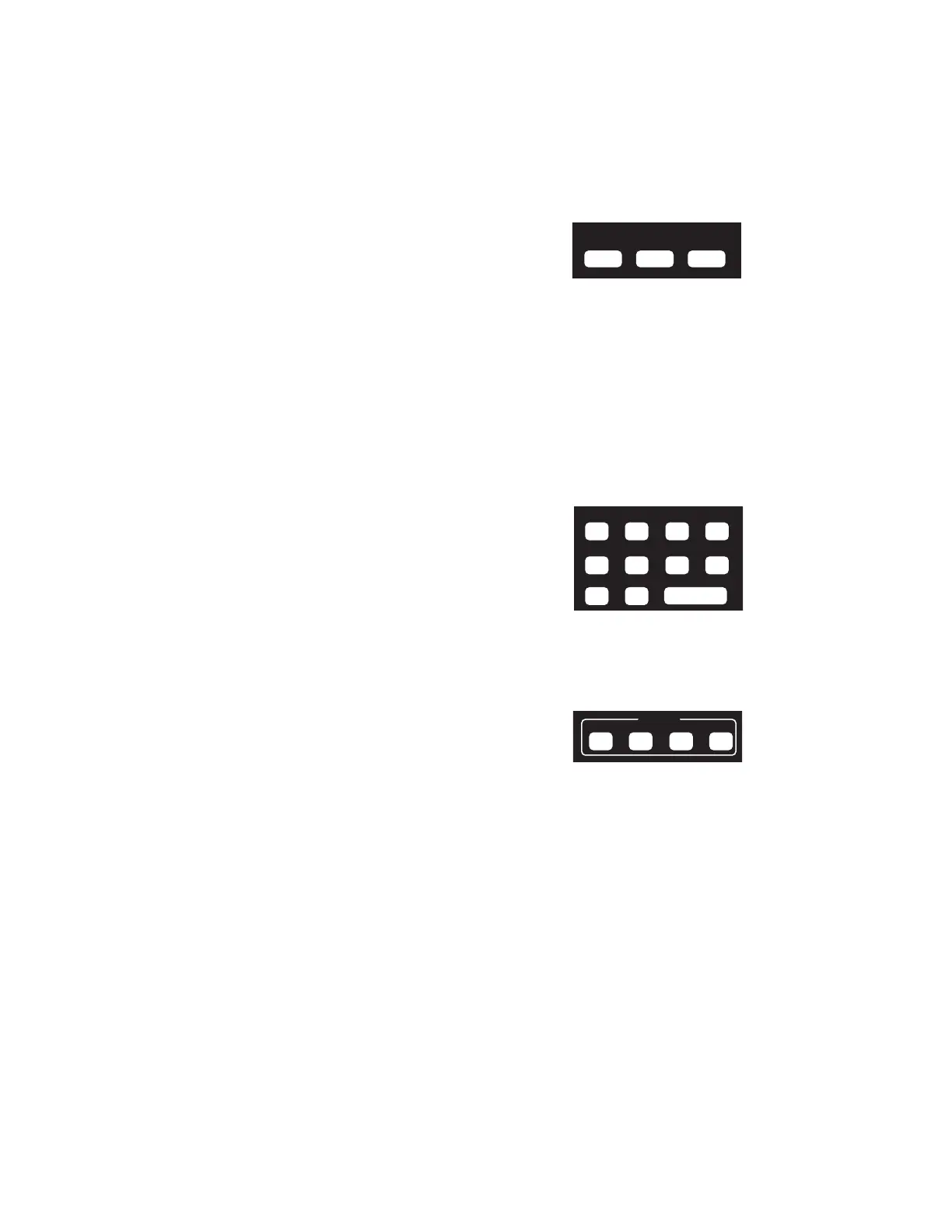
SELECT LOCO
This allows the selection of a locomotive/consist to
operate. Press this key, the loco/consist number, then
ENTER.
MACRO
When this key is pressed you are prompted to enter the macro number, then press
ENTER. Macros are used to control one or more accessories with a single command.
This is especially useful for selecting a route through a switch ladder in a staging yard or
complex trackwork where it would be inefficient to throw several switches by selecting
them individually. Macros are explained in detail later on page 37.
SELECT ACCESSORY
For controlling “accessory” decoders that operate accessories such as switch machines,
lights, signals, etc.
DATA ENTRY/FUNCTION CONTROL
NUMBER KEYS
The keys 0 through 9 serve two purposes. First, when
operating a loco/consist if a number key is pressed it
toggles the corresponding function on the loco (if that
function is connected and supported by the decoder).
The second purpose is for typing in numbers such as
when selecting locomotives or responding to screen
selections during programming.
ENTER
Used to confirm numeric inputs or select a programming mode.
CONSIST SETUP GROUP
Supports not only advanced decoders that respond to
the Extended Packet Format but also the older entry-
level decoders. For complete operating instructions on
consist makeup read the section on SETTING UP A
CONSIST on page 28.
SETUP
Starts the procedure for either creating an advanced or old style (some call it Universal)
consist.
CLEAR
Disbands (breaks up) a consist.
ADD LOCO
Adds a locomotive to a consist.
DELETE LOCO
Drops a locomotive from a consist.
SELECT
LOCO MACRO
SELECT
ACCY
CONSIST
SET UP CLEAR ADD
DEL



 To Next Page