32
TABLE OF FACTORY DEFAULT VALUES
FOR “SHIFTED” KEYS
Key #Value Description Key #Value Description
1 ..... 67 .......... Direction 17 ..... 96 .......... Assign Loco -> Cab
2 ..... 94 .......... Brake 18 ..... 98 .......... Set Clock
3 ..... 90 .......... Increment 4/10 steps 19 ..... 99 .......... Use Program Track
4 ..... 74 .......... Increment 1 Step 20 ... 100 .......... Setup Command Station
5 ..... 91 .......... Decrement 4/10 steps 21 ... 101 .......... Setup Cab Parameters
6 ..... 75 .......... Decrement 1 Step 22 ... 118 .......... Reserved
7 ... 123 .......... reserved 23 ... 102 .......... Setup Macros
8 ..... 81 .......... Headlight 24 ... 108 .......... Reserved
9 ... 122 .......... reserved 25 ... 119 .......... Reserved
10 ... 125 .......... reserved 26 ... 103 .......... Setup Old Consist
11 ... 116 .......... reserved 27 ... 108 .......... Reserved
12 ... 109 .......... reserved 28 ... 120 .......... Reserved
13 ... 121 .......... reserved 29 ... 115 .......... Reserved
14 ... 117 .......... reserved 30 ... 112 .......... Function 10
15 ... 111 .......... Momentum 31 ... 113 .......... Function 11
16 ..... 97 .......... Program on Main 32 ... 114 .......... Function 12
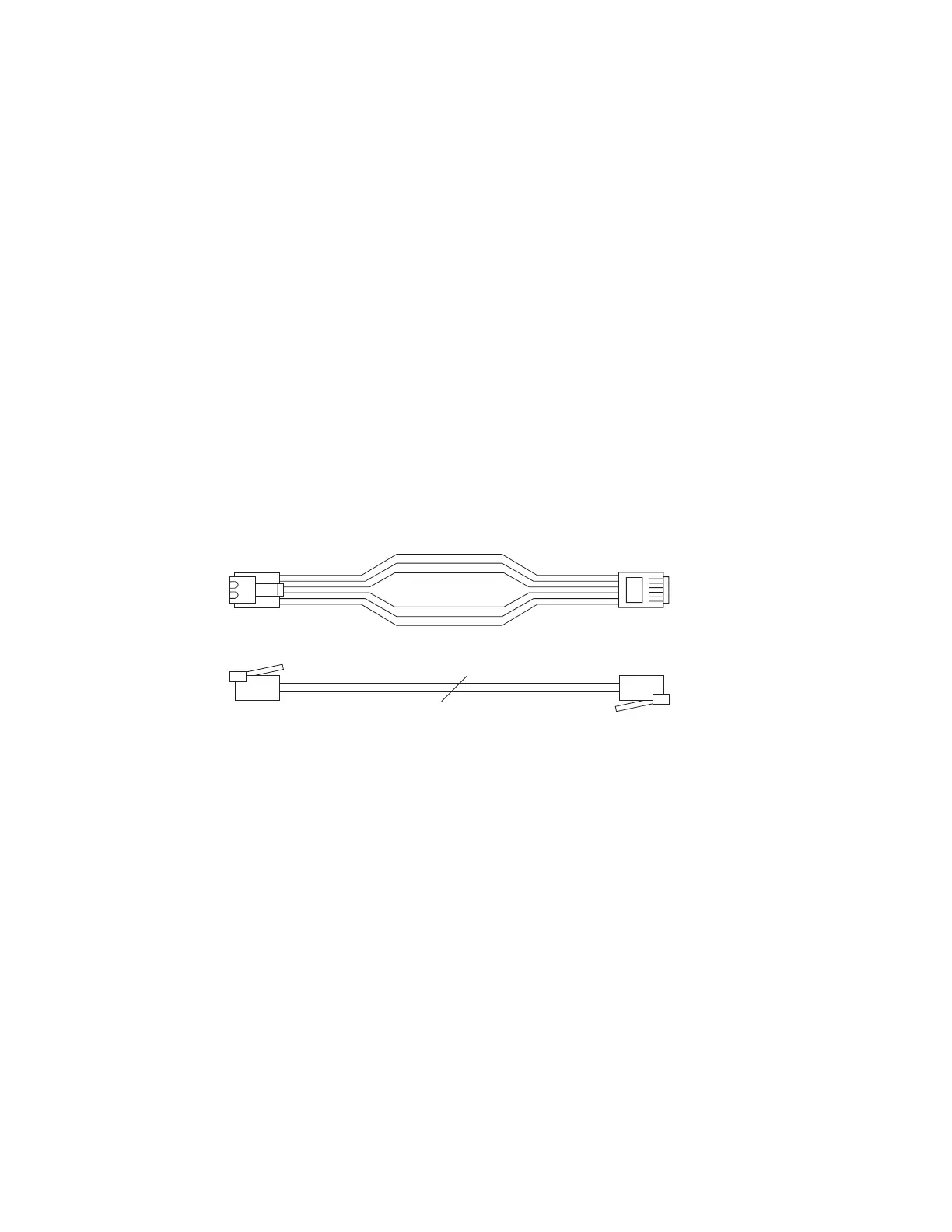
6 WIRE CAB BUS CABLE WITH RJ-12 CONNECTORS
Pin # Color Description
Pin 1 ....... White .............. No Connection, reserved
Pin 2 ....... Black ............... Ground
Pin 3 ....... Red ................. - RS-485
Pin 4 ....... Green ............. + RS-485
Pin 5 ....... Yellow ............. +12 volts
Pin 6 ....... Blue ................ No Connection, reserved
White
Black
Red
Green
Yellow
Blue
Cab bus cable
Pin 1 Pin 1
General RJ type cable connection



 To Next Page