“Confidential, Do Not Duplicate without written authorization from NEC.”
7-18
ADJUSTMENTS AND INSPECTIONS ATTRIBUTABLE TO THE REPLECEMENT OF ELECTRICAL AND OPTICAL PARTS
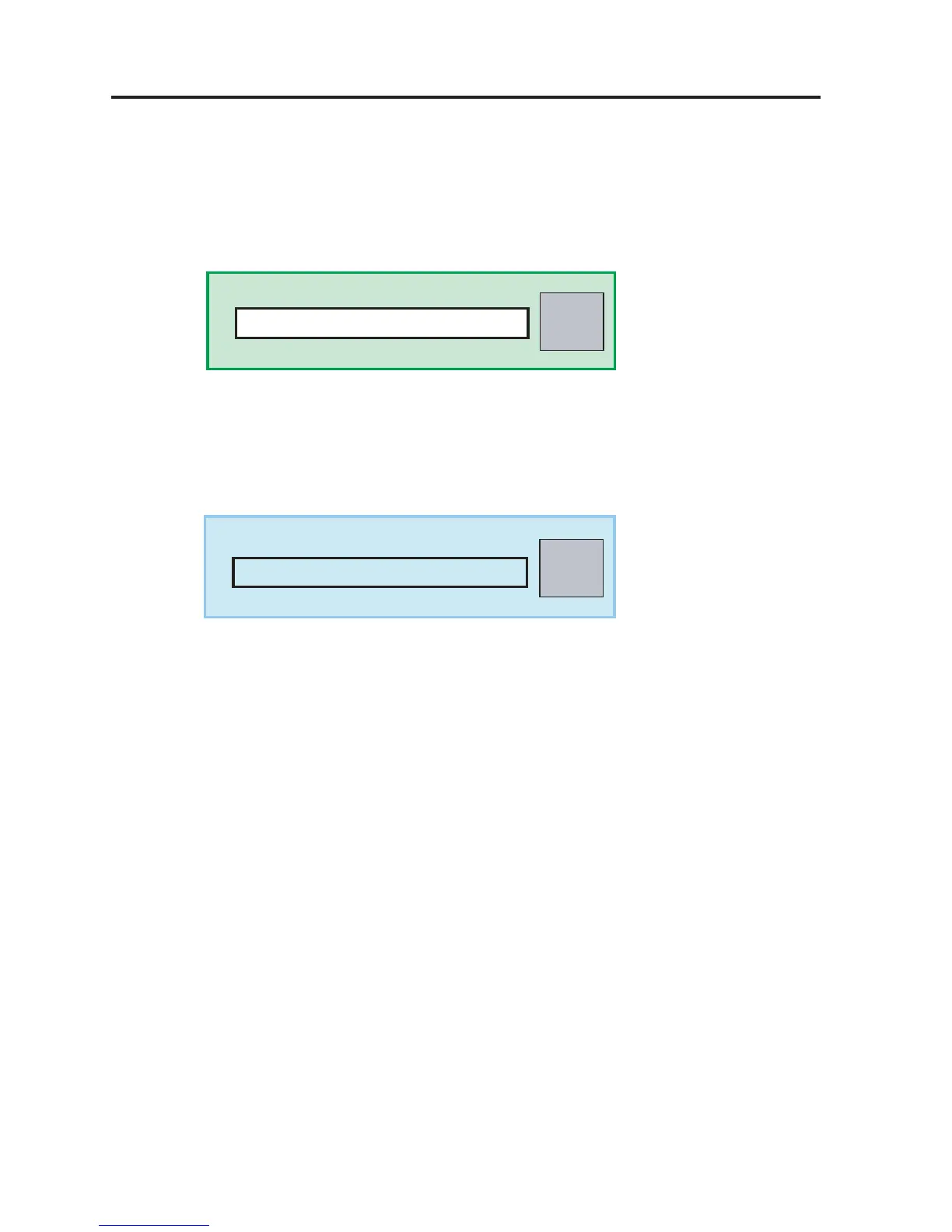
Write
Serial No. Tool
Read
Serial No. Tool
Serial No.
Serial No. update (Power ON state)
1) Make connections between the Serial terminal of the PC and the RS-232C terminal through the RS-232C
(Straight) extension cable.
2) Press the Cinema/System switch of the RS-232C (hollow state).
3) Updated the serial number.
From the PC, open “iS25_FactoryAdj_xxx.xls” for factory adjustments.
Enter the serial number in the area specified below and press the “Write” button.
4) Serial number check
Press the “Read” button and confirm that the displayed serial number is identical with the updated serial
number.


 To Next Page