Drivers & Utilities
4 - 6 Driver Installation
4
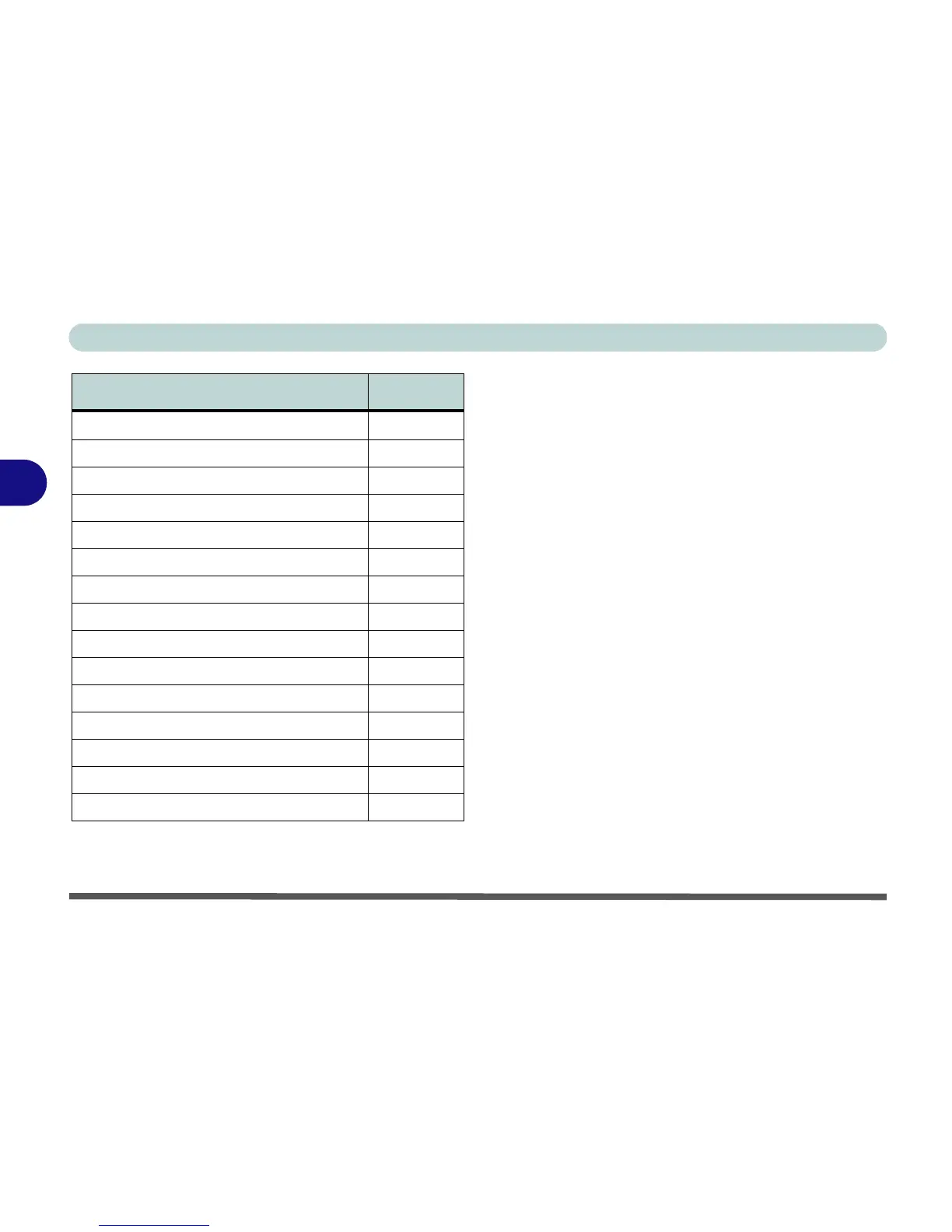
Table 4 - 1 - Driver Installation
New Hardware Found
If you see the message “New Hardware Found”
(Found New Hardware Wizard) during the installa-
tion procedure (other than when outlined in the driver
install procedure), click Cancel to close the window,
and follow the installation procedure as directed.
Service Pack Installation
Make sure you install the appropriate service pack for
your operating system before installing any drivers
(see “Windows XP Service Pack 2” on page 4 - 3).
Manual Driver Installation
If you wish to install the drivers manually, click the
Exit button to quit the Drivers Installer application,
and then follow the manual installation procedure for
each driver. The manual installation procedure begins
with instructions on how to browse to the executable
file; “Click Start (menu) > Run
..”.
WinXP SP2 Driver Page #
Install the appropriate Service Pack for WinXP Page 4 - 3
Chipset Page 4 - 7
Video Page 4 - 7
Audio Page 4 - 7
LAN Page 4 - 8
Modem Page 4 - 8
TouchPad Page 4 - 9
ExpressCard/Card Reader Page 4 - 9
Hot-Key Page 4 - 10
AutoMail (Manual Driver Installation Only) Page 4 - 10
Bluetooth Page 7 - 2
PC Camera Page 7 - 5
Wireless LAN Page 7 - 11
Port Replicator Serial Port Page 7 - 13
Port Replicator Network (LAN) Port Page 7 - 14


 To Next Page