BIOS Utilities
5 - 2 The Power-On Self Test (POST)
5
The Power-On Self Test (POST)
Each time you turn on the computer, the system takes a few seconds to conduct a
POST, including a quick test of the on-board RAM (memory).
As the POST proceeds, the computer will tell you if there is anything wrong. If there
is a problem that prevents the system from booting, it will display a system summary
and prompt you to run Setup.
If there are no problems, the Setup prompt will disappear and the system will load
the operating system. Once that starts, you can’t get into Setup without rebooting.
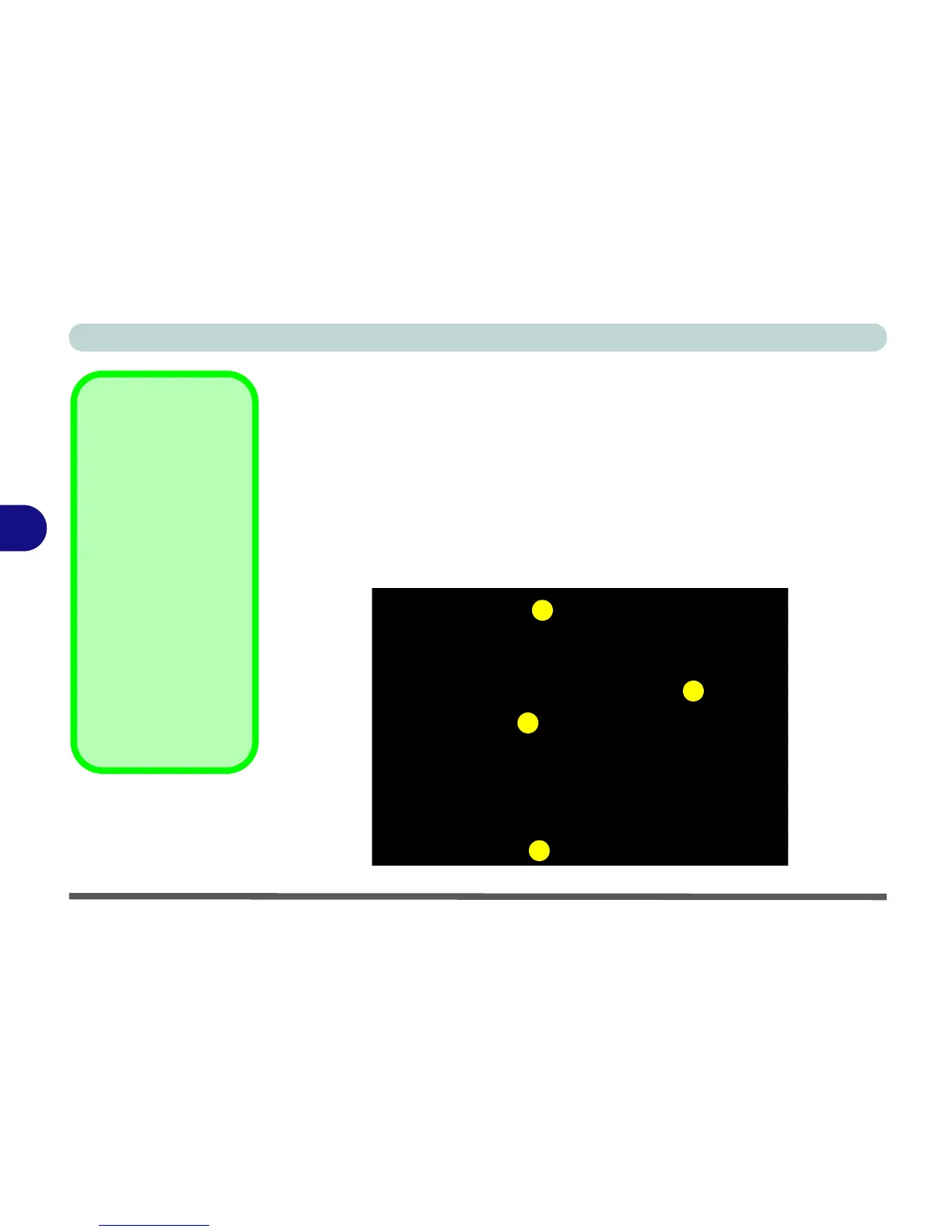
POST Screen
1.BIOS information
2.CPU type
3.Memory status
4.Enter Setup prompt
appears only during
POST
Note:
The
POST
screen
as pictured right is for
guideline purposes only.
The
POST
screen on
your computer may ap-
pear slightly different. If
you disable the
Boot-
time Diagnostic Screen
,
the POST screen will not
appear.
Figure 5 - 1
POST Screen
Phoenix TrustedCore(tm) NB
Copyright 1985-2004 Phoenix Technologies Ltd.
All Rights Reserved
Bios Ver: M5x0N - D.00.01
KBC Ver: 1.00.E4
CPU=1Processors Detected, Cores per Processor - 2
Genuine Intel(R) CPU 1300 @ 1.66GHz
256M System RAM Passed
2048K Cache SRAM Passed
System BIOS shadowed
Video BIOS shadowed
ATAPI CD-ROM: PIONEER DVD-RW DVR-K16RA
Fixed Disk 0: FUJITSU MHT2060BH
Mouse intialized
Press <F2> to enter SETUP


 To Next Page