INSTALLATION GUIDE
APPENDIX C: ADDING AN ADDITIONAL U6000
NETWORK CARD
Adding a PCI-X network card
The PCI-X network card has to be installed directly to the right of the 2
nd
additional PCI-E card
installed on the product (PCI-X slot).
The interfaces for this card will be added after those that are already present, giving each PCI-X
card 6 additional ports as a result.
WARNING
The interfaces on the firewall will be renumbered when a PCI-X card is added. As such, the
cables connected to these interfaces have to be rearranged accordingly.
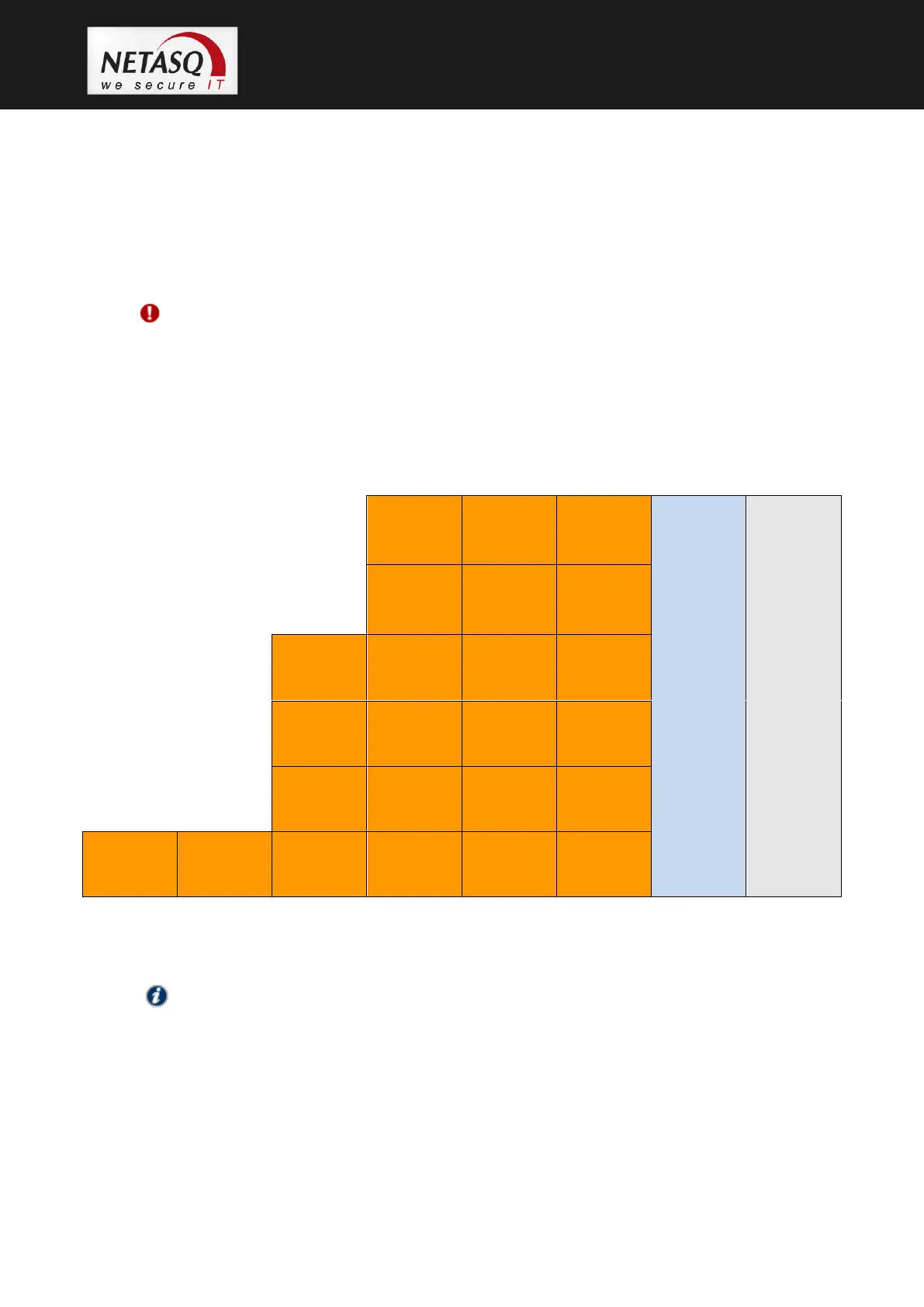
The diagram below illustrates how a 6-port PCI-X network card should be inserted.
NOTE
The above configuration represents the maximum configuration on the U6000 model:
6 default ports + 18 extension ports.



 To Next Page