INSTALLATION GUIDE
APPENDIX C: ADDING AN ADDITIONAL U6000
NETWORK CARD
Adding a 2nd PCI-E network card
The 2
nd
additional network card has to be installed in the second free slot on the rear panel (Slot
5). This is the PCI-E port slot directly to the right of the 1
st
additional PCI-E card installed on the
product.
The numbering on the interfaces depends on the number of ports on the existing cards and on
those that have just been installed. The interface numbers for this card are added after the other
interfaces that are already present.
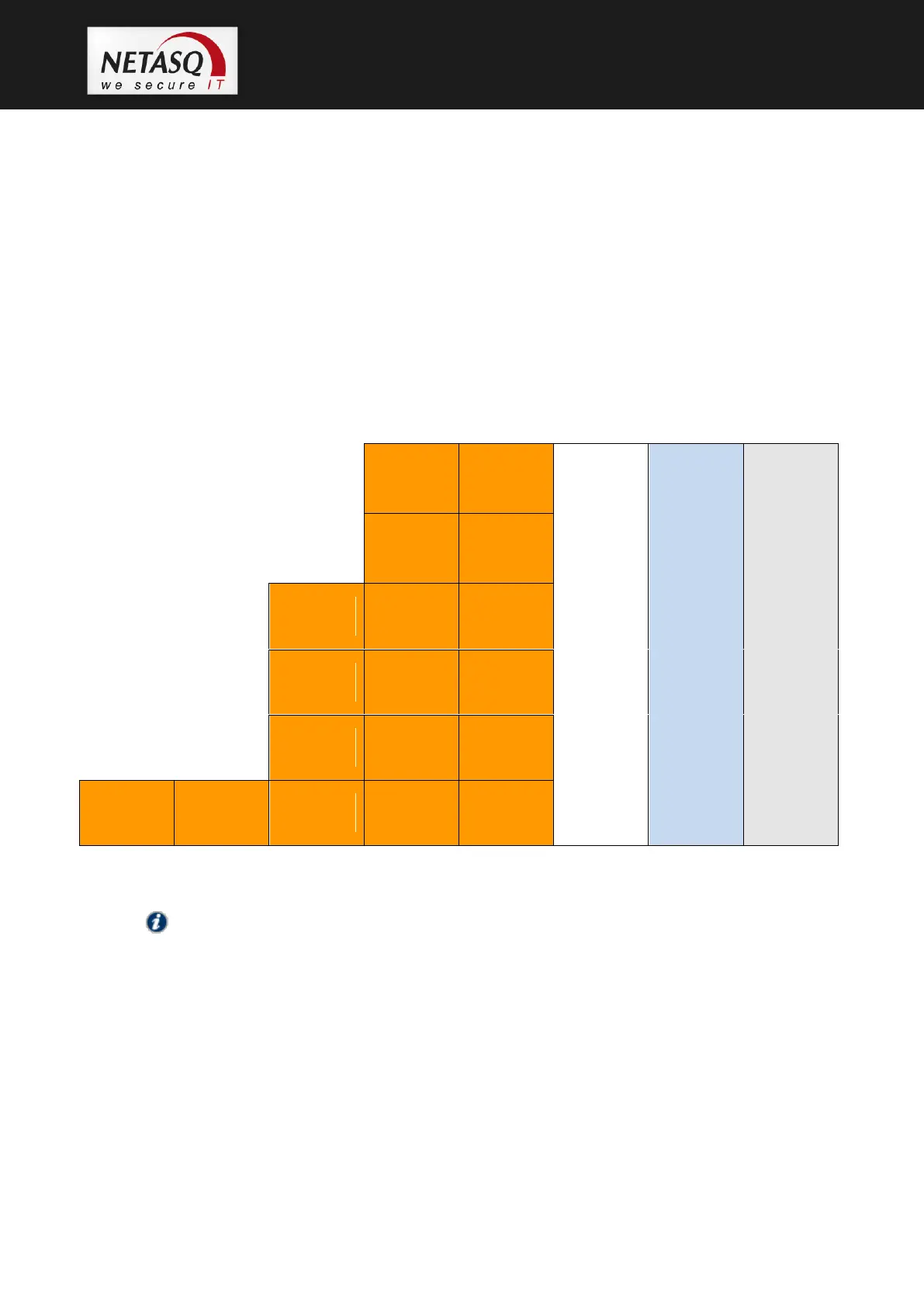
The diagram below illustrates how a 6-port network card should be inserted.
NOTE
This product holds 6 to 18 network ports. These are detected one after another from left to
right (and from top to bottom on the cards).



 To Next Page