User Manual MX Series Voice Gateway
102 New Rock Technologies, Inc.
Step 3
Click
Save
, and select path to save.
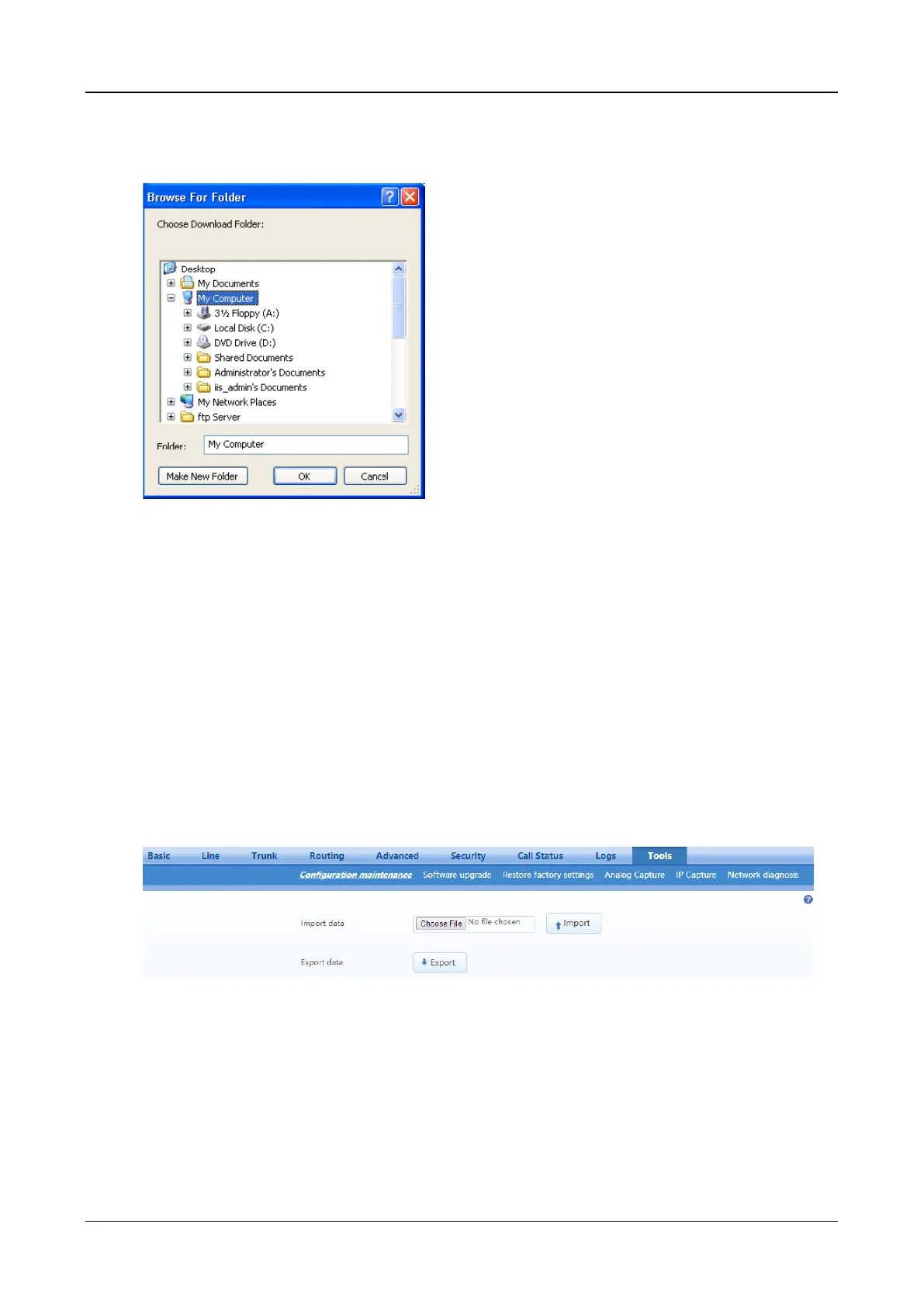
Figure 2-58 Path Saving Interface
Step 4
The user may review the log file from the server.
2.10
Tools
2.10.1 Configuration Management
After login, click Tools>Import data to open this interface.
The download procedure is similar to the download procedure of log files.
The steps for importing configuration files are the same as the Upgrade. The steps for exporting
configuration files are the same as the steps for Log Download.
Figure 2-59 Configuration Management Interface
2.10.2 Upgrade
The device supports two upgrading methods: upgrading by .img file or upgrading by tar.gz file.
If the kernel version is required to upgrade, choose the .img file to upgrade, if not, choose the tar.gz file.
Upgrading by .img file
If the kernel version is required to upgrade, choose the .img file to upgrade.



 To Next Page