MX Series Voice Gateway User Manual
New Rock Technologies, Inc. 103
Step 1
Click
Tools
>
Software upgrade
>
Choose file
to choose an .img file.
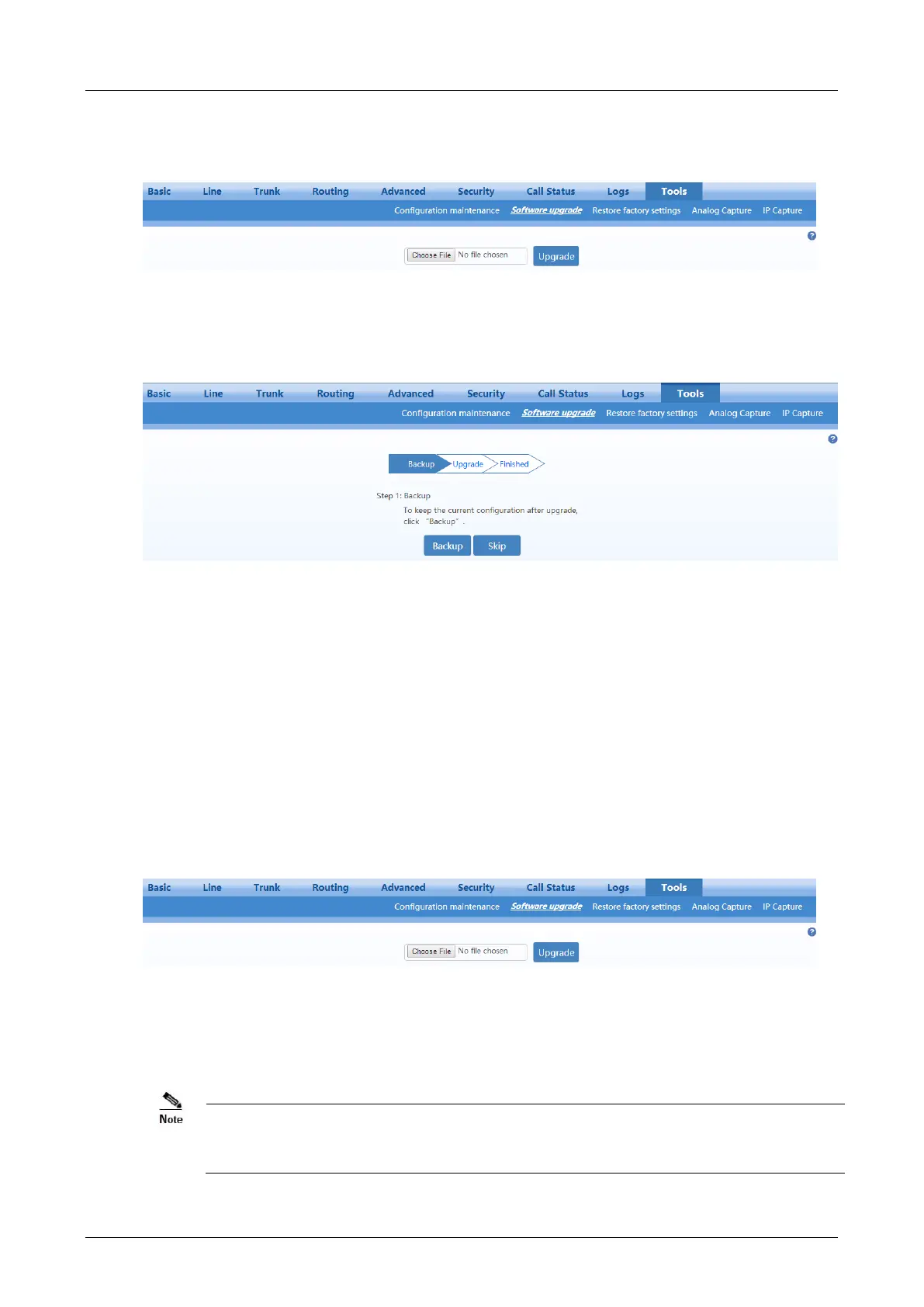
Figure 2-60 Upgrade Interface
Step 2
Click
Backup
to save the current configuration.
Figure 2-61 Upgrading interface by .img file
Step 3
Click
Upgrade
and follow the upgrade instructions.
Note: Please contact the supplier to obtain the latest firmware release file.
Upgrading by tar.gz file
The upgrading by tar.gz file will not change the current configurations. But you are advised to backup the
configurations by clicking Export on Tools>Configuration maintenance page before upgrading.
The upgrade procedure is presented as below:
Step 1
Click
Tools
>
Software upgrade>Choose file
to choose a tar.gz file.
Figure 2-62 Upgrade Interface
Step 2
Click
Upgrade
.
Step 3
Follow prompts to complete the upgrade.
The device upgrade process may last for several minutes. Do not power off, disconnect (from the
network), or restart the device during the process. Otherwise, the system may be damaged, and
the device cannot be started.



 To Next Page