MX Series Voice Gateway User Manual
New Rock Technologies, Inc. 87
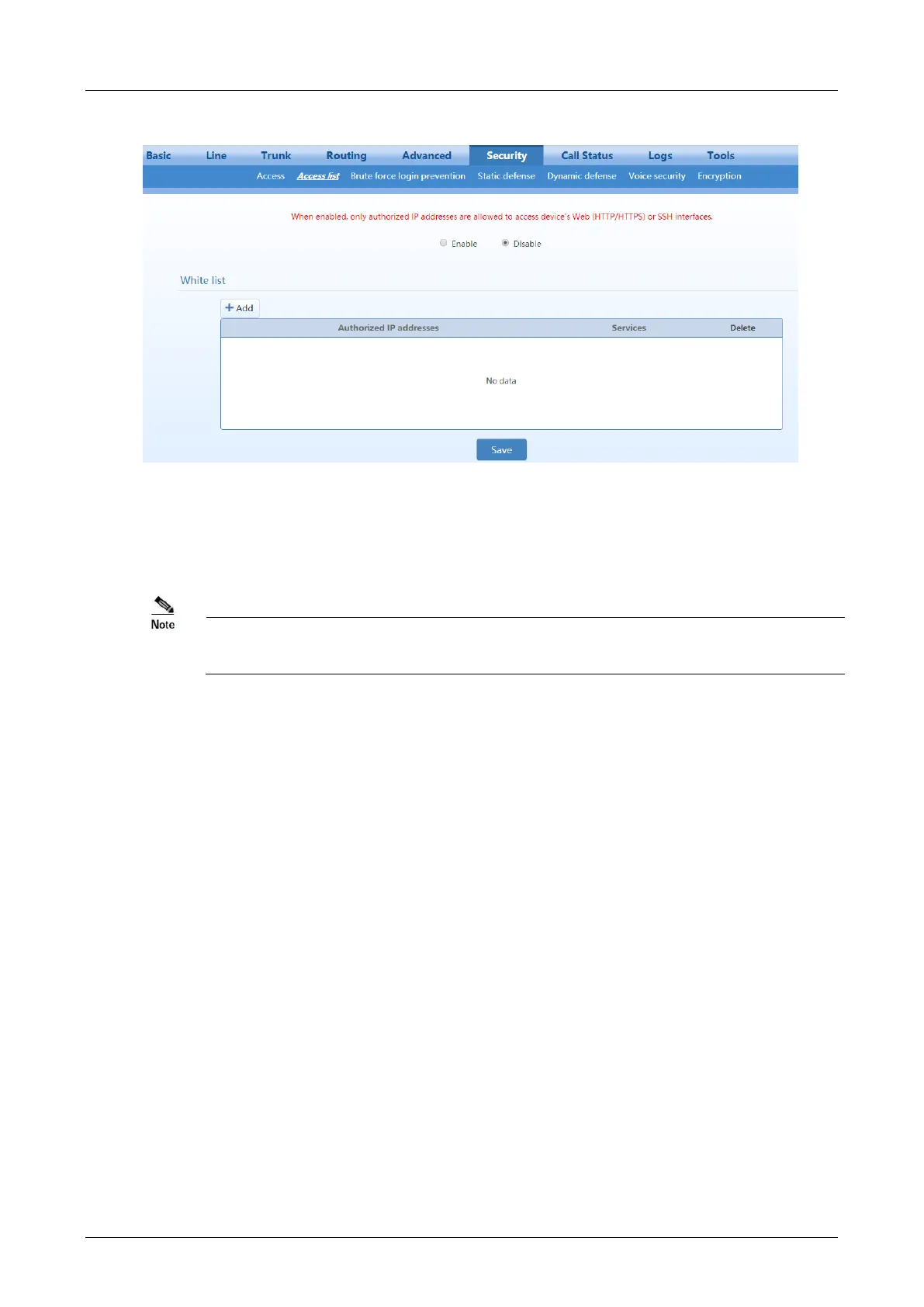
Figure 2-39 Access list configuration Interface
Step 1
Click
Add
.
Step 2
In the input box, enter IP addresses and select types of service.
Step 3
Select
Enable
, and click
Save
.
If SSH is selected, please enable SSH on Security>Access page.
The device allows an access list of up to 20 entries.



 To Next Page