MX Series Voice Gateway User Manual
New Rock Technologies, Inc. 97
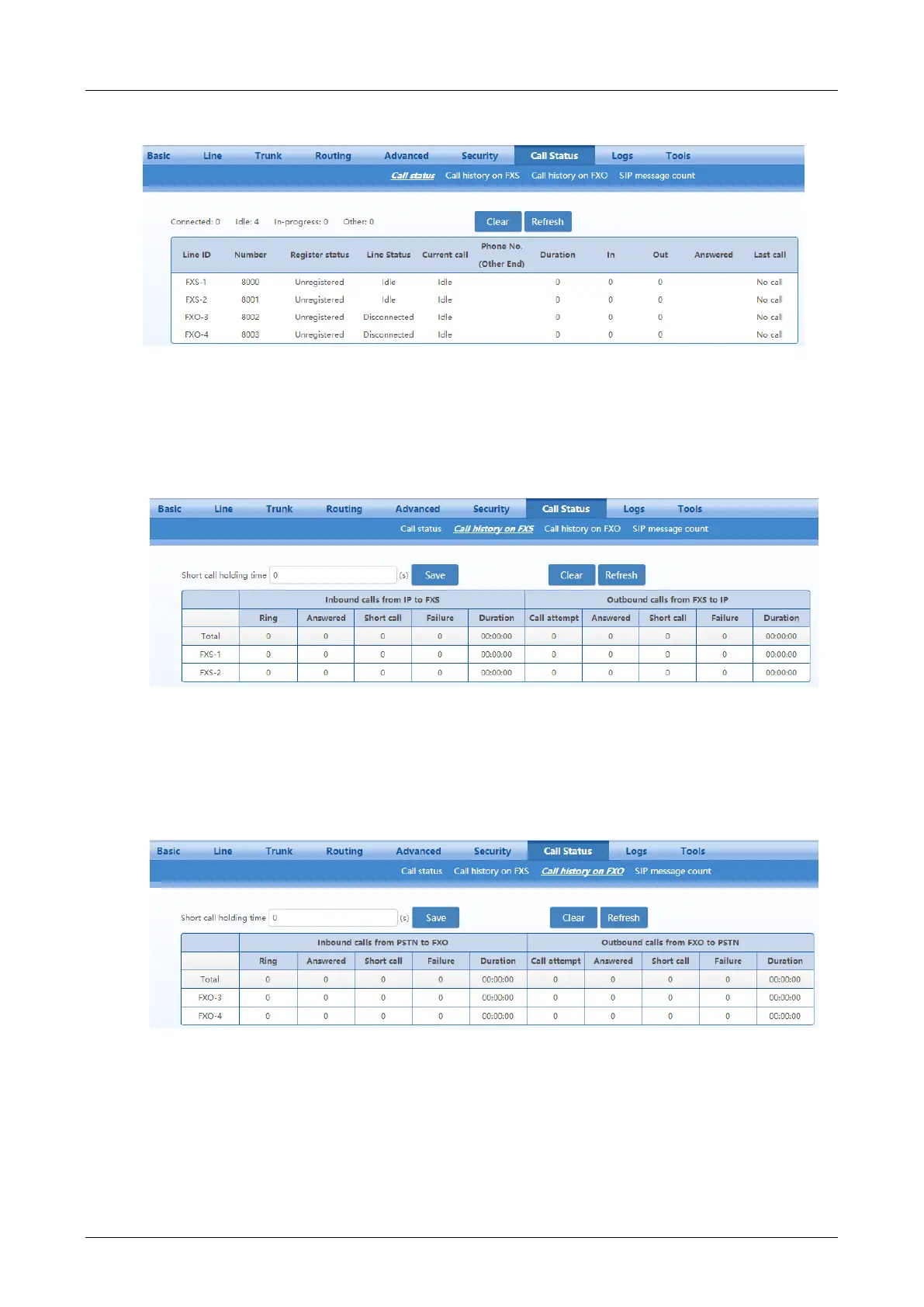
Figure 2-49 Call Status Interface
2.8.3 Call History on FXS
After login, click Call Status>Call history on FXS to open this interface.
Figure 2-50 Interface of Call History on FXS
2.8.4 Call History on FXO
After login, click Call Status>Call history on FXO to open this interface.
Figure 2-51 Interface of Call on FXO
2.8.5 SIP Message Count
After login, click Call Status>SIP message count to open this interface.



 To Next Page