Terminal Web Interface
User Manual for the Satellite Terminal
version 3.0
8
3 TERMINAL WEB INTERFACE
3.1 Prepare the Settings of Your Computer
Check if your computer is set to DHCP. This way the computer can receive an IP
address from the IPmodem.
Follow the procedure in Appendix B – Setting and Changing your IP Settings to
che
ck and/or change your IP settings.
3.2 How to Access the Terminal Web Interface?
3.2.1 With Satellite Connection
In the normal operational mode a connected computer should be configured in
DHCP mode to retrieve an IP address automatically and to retrieve the DNS server.
The IPmodem acts as a DHCP server for the computer.
Browse to the web interface
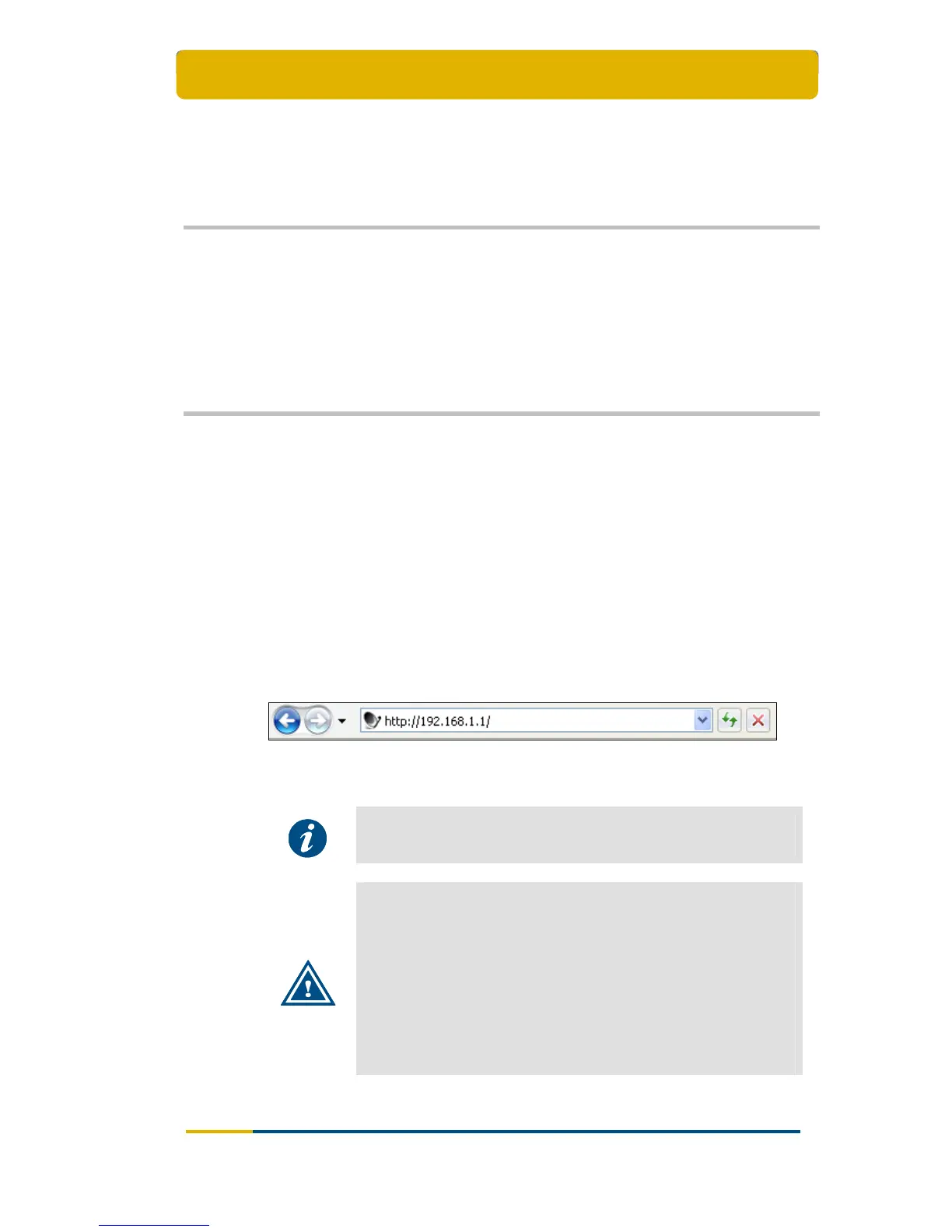
Type the IPmodem’s address in the address bar of the browser:
192.168.1.1.
You are re-directed to the Status page of the terminal.
Figure 8 – The IPmodem’s Address in the Address bar of the Browser
Alternatively, use the Default Gateway address to reach the web
interface. See Appendix A – Local Network Configuration.
It is possible that during first logon the IPmodem will perform an
upgrade with the latest software since you cannot login using the
old SW. This process can take up to ten minutes. You may NOT
interrupt the terminal yourself during this period, e.g. by
rebooting or powering down.
If newer software is available, the terminal will:
Download this software;
Install this software;
Reboot the terminal;
Logon to the network again.



 To Next Page