Terminal Web Interface
User Manual for the Satellite Terminal
version 3.0
24
In case an invalid multicast IP address is replacing a valid multicast IP address, the
last valid multicast IP address will still be in use.
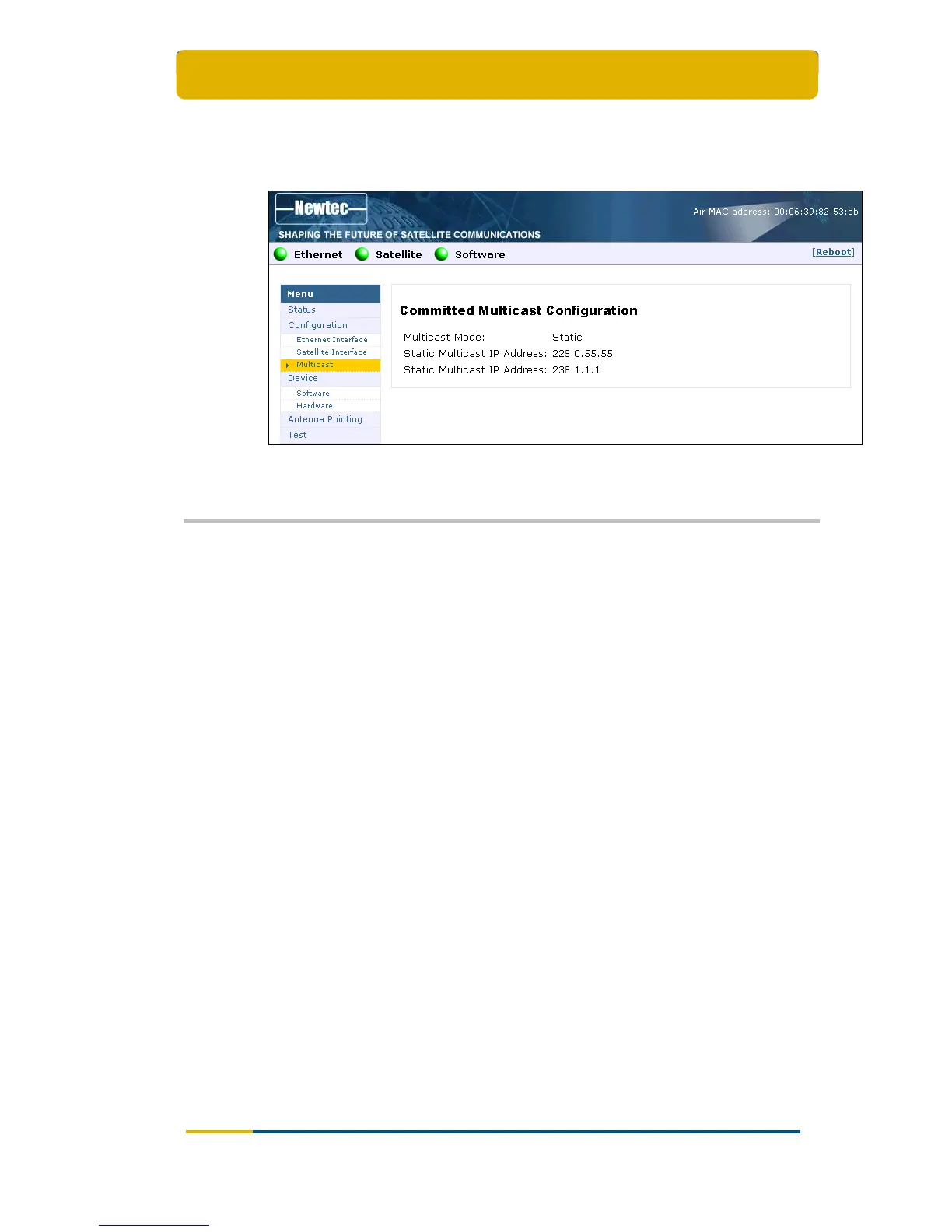
The response screen for a Committed Multicast configuration:
Figure 26 – Web Interface > Confirmation Committed Multicast Configuration
3.8 Device
3.8.1 Software
3.8.1.1 Introduction – General Case
The terminal software is automatically upgraded over the satellite without any user
interaction. In general, the only requirement for an upgrade to be successful is for
the terminal to have satellite connectivity during the time of upgrade.
To allow a secure terminal software upgrade mechanism, the flash memory of the
modem can contain two different software versions. A newly installed software
version has to pass an automatic software validation procedure. After a software
upgrade, the IPmodem is automatically reset.



 To Next Page