Appendix B – Setting and Changing your IP
Settings
User Manual for the Satellite Terminal
version 3.0
35
5 APPENDIX B – SETTING AND CHANGING YOUR IP
SETTINGS
The sections also describe how to change your IP settings to enable your computer
to accept an IP address assigned by the IPmodem.
5.1 Windows 7
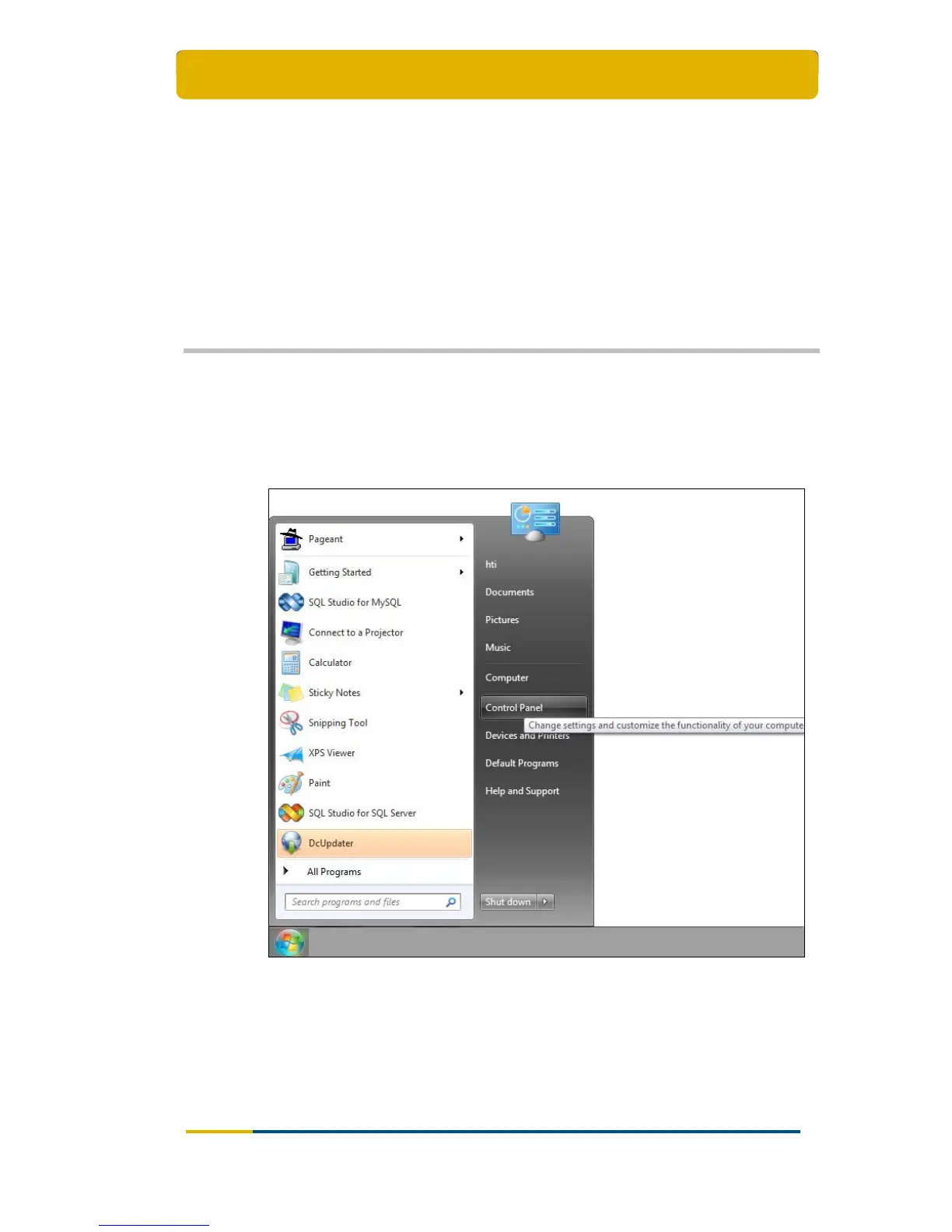
Open the Start Menu and select Control Panel;



 To Next Page