Terminal Web Interface
User Manual for the Satellite Terminal
version 3.0
10
C – Menu structure : On the left hand side of the page the site navigation is
found. Click an item to select it. The menu structure may differ depending on
your login status.
D – Body :The actual content of the web interface is shown in the body. It
always shows the page title and one or more content blocks or forms.
3.3.2 Menu Structure
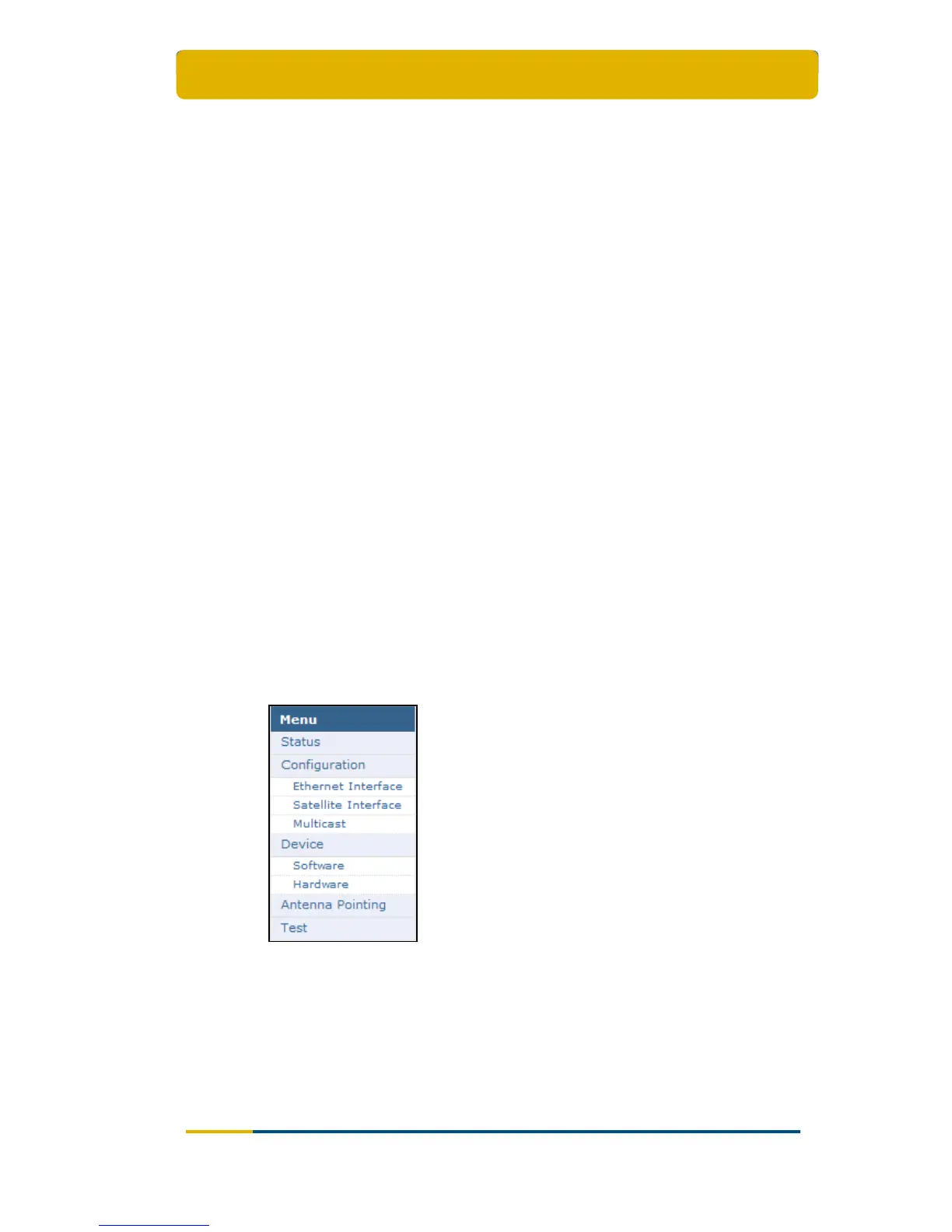
The menu structure of the web interface of the web interface is described below (see
Figure 10).
Status
- Check on the device and network status.
Configuration
- Ethernet Interface
Check and alter the Ethernet interface configuration.
- Satellite Interface
Check and alter the Satellite interface configuration.
- Multicast
Check and alter the Multicast configuration.
Device Interface
- Software
Check on or alter the software version.
- Hardware
Check the Hardware version.
Antenna Pointing
- Repoint your antenna
Test
- Run tests on the device.
Figure 10 - Menu Structure for the User



 To Next Page