Appendix B – Setting and Changing your IP
Settings
User Manual for the Satellite Terminal
version 3.0
41
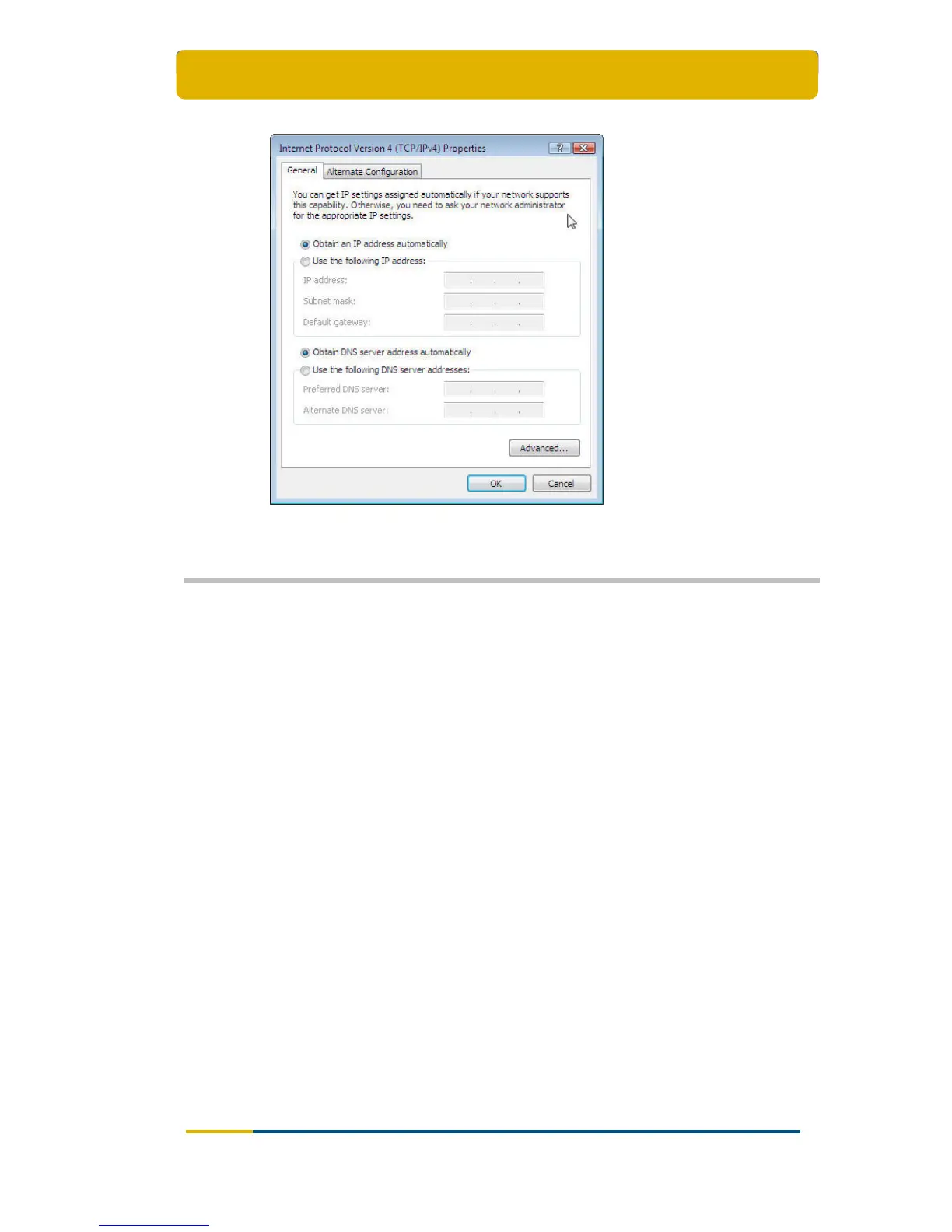
Click the OK button.
5.3 Windows XP
Open the Start Menu and select Control Panel;
Open the Network Connections window;
Right click on the active LAN connection and select Properties;
The Local Area Connections Properties dialogue will open.



 To Next Page