Appendix B – Setting and Changing your IP
Settings
User Manual for the Satellite Terminal
version 3.0
40
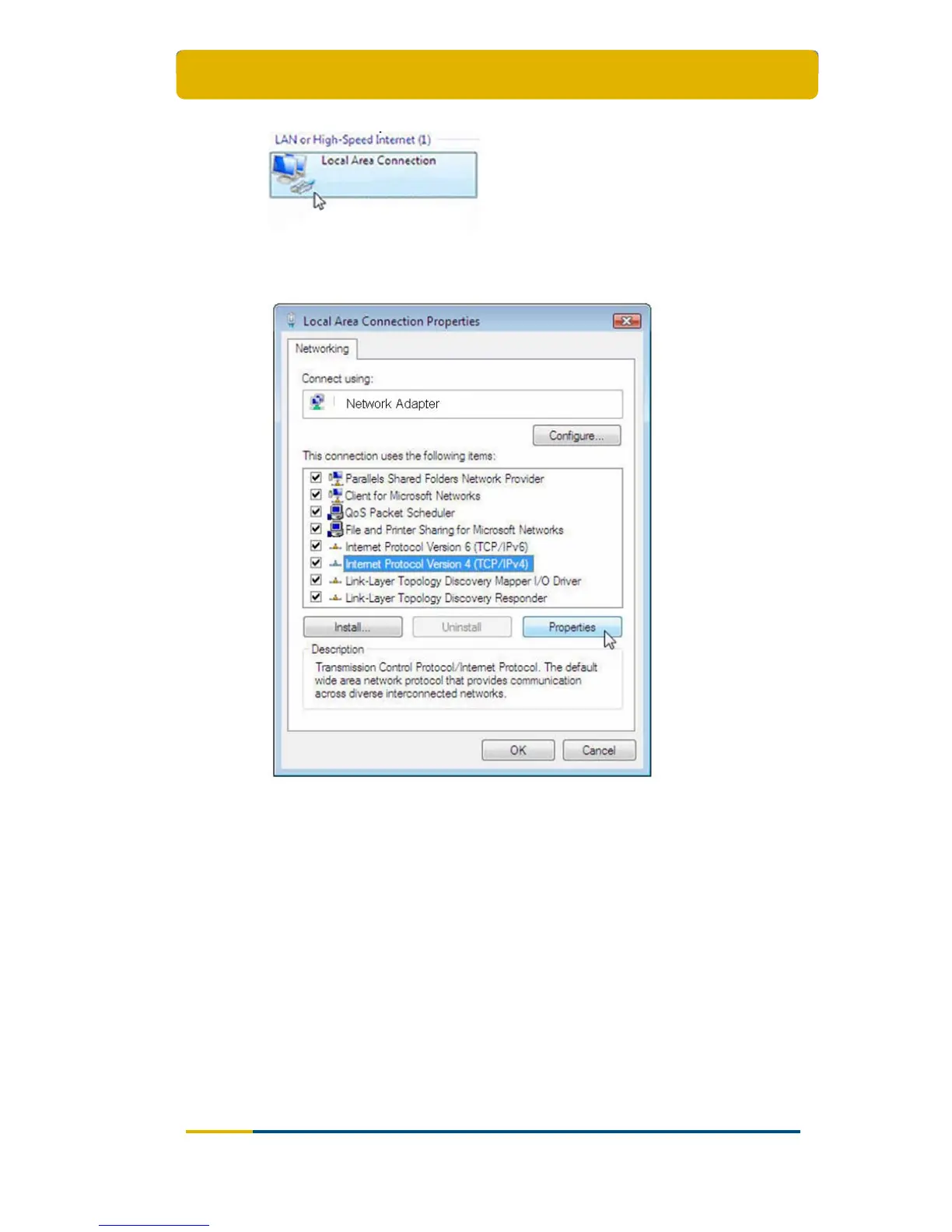
Select the button Properties at the bottom;
Select Internet Protocol Version 4 (TCP/IPv4);
Selec
t Properties;
Make sure Obtain an IP address automatically and Obtain DNS server
address automatically are selected;



 To Next Page