Appendix A – Local Network Configuration
User Manual for the Satellite Terminal
version 3.0
33
4 APPENDIX A – LOCAL NETWORK CONFIGURATION
The following provides an overview of IP network configurations. The situation is
explained for connecting a single computer to the IPmodem or for connecting a
router with its own LAN to the IPmodem.
To correctly interpret the figures, keep in mind the following convention:
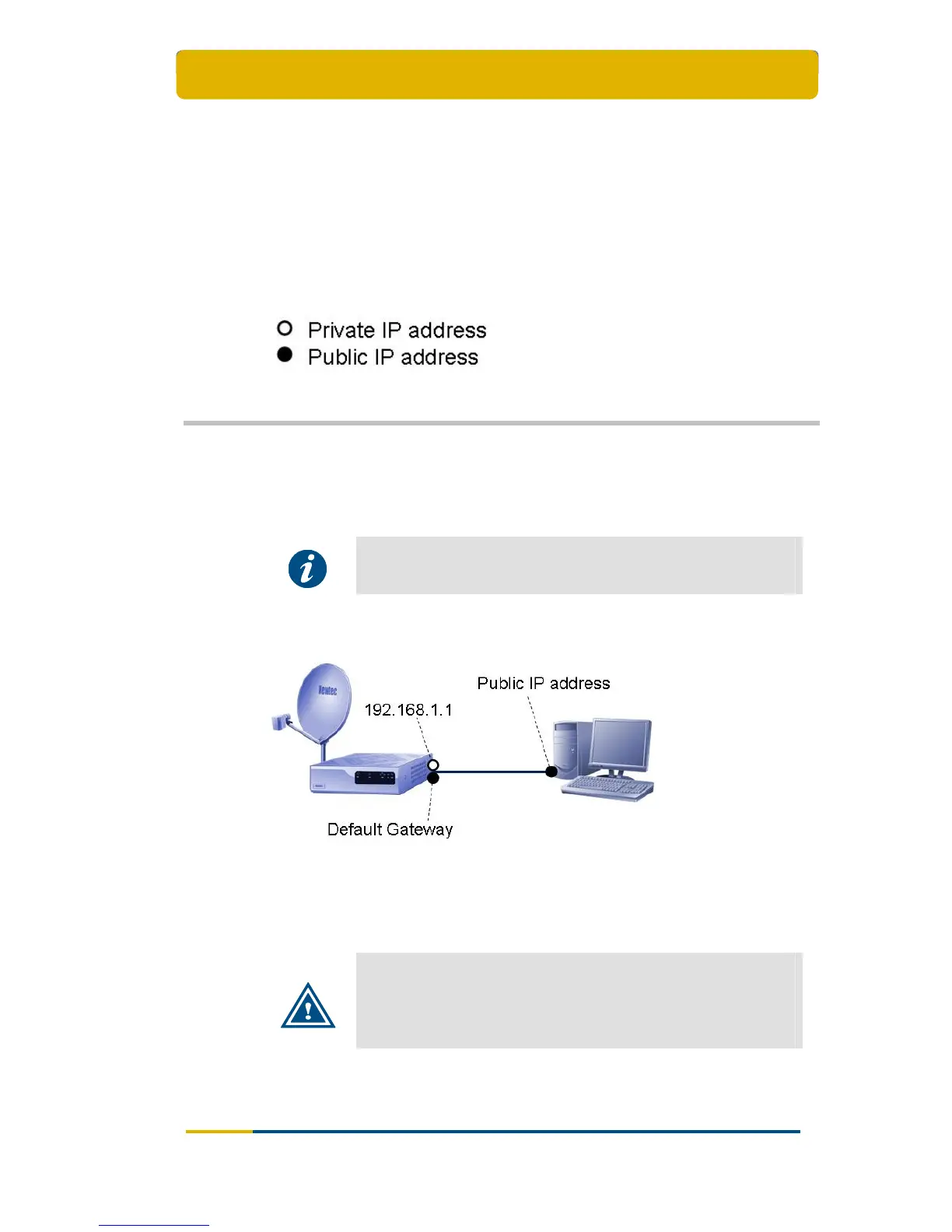
4.1 Connect a Single Computer to the IPmodem
Once the computer is connected to the IPmodem’s Ethernet interface, set the
computer’s IP settings to DHCP enable.
Please refer to Appendix B – Setting and Changing your IP
Settings for a detailed explanation on how to change the IP
settings.
The IPmodem web interface can be reached on:
192.168.1.1 (default web interface address);
The Default Gateway address.
Important
We recommend using a Software fire-wall on the computer which
is connected to the IPmodem.
To know the Default Gateway address on a Windows system, type
the ipconfig command in the command line interface.



 To Next Page