Terminal Web Interface
User Manual for the Satellite Terminal
version 3.0
11
3.4 Reboot the IPmodem
See section 2.1.2 for similarities with the hardware button reboot.
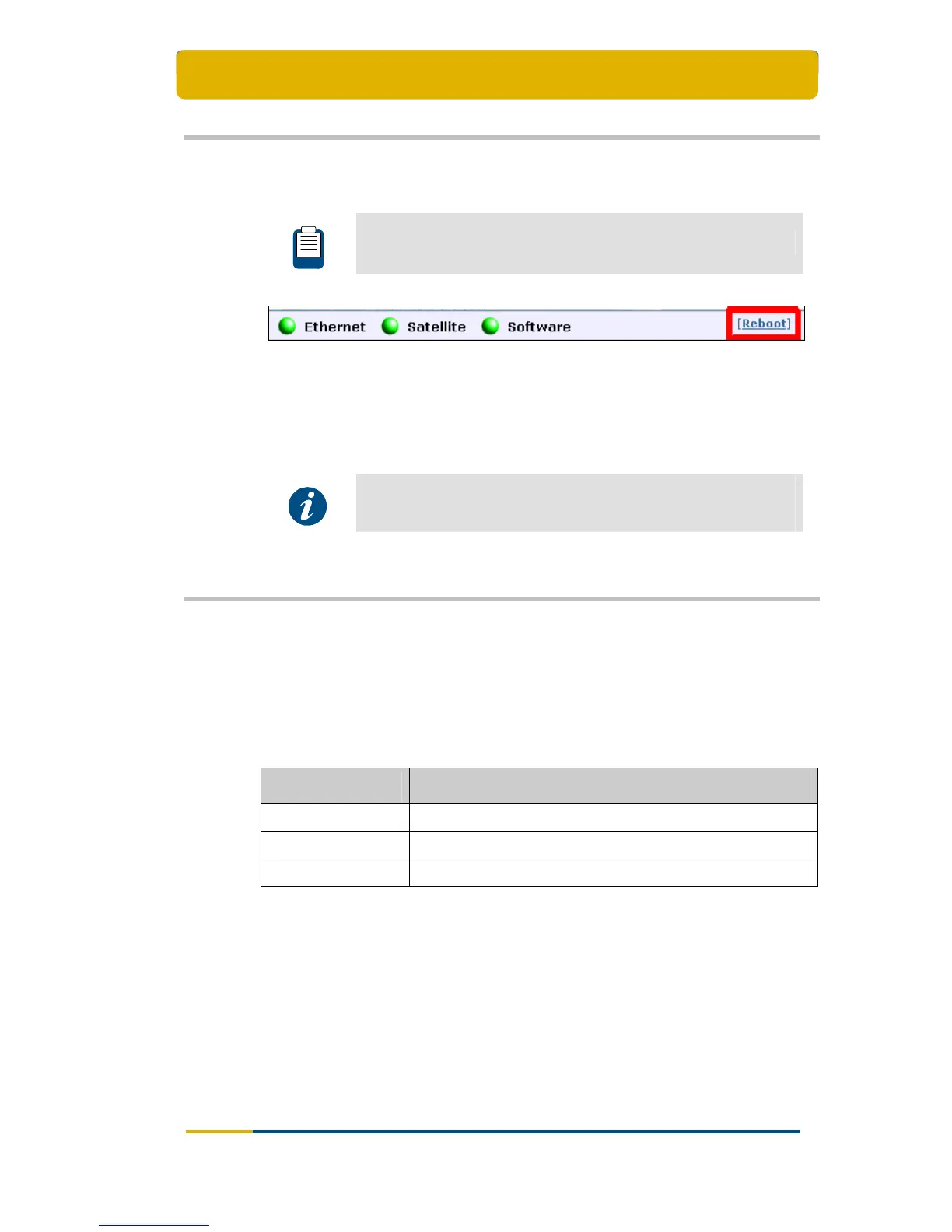
Figure 11 – Location of the Reboot Link
Click the [Reboot] link at the right of the status bar to reboot the terminal.
The IPmodem will reboot and return to the Status page. This may take up to one
minute, including satellite link initialisation.
The reboot of the IPmodem is needed when a (re)configuration
has been performed. Changes may not take effect until after the
next reboot.
3.5 LEDs in the Status Bar
3.5.1 Ethernet LED
The Ethernet LED gives the general status of the Ethernet connection to the
IPmodem.
LED colour code Description
Red Connection is not OK.
Yellow Connection is OK, but no DHCP address is given.
Green A DHCP address is given and the connection is OK.
Table 5 - Status LEDs > Ethernet



 To Next Page