Terminal Web Interface
User Manual for the Satellite Terminal
version 3.0
21
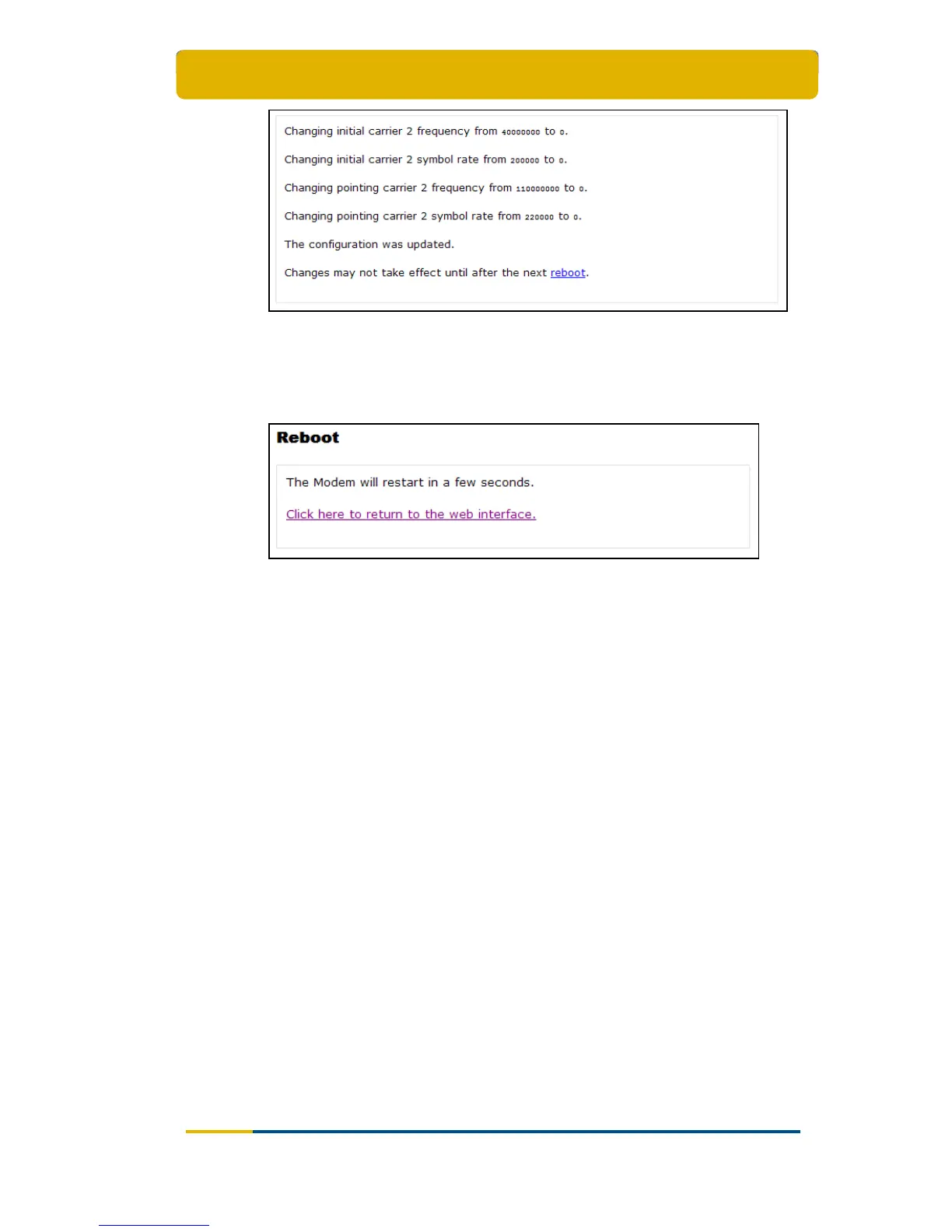
Figure 21 – Example of Satellite Interface Configuration Changes
Click on reboot at the bottom of the page;
Click on Normal Reboot to confirm and execute the reboot;
Figure 22 – Reboot in Progress
Click on Click here to return to the web interface and wait a few
minutes;
The satellite interface configuration is now effective.
3.7.3 Multicast
The satellite can send several sessions to a number of satellite terminals at the
same time.
This is IPmulticasting. There are two configurations possible in the satellite terminal
to receive these programs:
Static IP addresses: these are IP addresses where the sessions are received.
You will be provided with these addresses if needed;
IGMP: this is a protocol that lets you receive multicast sessions (maximum 10)
without entering specific IP addresses.



 To Next Page