Page | 87
DISPLAY COLOR SETTINGS
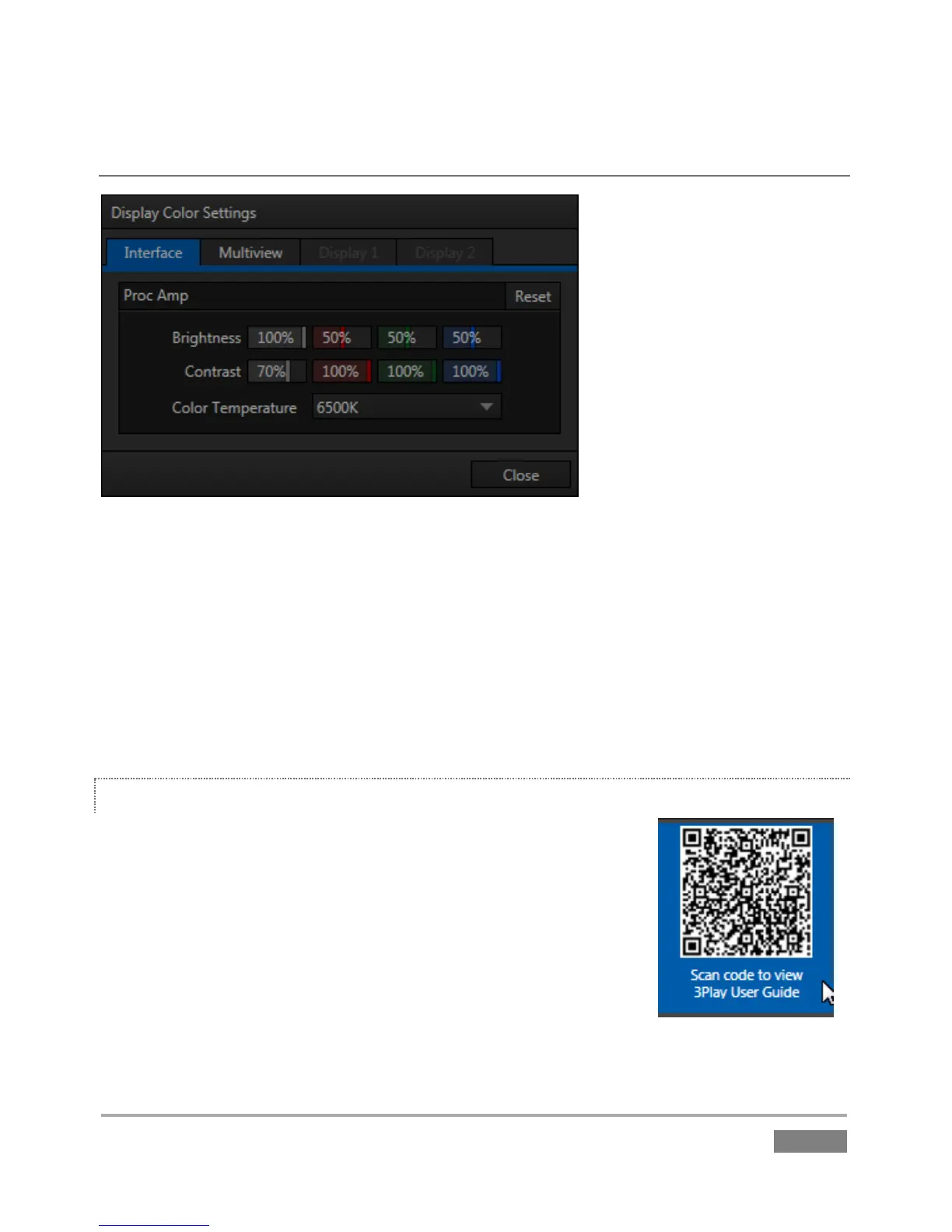
Figure 68
The final item in the Workspaces menu is Display Color Settings. Select this to open a control panel ()
Figure 68 with multiple tabs, one for each detected display. In turn the tabs are home to Proc
Amp controls and settings for the connected display devices.
These controls directly control graphics the characteristics of output to each display, and provide
a great deal of convenience especially for remote displays that would otherwise be difficult or
impossible to access.
HELP
Select this option to display a QR (Quick Response) code you can scan
with your mobile device (such as an iPad® or Android® tablet) to view
3Play documentation.
This provides an easy to use mechanism that lets you look up the very
latest information about 3Play without interfering with your live
production.


 To Next Page
 Loading...




