Page | 86
o Drag selected content from PLAY LIST panes onto other PLAY LIST or CLIP LOST
tabs to copy items to the target list.
MACROS
3Play’s extensive Macros system provides a wealth of powerful capabilities. Macros and related
tools are discussed in detail in Chapter 17.
WORKSPACES
Really, 3Play provides two
multiview monitor displays –
one right on the Replay
Desktop (a.k.a., the Interface),
normally comprising its upper
third, the other a fully
independent display
presented on a secondary
monitor output labeled Multiview on the
rear connector panel.
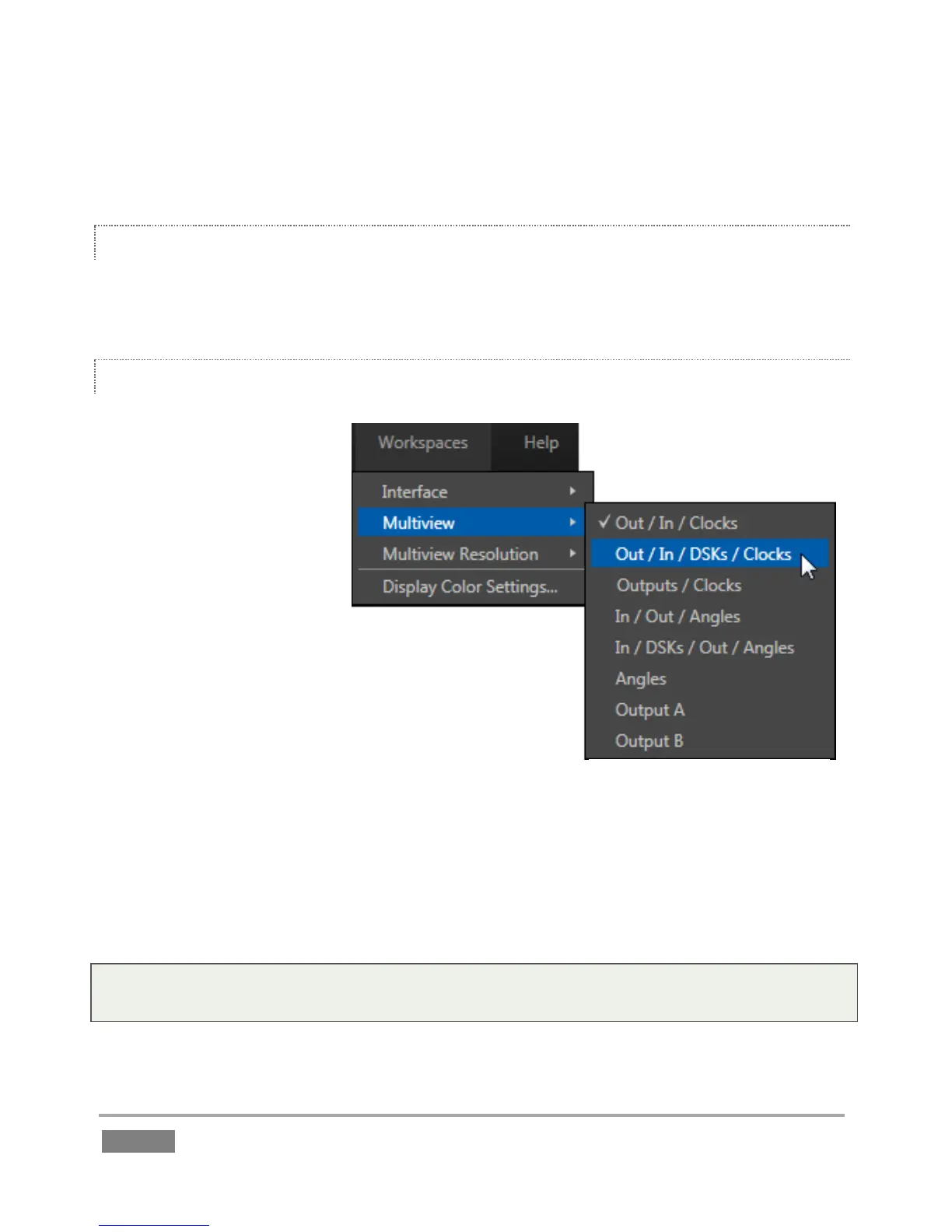
The overall layout of these monitoring areas is governed by
Workspace presets. Click the Workspaces button in the
Dashboard area at the top of the screen to display its menu.
Simply select a preset for either Interface or Multiview panes
using this menu as shown (Figure 67). Viewport also have further custom options, such as the
display of VU meter overlays. See Section 9.1, Overlay Options for details.
The Multiview Resolution menu item lets you configure the external display device you connect.
Select the native resolution of the device for best results.
Note: Changing Multiview output options can cause frames to be dropped, so modifications
during live production are discouraged.


 To Next Page
 Loading...




