Copyright © 2022 NEXCOM International Co., Ltd. All Rights Reserved.
3
Chapter 1: Product Introduction
VTC 7260 Series User Manual
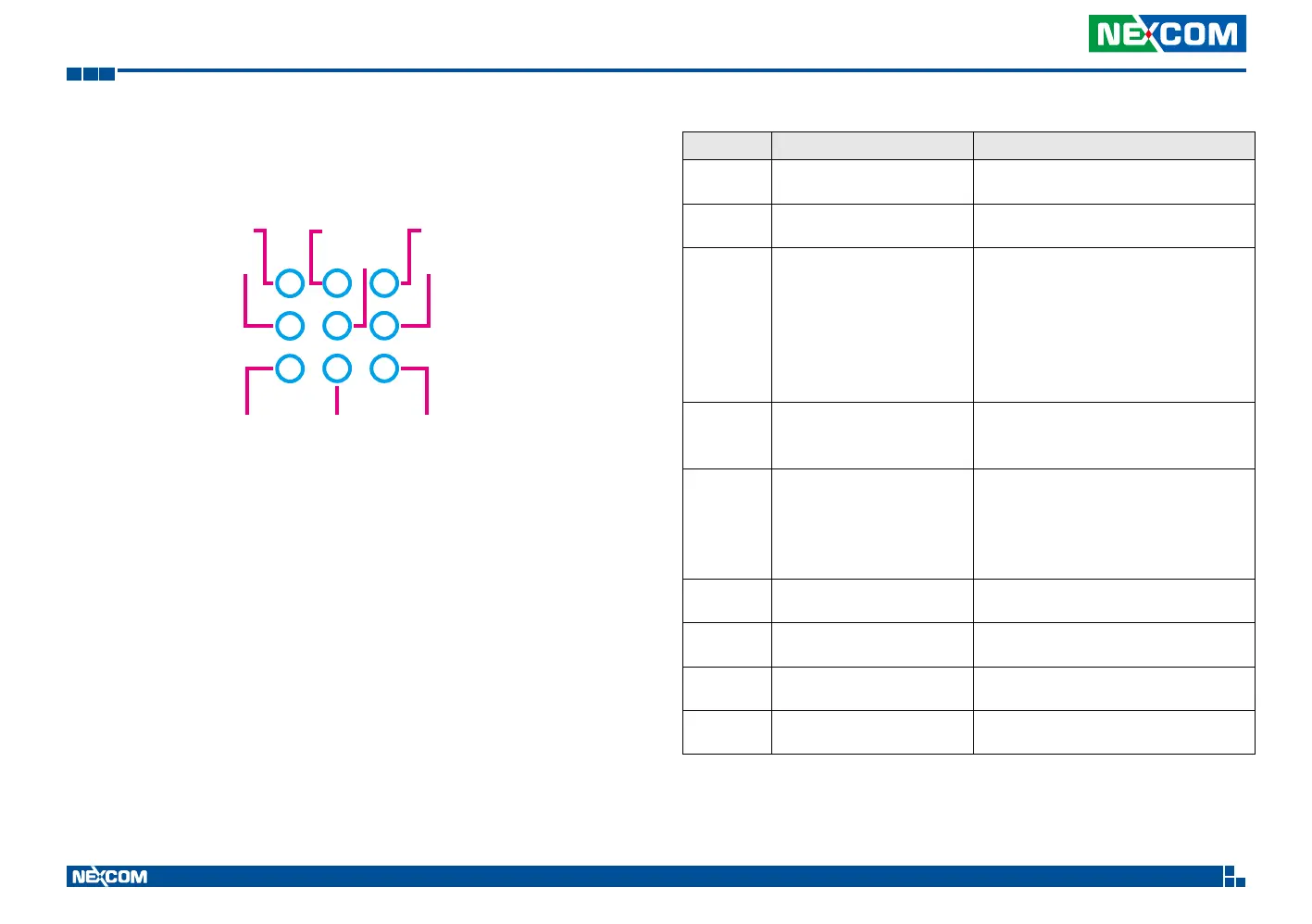
VTC 7260-xC4 LED Description
WLAN
PWR
POE4 STAT
LED Description LED Behavior
WWAN WWAN signal/service indicator
▪ Solid green: Link active
▪ Blinking green: Data transmission
WLAN WLAN signal/service indicator
▪ Solid green: Link active
▪ Blink green: Data transmission
STAT System status indicator
▪ Off: System power off
▪ Blinking green: System booting
(BIOS post)
▪ Solid green: System ready
▪ 2Hz blinking red: System stalled
(Power is on, but system is not running.)
▪ Solid red: A fatal error occurred
PWR Power feed indicator
▪ Solid green: Power active
▪ Solid red: Power failure
▪ Off: Power off
SATA/NVMe SATA/NVMe SSD Indicator
▪ Off: No storage installed
▪ Solid green: Powered on and ready
▪ Blinking green (10Hz): Reading/writing
data
▪ Soild red: A fatal error occurred
POE1 POE1-port power indicator
▪ Off: No power-feed to PD node
▪ Solid green: Power feed to PD node
POE2 POE2-port power indicator
▪ Off: No power-feed to PD node
▪ Solid green: Power feed to PD node
POE3 POE3-port power indicator
▪ Off: No power-feed to PD node
▪ Solid green: Power feed to PD node
POE4 POE4-port power indicator
▪ Off: No power-feed to PD node
▪ Solid green: Power feed to PD node
POE3 POE1
POE2
WWAN SATA/NVME


 To Next Page