Copyright © 2022 NEXCOM International Co., Ltd. All Rights Reserved.
26
Chapter 3: Jumpers and Connectors
VTC 7260 Series User Manual
Jumper and DIP Switch Settings
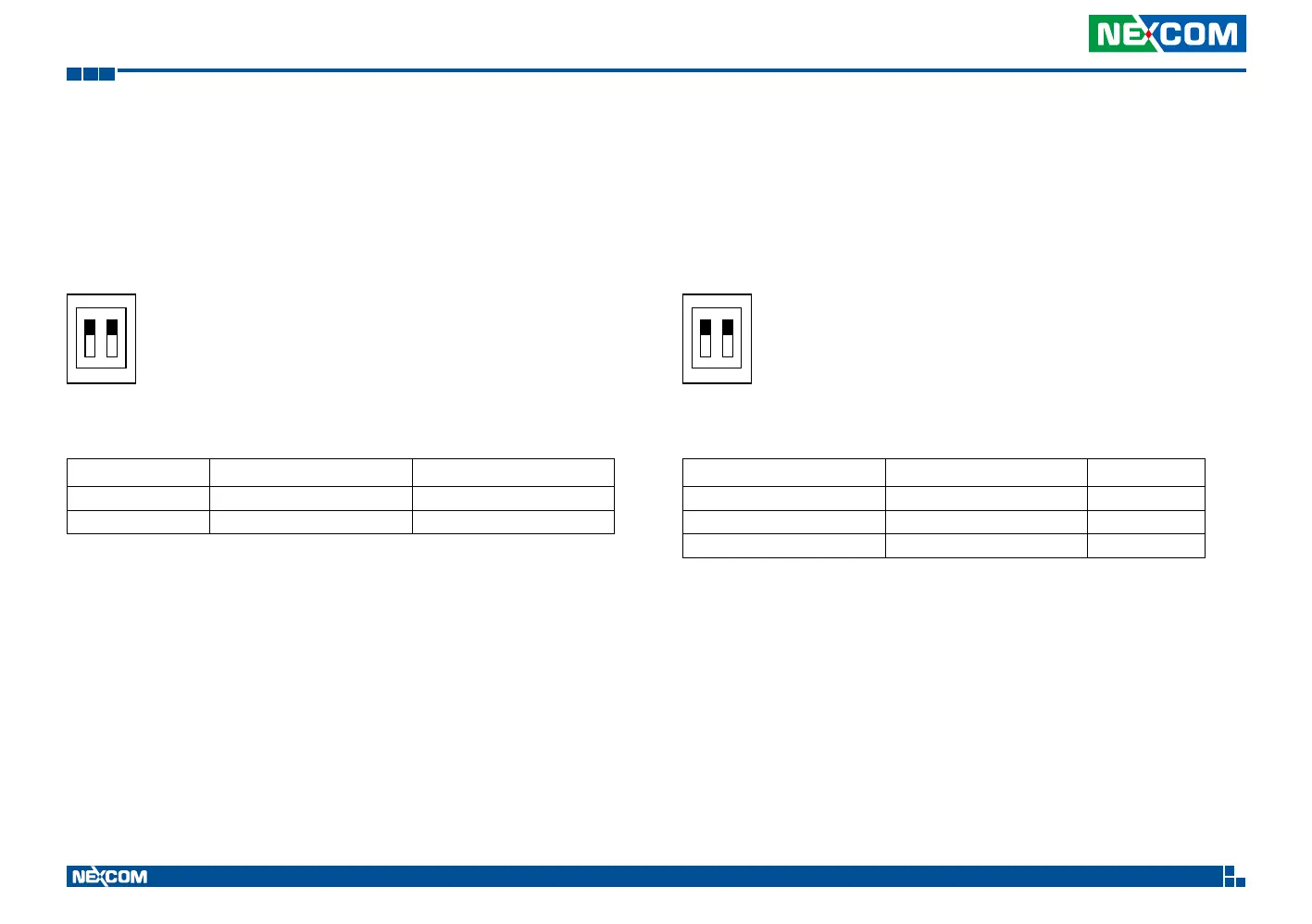
RTC Clear Selection
Connector type: 2-pin DIP switch
Connector location: SW5
SW RTC SRTC/ME
OFF (pin1 & pin2) Normal Normal
ON (pin1 & pin2) Clear CMOS Clear ME
Default Setting: Pin1 and Pin2 are set to ON.
1
O
N
2
Input Voltage Setup Selection
Connector type: 2-pin DIP switch
Connector location: SW3
1
O
N
2
POWERSW (Pin1) 12V24V (Pin2) Result
OFF OFF 12V
OFF ON 24V
ON ON 9~36V
Default Setting: Pin1 and Pin2 are set to ON and the DC power input is 9~36V DC.


 To Next Page