Copyright © 2022 NEXCOM International Co., Ltd. All Rights Reserved.
43
Chapter 4: System Setup
VTC 7260 Series User Manual
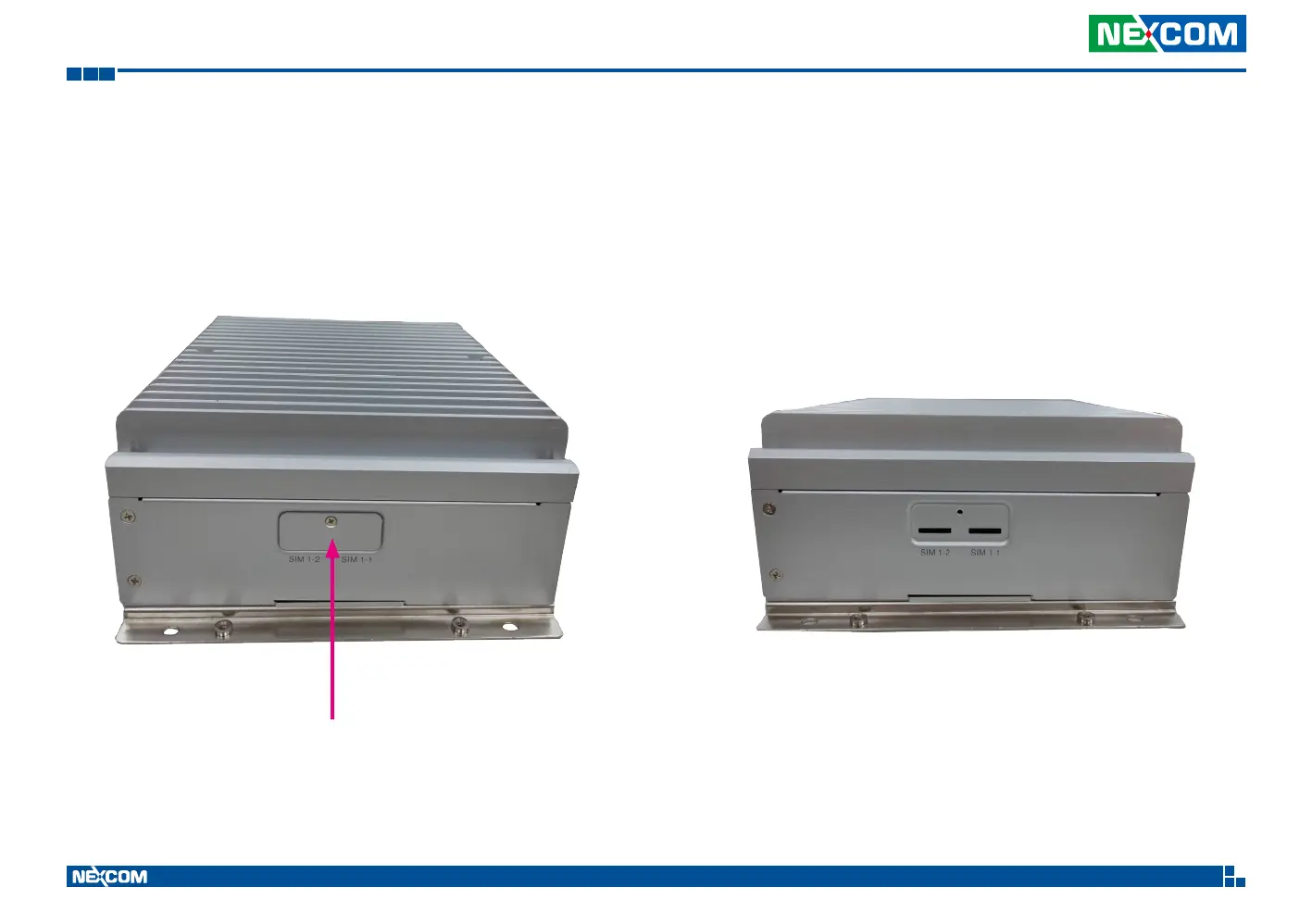
1. The SIM slots are on the side of the device. Please loosen the screw to
remove the SIM door.
2. The user can see two Micro-SIM slots, one is named SIM1-1, the other is
SIM2-1, after the SIM door is removed.
3. Please screw tight to cover the SIM slots after the SIM cards are installed.
Install the Micro-SIM card
SIM door


 To Next Page