Copyright © 2022 NEXCOM International Co., Ltd. All Rights Reserved.
45
Chapter 4: System Setup
VTC 7260 Series User Manual
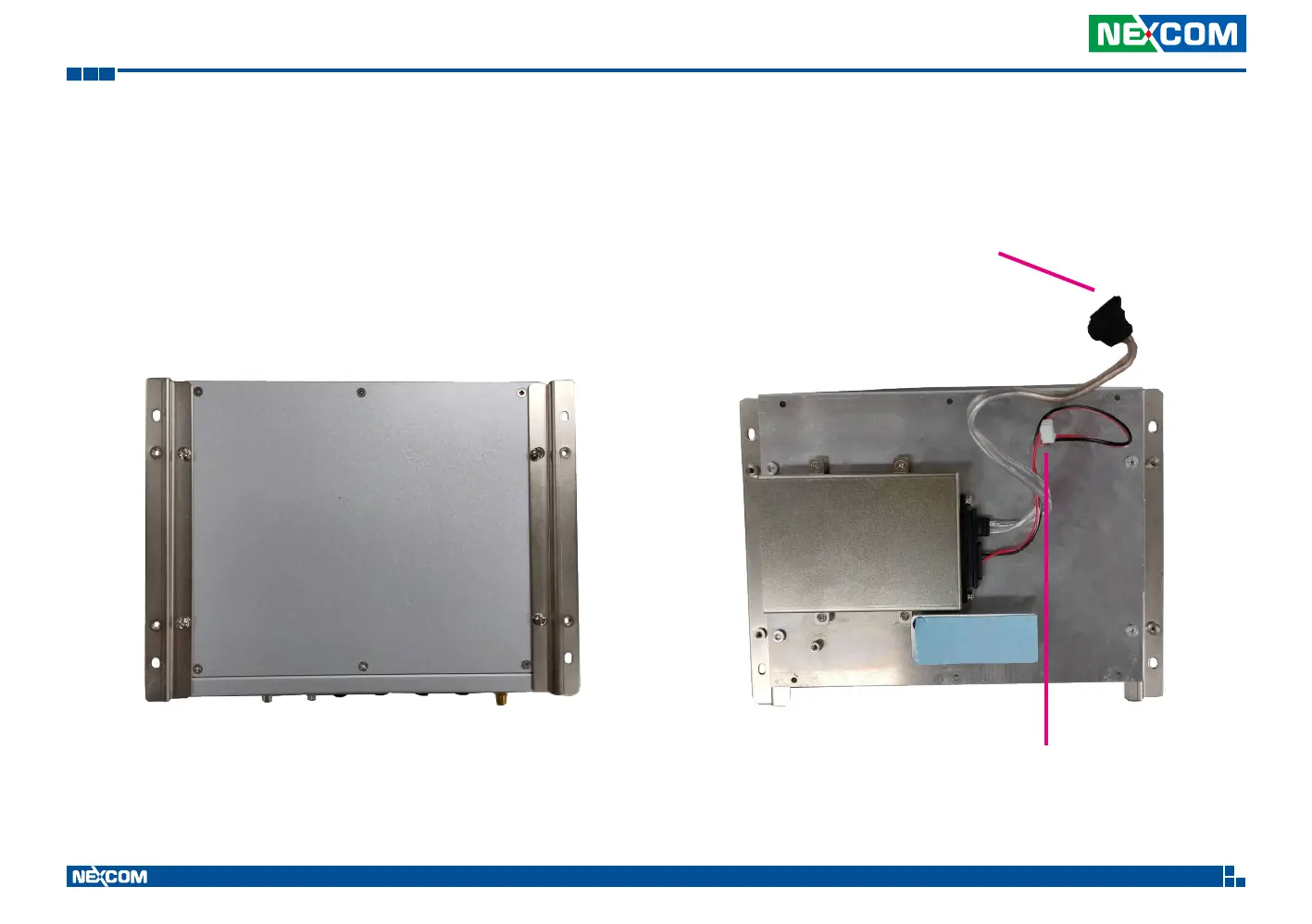
1. Open the bottom case to see a 2.5” SSD bay installed on the back.
Remove the 2.5” SSD power & data signal cable as shown.
Installing a 2.5” SSD Storage
2.5” SSD data signal cable
2.5” SSD power cable


 To Next Page