Copyright © 2022 NEXCOM International Co., Ltd. All Rights Reserved.
72
Appendix F: Vehicle Power Management Setup
VTC 7260 Series User Manual
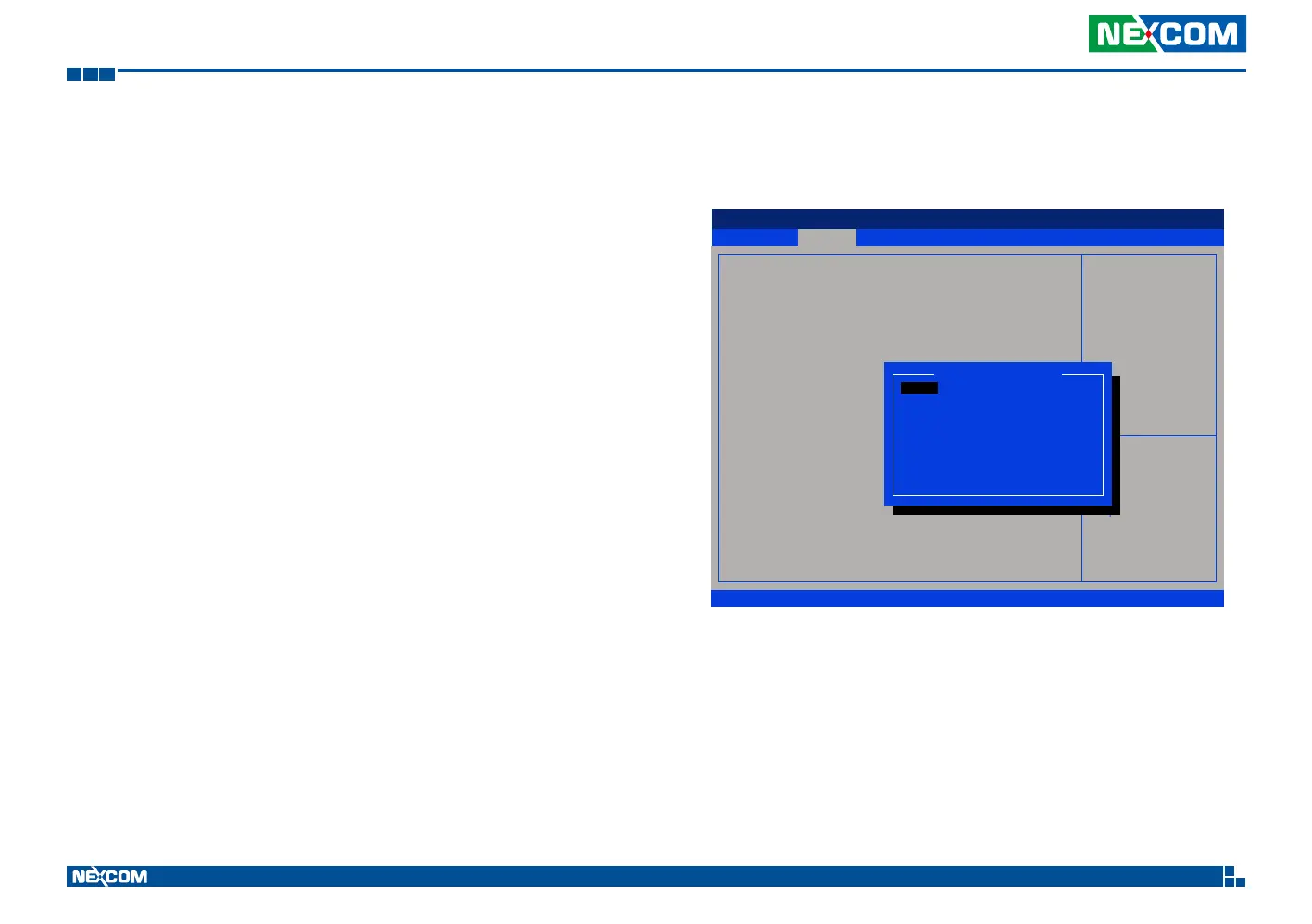
Enable Power-on Delay
Delay time can be set at 10sec/30sec/1min./5min./10min./15min./30min./1hour.
Advanced
Version 2.22.1282. Copyright (C) 2022 AMI
Aptio Setup - AMI
→←: Select Screen
↑↓: Select Item
Enter: Select
+/-: Change Opt.
F1: General Help
F2: Previous Values
F3: Optimized Defaults
F4: Save & Exit
ESC: Exit
Delay On Time selection
Setting.
Power Management Conguration settings
Input Voltage
Startup, Shutdown
Delay Time Setting
Power On Delay
Delay On Time Selection
Power Off Delay
[9~36V]
[(11.5, 10.5)/(23,21)]
[Enabled]
Delay On Time selection
10 sec
30 sec
01 min
05 min
10 min
15 min
30 min
01 hour


 To Next Page