Doc# E107706 6 - 15
6: Using the External Displays
Electro Industries/GaugeTech
The Leader In Power Monitoring and Smart Grid Solutions
Electro Industries/GaugeTech
The Leader In Power Monitoring and Smart Grid Solutions
Press Enter to conduct an LED test.
Group 8: Display Scroll ON/OFF
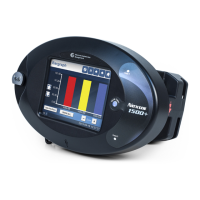
Press Enter to turn the scroll feature on or off. When the scroll feature is on, the
P40N+ external display scrolls through the first reading of each group in the Dynamic
Readings mode. If a button is pressed during the scroll, scrolling pauses for one
minute.


 To Next Page