Doc# E107706 5 - 1
5: Communication Wiring
Electro Industries/GaugeTech
The Leader In Power Monitoring and Smart Grid Solutions
Electro Industries/GaugeTech
The Leader In Power Monitoring and Smart Grid Solutions
5: Communication Wiring
This chapter provides wiring information for the Nexus® 1250/1252 meter’s
communication options.
5.1: Communication Overview
RS232 communication is used to connect a single Nexus® 1250/1252 meter with
another device, such as a computer, RTU or PLC. The link is viable for a distance of up
to 50 feet (15.2 meters) and is available only through the meter’s Port 1. You must
set the selector switch beneath the port to RS232.
RS485 communication allows multiple Nexus® meters to communicate with another
device at a local or remote site. The I/O modules and the Nexus® displays use RS485
to communicate with the Nexus® meter. All RS485 links are viable for a distance of
up to 4000 feet (1220 meters). Ports 1 through 4 on the Nexus® 1250/1252 meter
are two-wire, RS485 connections operating up to 115200 baud. To use Port 1 for
RS485, set the selector switch to RS485 (the switch is located under the port).
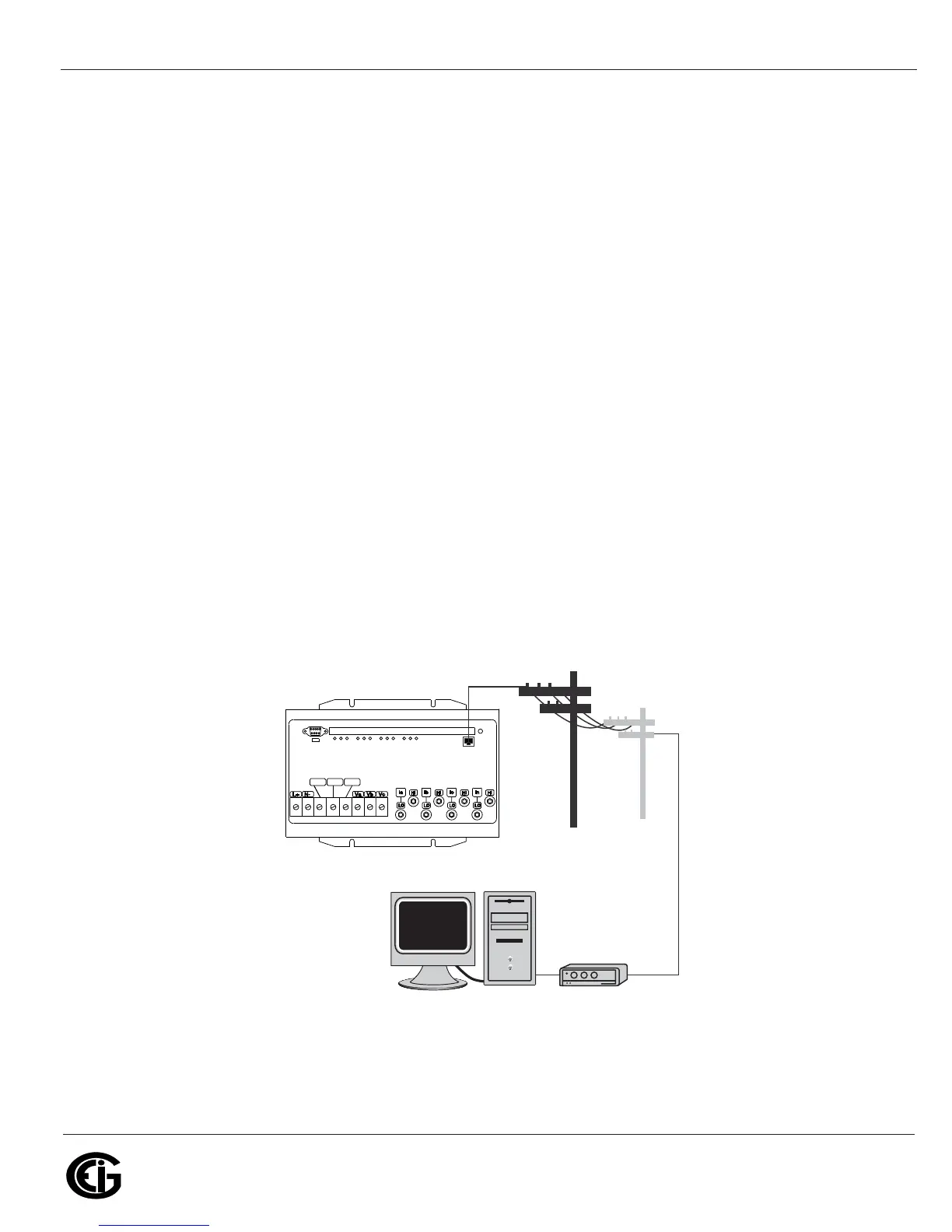
RJ11 Telephone Line allows a Nexus® 1250/1252 meter with the Internal Modem
Option (INP2) to communicate with a PC. No other hardware is necessary for this
easy-to-use connection. For more details, see Chapter 10.
Figure 5.1: RJ11 Communication with Internal Modem Option
2*
/RIGINATE-ODEM
ORINTERNALTO0#
#(!3)3#(!3)3 6AUX6AUX 6REF6REF
.%853



 To Next Page