Doc# E107706 10- 1
Electro Industries/GaugeTech
The Leader In Power Monitoring and Smart Grid Solutions
10: Meter with Internal Modem Option
10: Meter with Internal Modem Option (INP2)
10.1: Hardware Overview
The Nexus® 1250/1252 meter with the INP2, Internal Modem Option, has all the
components of the standard Nexus® meter plus the capability of connecting to a PC
via a standard phone line. No additional hardware is required to establish this connec-
tion.
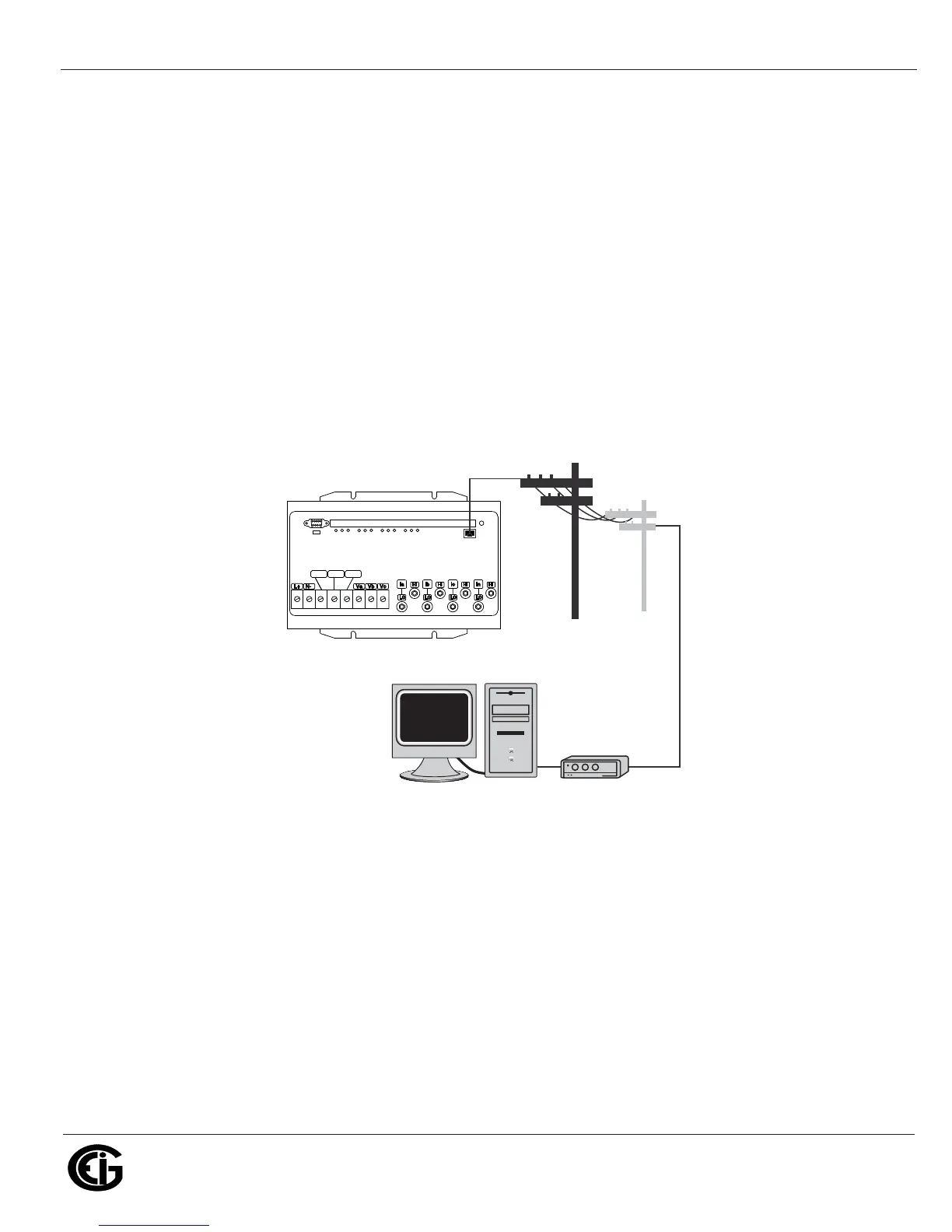
If desired, the internal expansion port of the Nexus® 1250/1252 meter can be config-
ured with an internal 56K bps modem. This gives the meter Dial-In and Dial-Out
capability without additional hardware. This configuration of the meter is ideal for
small remote applications.
Figure 10.1: Meter Communication with Internal Modem Option
10.2: Hardware Connection
Use RJ11 Standard Telephone Line to connect with the Nexus® 1250/1252 meter.
Insert the RJ11 line into the RJ11 Port on the face of a Nexus® meter with the Inter-
nal Modem Option. The RJ11 connection is virtually unlimited, since it utilizes a PSTN
(Public Switched Telephone Network).
2*
/RIGINATE-ODEM
ORINTERNALTO0#
#(!3)3#(!3)3 6AUX6AUX 6REF6REF
.%853



 To Next Page