Doc# E107706 5 - 17
5: Communication Wiring
Electro Industries/GaugeTech
The Leader In Power Monitoring and Smart Grid Solutions
Electro Industries/GaugeTech
The Leader In Power Monitoring and Smart Grid Solutions
5.8.3.1: Selected Modem Strings
5.9: High Speed Inputs Connection
The Nexus® 1250/1252 meter’s built-in High Speed Inputs can be used in many
ways:
• Attach the KYZ HS Outputs from other meters for totalizing.
• Attach relaying contacts for breaker status or initiated logging.
• Set as an Input Trigger for Historical Log 2.
Refer to the Communicator EXT
TM
4.0 and MeterManager EXT Software User Manual
for instructions on programming these features.
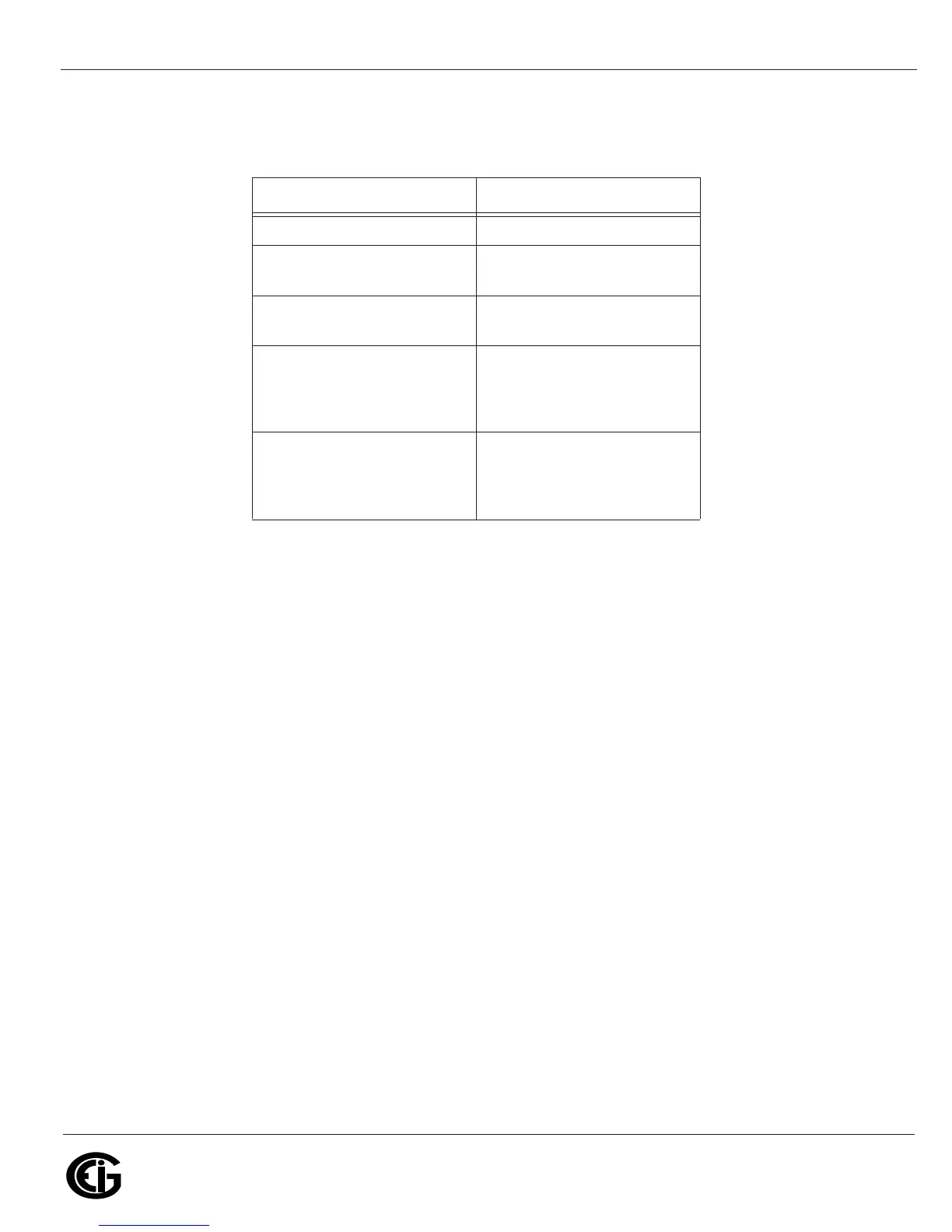
Table 3:
Modem String/Setting
Cardinal modem AT&FE0F8&K0N0S37=9
Zoom/Faxmodem VFX
V.32BIS(14.4K)
AT&F0&K0S0=1&W0&Y0
Zoom/Faxmodem 56Kx
Dual Mode
AT&F0&K0&C0S0=1&W0&
Y0
USRobotics Sportster
33.6 Faxmodem:
DIP switch setting
AT&F0&N6&W0Y0 (for
9600 baud)
Up Up Down Down Up Up
Up Down
USRobotics Sportster 56K
Faxmodem:
DIP switch setting
AT&F0&W0Y0
Up Up Down Down Up Up
Up Down



 To Next Page