Doc# E107706 5 - 10
5: Communication Wiring
Electro Industries/GaugeTech
The Leader In Power Monitoring and Smart Grid Solutions
Electro Industries/GaugeTech
The Leader In Power Monitoring and Smart Grid Solutions
5.4: RJ11 (Telephone Line) Connection—Nexus® Meter with Internal
Modem Option (INP2) to a PC
Use RJ11 Standard Telephone Line to connect with the Nexus® 1250/1252 meter. For
details on this connection, see Chapter 10.
5.5: RJ45 Connection—Nexus® Meter with Internal Network Option
(INP200) to Multiple PCs - 10/100BaseT
The Internal Network Option conforms to the IEEE 802.3, 10BaseT and 100BaseT
specification using unshielded twisted pair (UTP) wiring. This allows the use of
inexpensive RJ45 connectors and CAT 3 or better cabling. For details on this
connection, see Chapter 11.
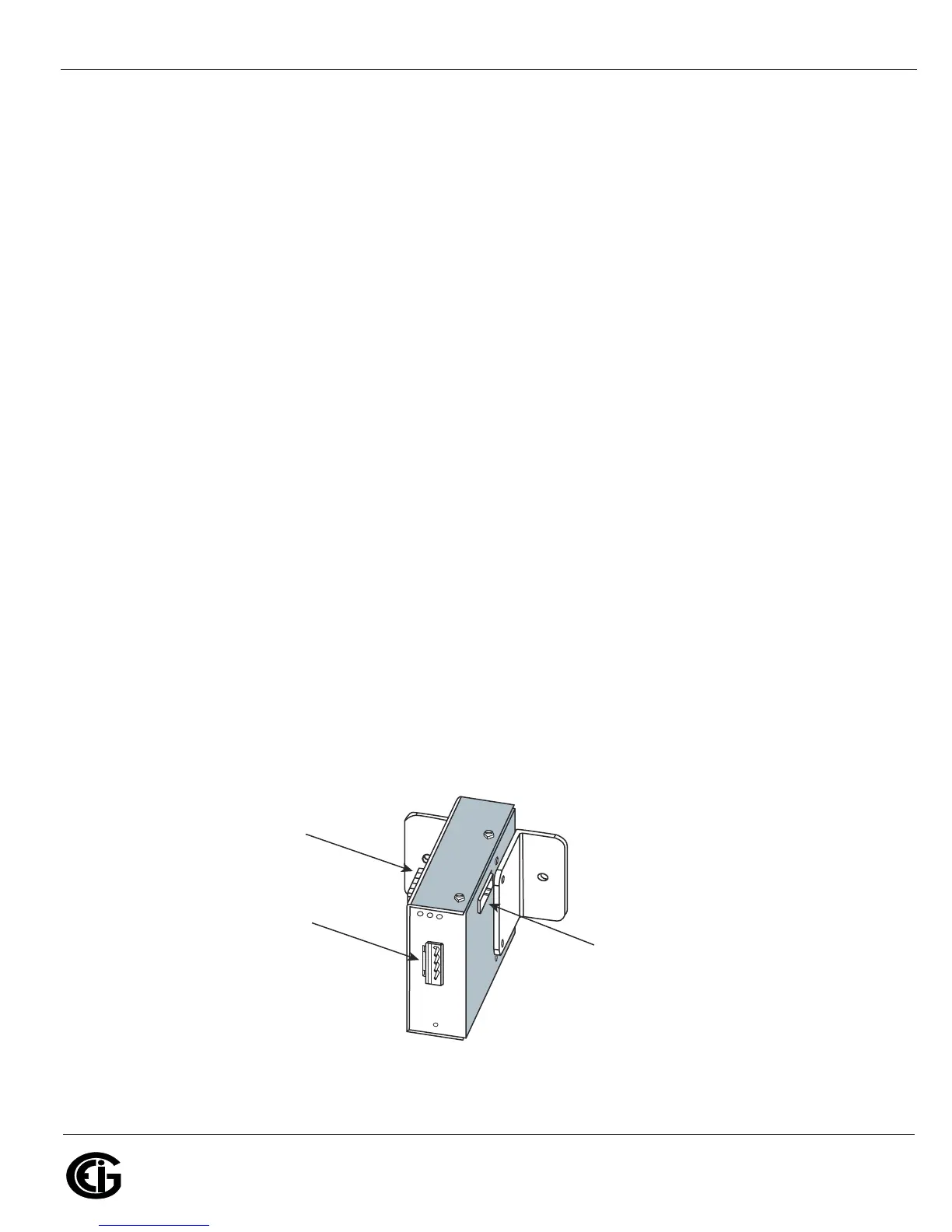
5.6: Communication Ports on the Nexus® I/O Modules
• Female RS485 Side Port: use to connect to another module’s female RS485 side
port.
• Male RS485 Side Port: use to connect to the Nexus® meter’s Port 3 or Port 4, or to
connect to another module’s male RS485 side port.
• I/O Port: use for functions specific to the type of module; size and pin configuration
varies depending on type of module.
• For more detail, refer to the following section and Chapter 9.
Figure 5.8: I/O Module Communication Ports
Male RS485
Side Port
Female RS485
Side Port
I/O Port
(Size and Pin
Configuration Vary)



 To Next Page