39
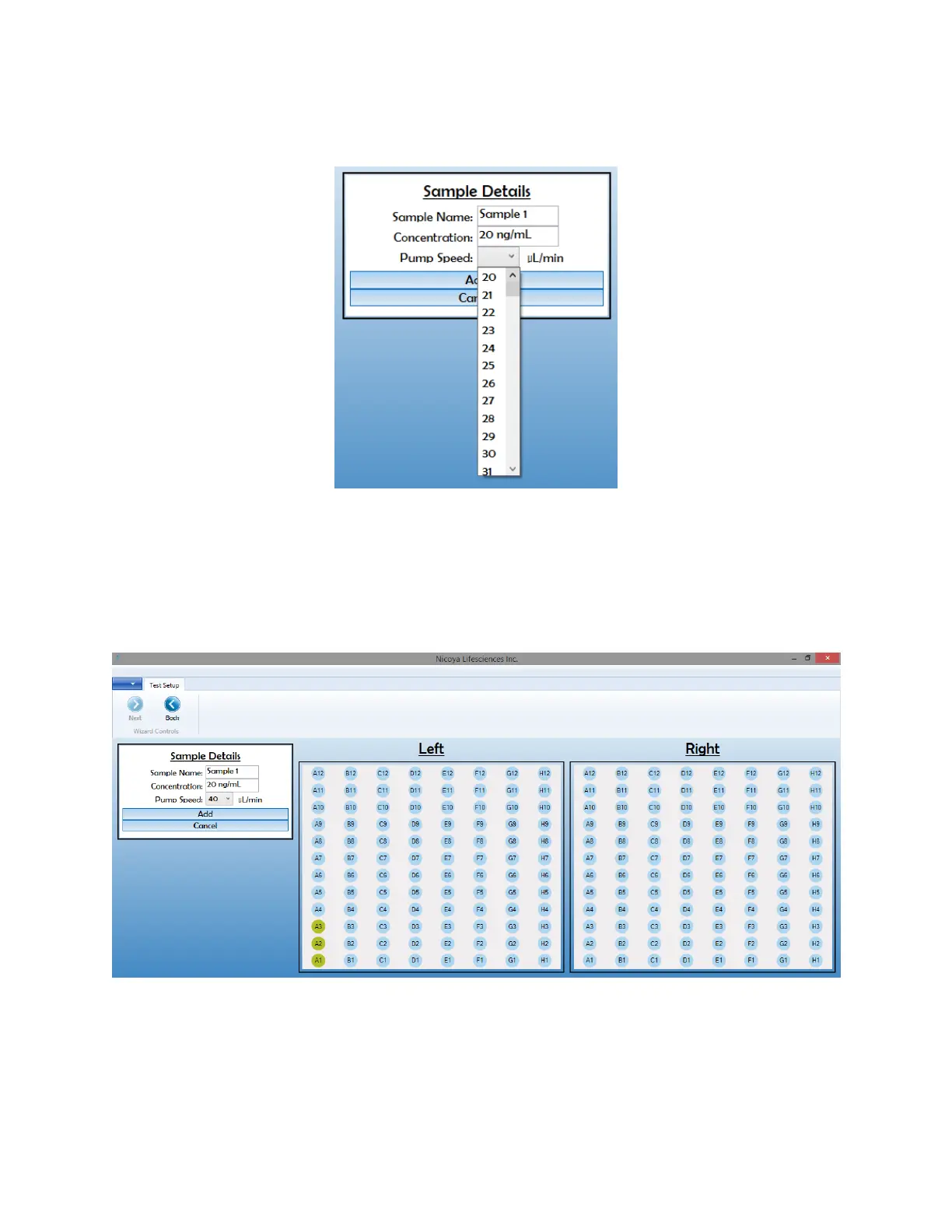
chip surface. For analyte injections, speeds between 20 – 50 µL/min are recommended (see
Kinetics handbook for details). For regeneration, speeds up to 150 µL/min can be used.
Figure 2.24 Sample details box.
Then, click on the well positions that will contain this sample. The software allows you highlight
multiple wells to input the same sample properties to more than one well. The corresponding
wells selected to the current sample will be highlighted in yellow [Figure 2.25]. Note the
orientation of your 96-well plate such that the sample wells match up to what is selected in
the software.
Figure 2.25 Selected well positions assigned to the current sample.
5. Select “Add” in the Sample Details section to add the sample to your test. This will bring you
back to the Test Setup screen [Figure 2.26]. Your logged samples will now appear in the User
Samples window, detailing the sample name, sample concentration, plate location and
corresponding well location.



 To Next Page