Chapter 13 — The Toolbar | Color Control Point 103
RGB Method
The RGB method of the white control point enables you to set the individual red, green, and blue values of
the lightest color in the image. This option is helpful if your printer requires a non-neutral white. Within this
mode, you are presented with individual red, green, and blue sliders on the white control point and red,
green, and blue entries within the white control point sub-step of the Edit List palette.
Advanced
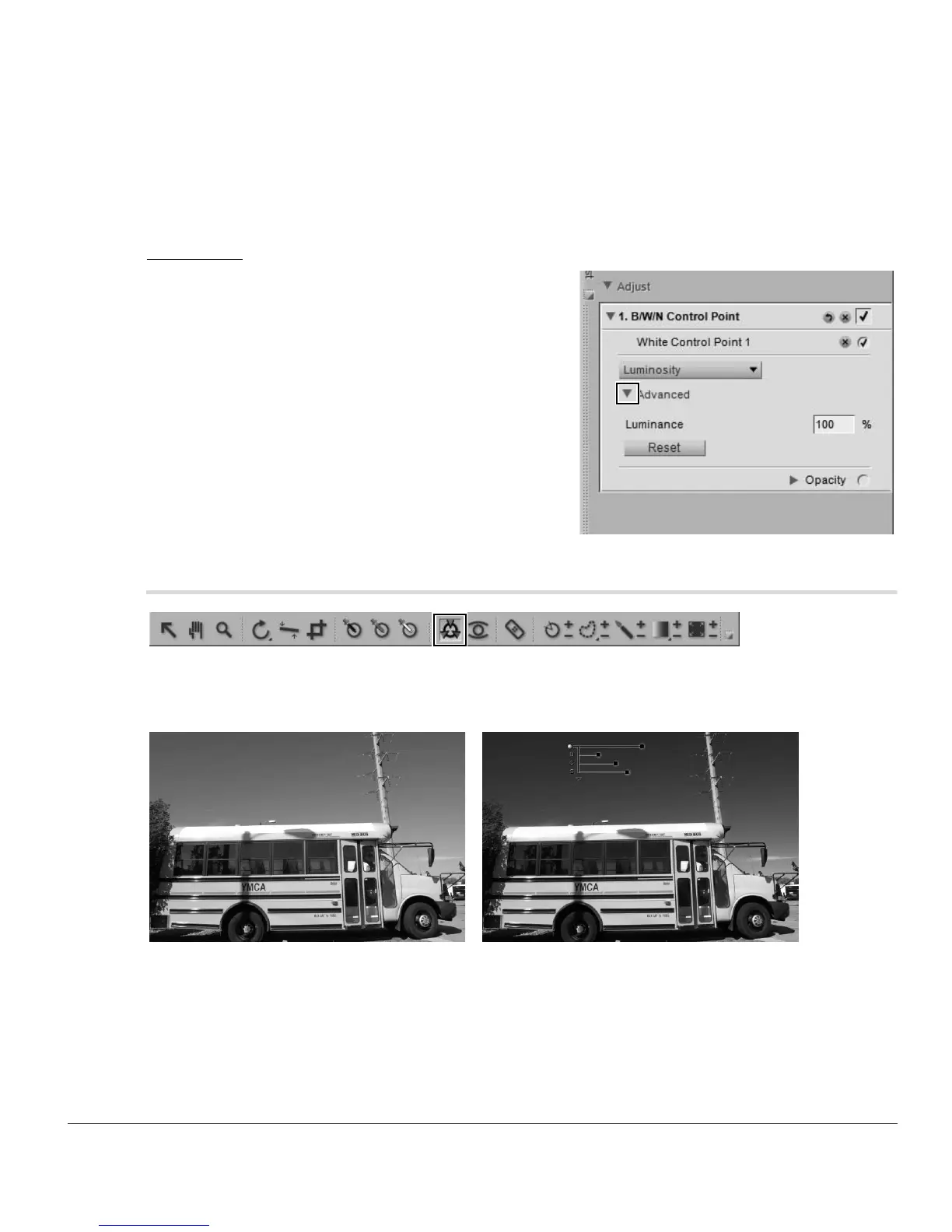
Click on the Advanced show/hide triangle to display the
additional controls for the white control point. The values
set for the selected white control point are displayed
enabling you to enter a new value directly to adjust the
effect of the control point.
Color Control Point
Color control points represent a unique way of adjusting the color and light in an image. Each color control
point enables you to perform advanced color changes in a selective fashion, without the need to create
selections or masks.
Original Image Final Image



 To Next Page