Chapter 12 — Activity Toolbar | Workspace Selector 87
Chapter 12
Activity Toolbar
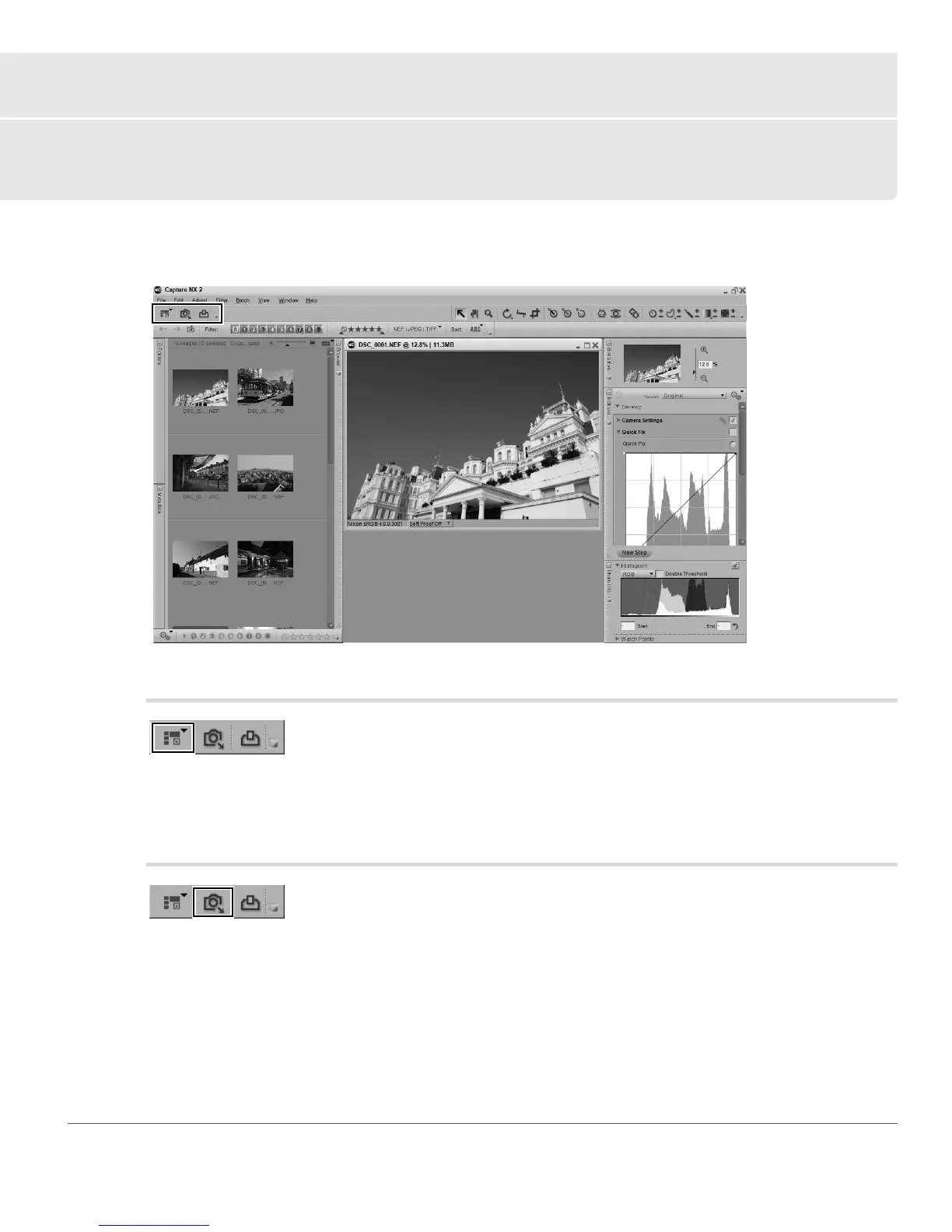
The activity toolbar provides access to three of the most often accessed functions within Capture NX 2:
workspaces, importing images, and printing images.
Workspace Selector
Use the workspace selector to access the different workspaces available within Capture NX 2. For more
information on workspaces, please see the Workspaces section of Chapter 8, “Interface”.
Launch Nikon Transfer
The launch Nikon Transfer button will cause Nikon Transfer to load in a separate application window. Use
Nikon Transfer to transfer images from an attached camera or compact flash card, with the ability to
automatically add XMP/IPTC information, create backup copies of images, as well as automatically opening
the Capture NX 2 browser to display the transferred images.



 To Next Page