Chapter 18 — File Menu | Open Image… 159
Chapter 18
File Menu
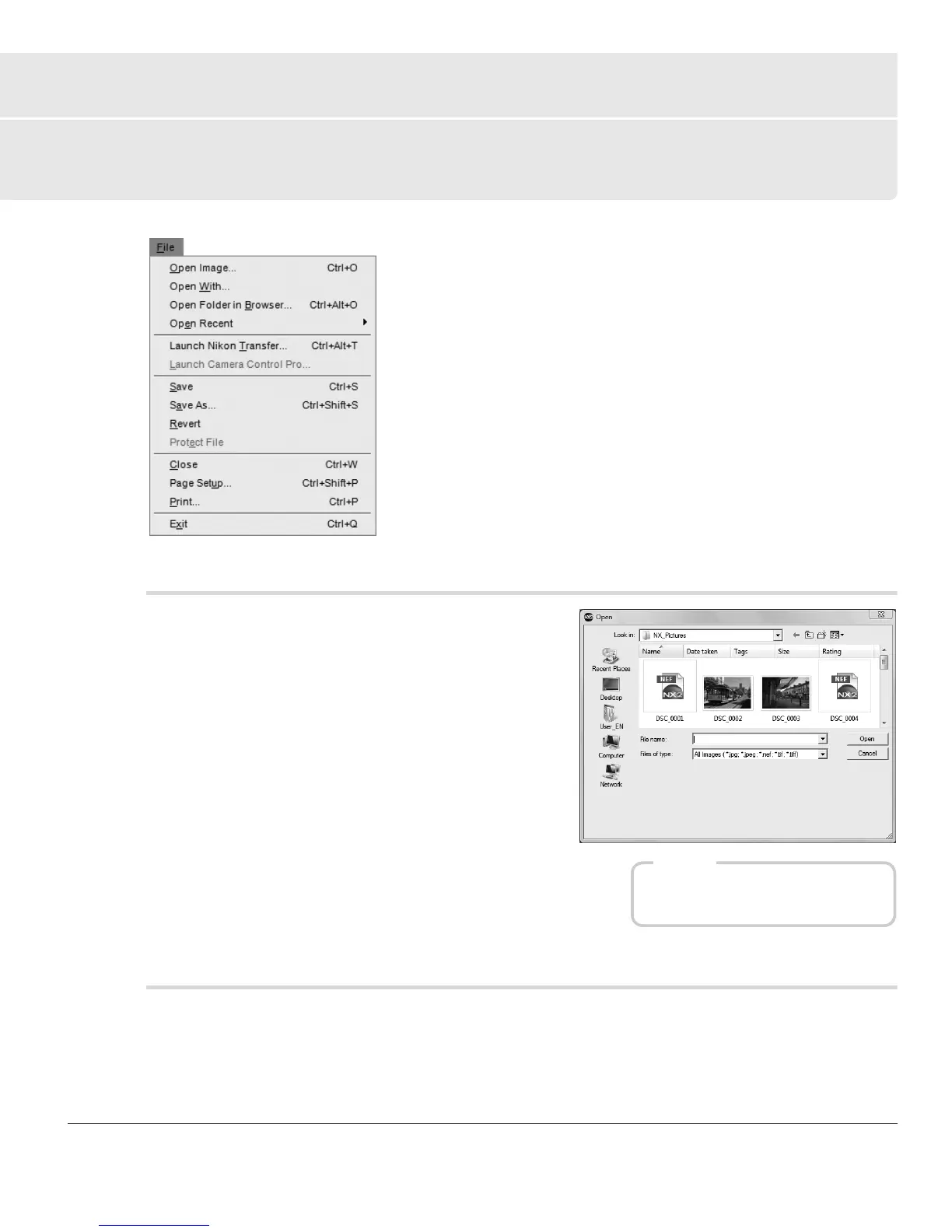
Open Image…
The Open Image… option provides you with a “File Open”
dialog, allowing you to locate an image to open and edit.
A Please note: Images saved in the Grayscale and CMYK color
modes cannot be opened within Capture NX 2.
Open With…
The Open With… command enables you to open the current image with all of the current enhancements
applied to it in a separate application. You can select the alternative application with will open the image
within Capture NX 2’s “Preferences” dialog.
Shortcut
Ctrl + O (Windows)
command + O (Macintosh)



 To Next Page