17
line
power
<< HIGH >>
power
<< MID >>
power
<< LOW >>
CLINOX PRO • AIR • POWER • SURFACE
USER MANUAL
3.4.
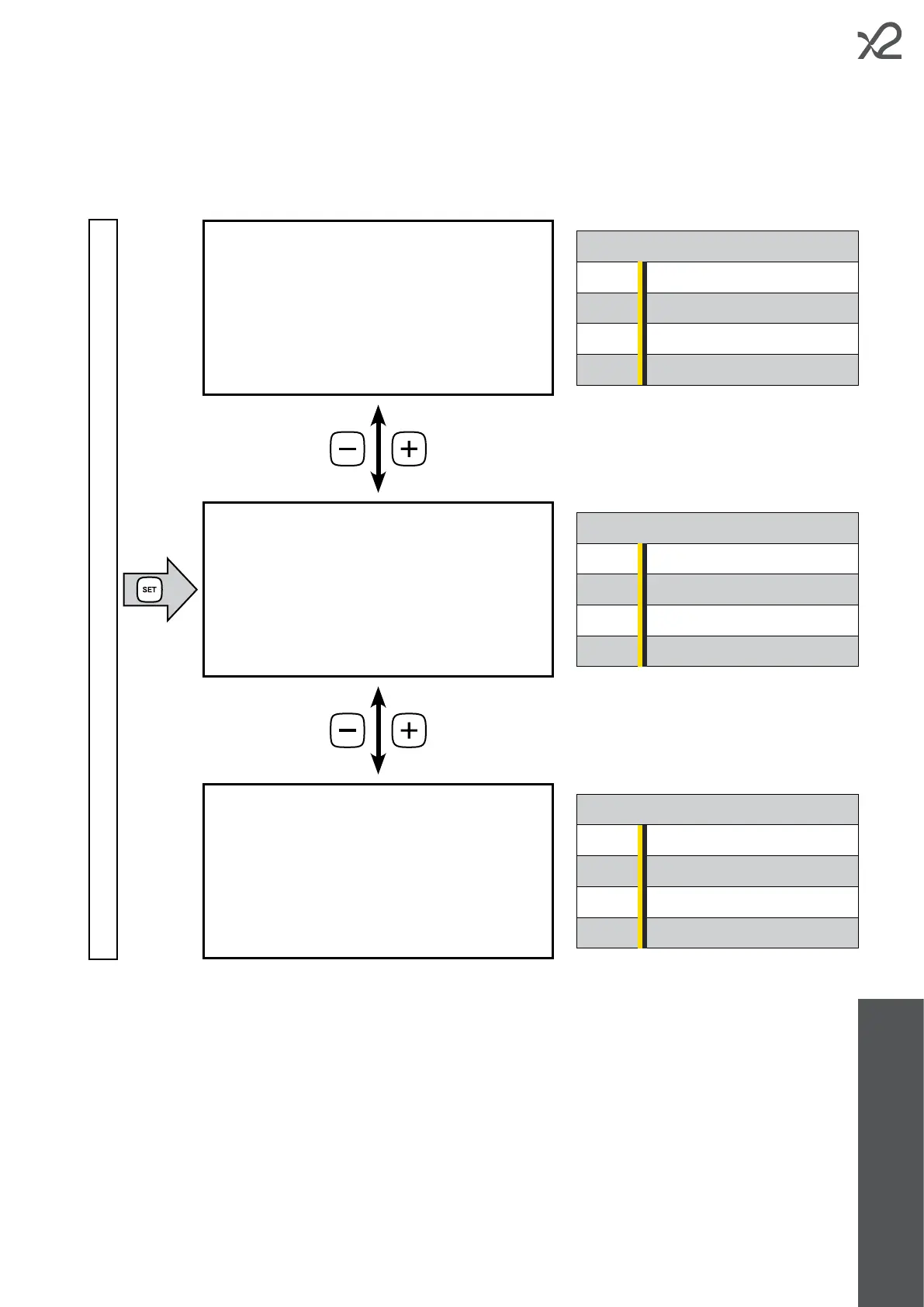
To change the power output of the device, press the SET button once and access the conguration screens (see diagram
below). Use the – and + keys to choose from the available options.
screen of operating mode currently in use
To return to the programme screen, press the MODE button.
The MID adjustment is relevant to:
- CLINOX PRO
- CLINOX AIR
30 A CLINOX POWER
50 A CLINOX SURFACE
The LOW adjustment is relevant to:
15 A CLINOX PRO
15 A CLINOX AIR
15 A CLINOX POWER
30 A CLINOX SURFACE
The HIGH adjustment is relevant to:
30 A CLINOX PRO
30 A CLINOX AIR
50 A CLINOX POWER
100 A CLINOX SURFACE



 To Next Page