58
NITTY GRITTY.IT
make it shine
A
CLINOX PRO • AIR • POWER • SURFACE
USER MANUAL
9.6.
9.7.
• Press the button on the control panel to stop the current
supply to the marking torch.
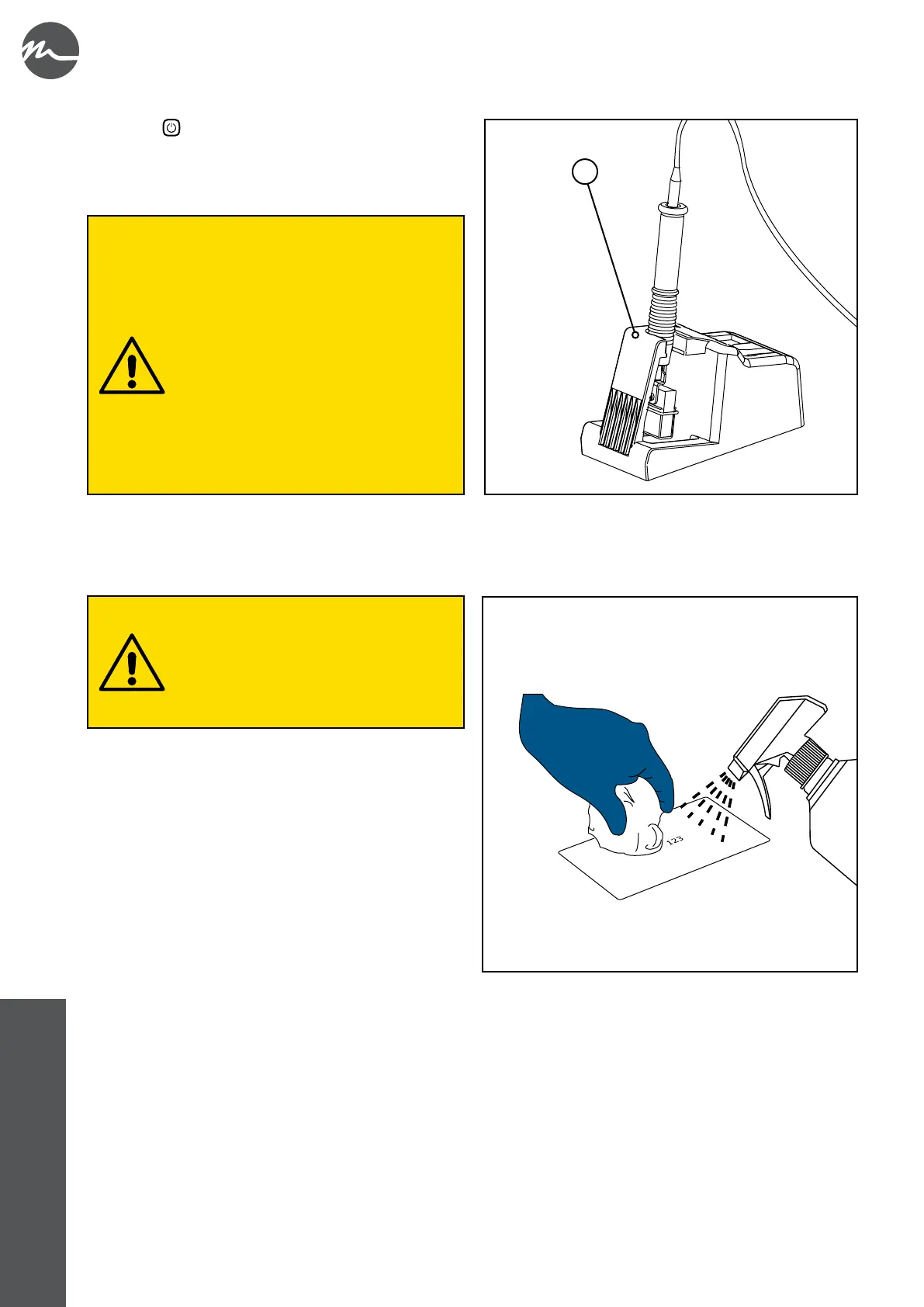
• Put the torch back in its support (A).
At the end of processing, always store the
torch and other accessories appropriately.
If the torch should remain accidentally
powered while resting on the treated piece,
the electrochemical marking process would
continue on each portion of stainless steel in
contact with the felt and would permanently
damage it.
Never place the torch on top of the device
during breaks or at the end of processing,
as the electrolyte solution could drip from
the dampened felt and penetrate inside the
unit. Always use the appropriate support and
empty the collection tray when necessary.
The device should in any case be kept as
clean as possible.
• Disconnect the earth cable crocodile clip from the machined part.
• Use the INOX FIT solution on the treated piece.
• Turn o the device by turning the main switch to the "O" position.
• Disconnect the appliance plug from the power supply socket.
• Carry out routine maintenance on the device as described in chapter 10.1.
• To limit any environmental impact, used felt and used liquids must always be disposed of in accordance with current waste
disposal regulations (see chapter 11 for additional information).
• Rub the surface with a microbre cloth dampened with
clean water.
• Dry the surface using a dry microbre cloth.
It is very important to spray the INOX FIT
solution on the workpiece; this product
neutralises any residual marking solution,
thus avoiding the formation of halos and white
spots.
Alternatively, it is possible to clean the surface
with an abundant jet of water.



 To Next Page