51
line
CLINOX PRO • AIR • POWER • SURFACE
USER MANUAL
ACCESSORY x2 LINE
BRILL
BOMAR
STANDARD
BOMAR
TIG
BOMAR
NEUTRAL
BOMAR
Felt 45 mm
PRO/AIR HIGH HIGH HIGH HIGH
POWER MID MID HIGH HIGH
SURFACE LOW LOW MID MID
Brush DW
PRO/AIR HIGH HIGH HIGH HIGH
POWER LOW LOW LOW HIGH
SURFACE HIGH HIGH HIGH HIGH
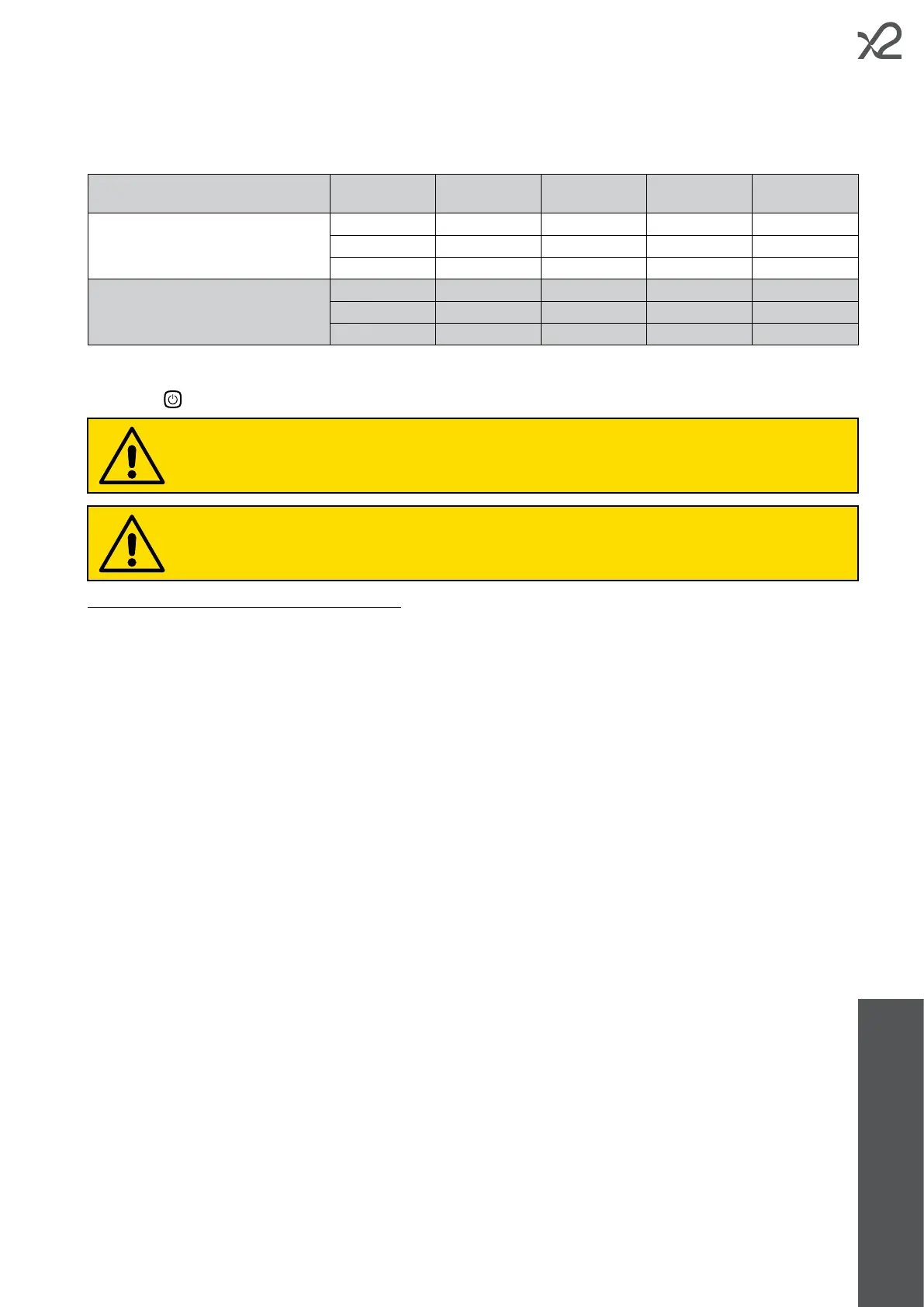
The table is to be considered valid only if the manufacturer's predened voltage values are used in the various operating
modes.
• Press the
button on the control panel to start the device.
Once started, the appliance switches o automatically after approximately 30 seconds of inactivity.
This is a precautionary measure to prevent the torch from being accidentally powered at the end of processing.
When using the D&W torch, the fume abatement system built into the device does not come into operation,
therefore an adequate external extraction device must be operating.
• Press the SET button to select the desired power level (see chapter 3.4 for more information).
In order not to cause excessive wear or damage to the accessories, it is recommended that you select the power level
according to the following table, which takes into account both the power supplied by the x2 line device model used, and
the conductivity of the electrolyte solution.
UTILISATION OF THE INDICATORS ON THE DISPLAY
During processing, bar indicators appear on the display showing in real time the voltage and current supplied by the device
(see chapter 3.1). When the workpiece is not being touched, no current passes through the torch and the voltage is maintained
at half the set voltage. The voltage only starts to rise gradually when work actually starts, thus minimising the likelihood of
arcing or sparking at the point of contact between the brush/insert and the weld to be cleaned/polished.


 To Next Page