BA_v2_eagle_parallel_EN_1-0
17
Design
EUR -,05 01
02
03
04
05
06
13
07
--
--
--
--
--
--
----
08
09
10
11
12
EUR -,10
EUR -,20
EUR -,50
EUR 1,-
EUR 2,-
TK 1794
Block A Block B
Block B
Block A
–
–
Inhibit channel 1..8
Open channel 1..8
–
–
TEACH Mode
NORMAL Mode
Inhibit channel 9..16
Open channel 9..16
S1.1–10
S2.1–10
E0P40-EU---20000A
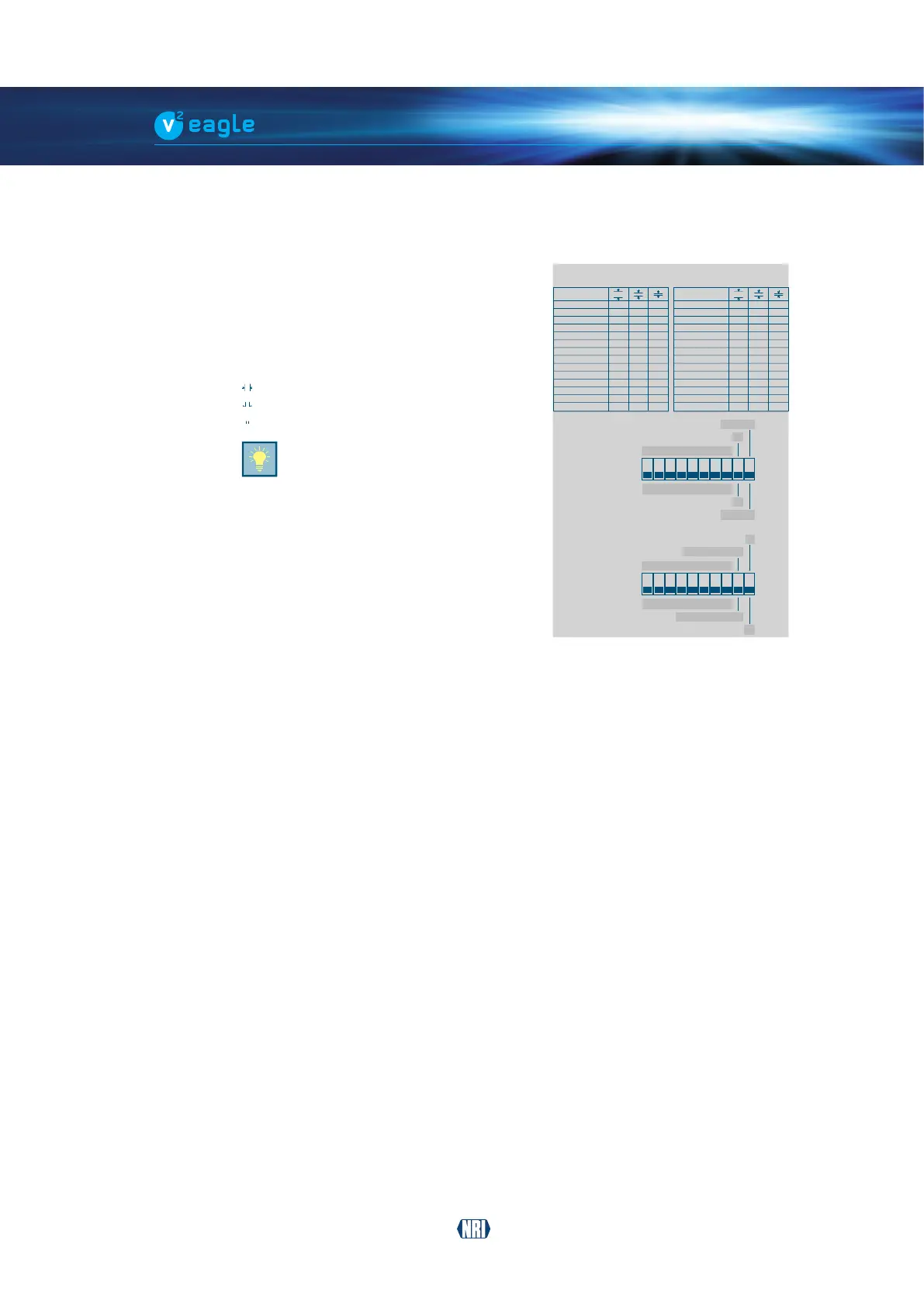
Fig. 5: Label – switch functions/coin
channel assignment
4.4 Label – switch functions/coin channel assignment
In order to enable easy operation of the coin validator
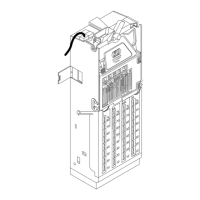
there is a label [Fig. 1/14] [Fig. 2/15], on the rear
ofthedevicebrieyshowingthefunctionsofthe
DIL switches at the bottom (cf. Chap. 4.5 Switch blocks,
p. 18)
above these the coin channels assigned to
the individual coins programmed in memory block
A and B (cf. Chap. 5.2 Memory blocks, p. 21):l
Normal channel (No.)
Narrow channel (No.)
Super narrow channel (No.)
The data block number on the top
ensures clear allocation to the device
and product label.
After conguration, we recommend
that you change all labels on the
product to reect the new settings
or that you make a note of the new
settings in a different form for the
workshop and the place of use.


 To Next Page