Chapter 7: Graphics Commands for 24-Pin Printers 65
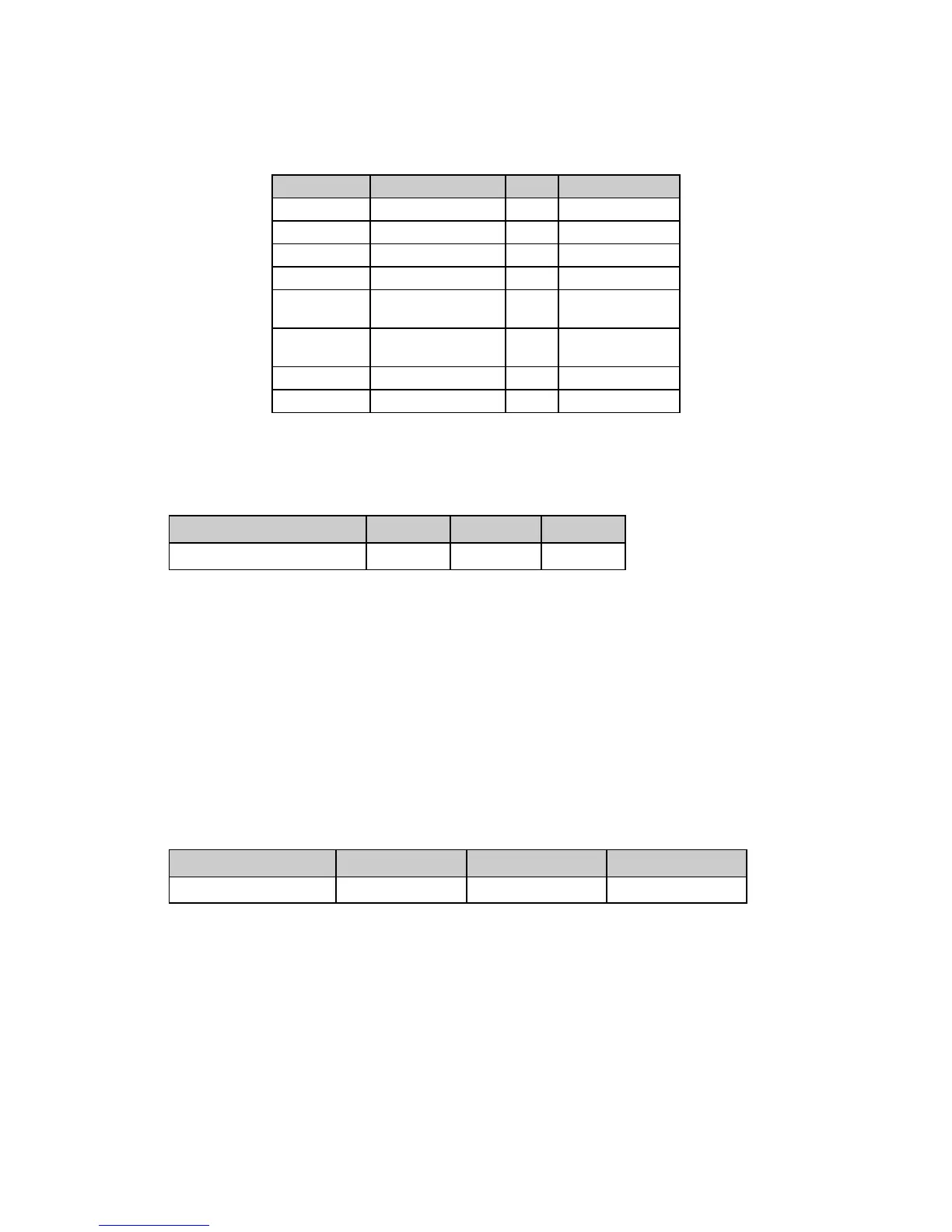
Table 41: IBM ESC [ g Command —
Horizontal Graphics Resolution for m Values (24-Pin Printers)
Value of m Resolution (dpi) Pins Notes
0 60 8 Same as ESC K
1 120 8 Same as ESC L
2 120 8 Same as ESC Y
3 240 8 Same as ESC Z
8 60 24 High resolution
for ESC K
9 120 24 High resolution
for ESC L
11 180 24
12 360 24
Select Graphics Aspect Ratio Command (IBM)
⻬ ML390 Turbo, ML391 Turbo ⻬ ML590, ML591
Function ASCII Dec Hex
Set graphics aspect ratio ESC n P
n
27 110 P
n
1B 6E P
n
This command sets the vertical-to-horizontal ratio of graphics printed using the ESC K, ESC L,
ESC Y, and ESC Z graphics commands.
The possible values for P
n
are:
P
n
= 0, 1: Sets aspect ratio of 5:6
P
n
= 2: Sets aspect ratio of 1:1
P
n
≥ 3: Dumps data up to receipt of ESC n p
n
command
Select Graphics Mode Command (Epson)
⻬ ML390 Turbo, ML391 Turbo ⻬ ML590, ML591
Function ASCII Dec Hex
Select Graphics Mode ESC ( G L
n
H
n
P
n
27 40 71 L
n
H
n
P
n
1B 28 47 L
n
H
n
P
n
Use this command to place the printer in graphics mode.






 To Next Page