Page: 36
Service Guide ML395/395C
Chapter 3 Maintenance & Disassembly
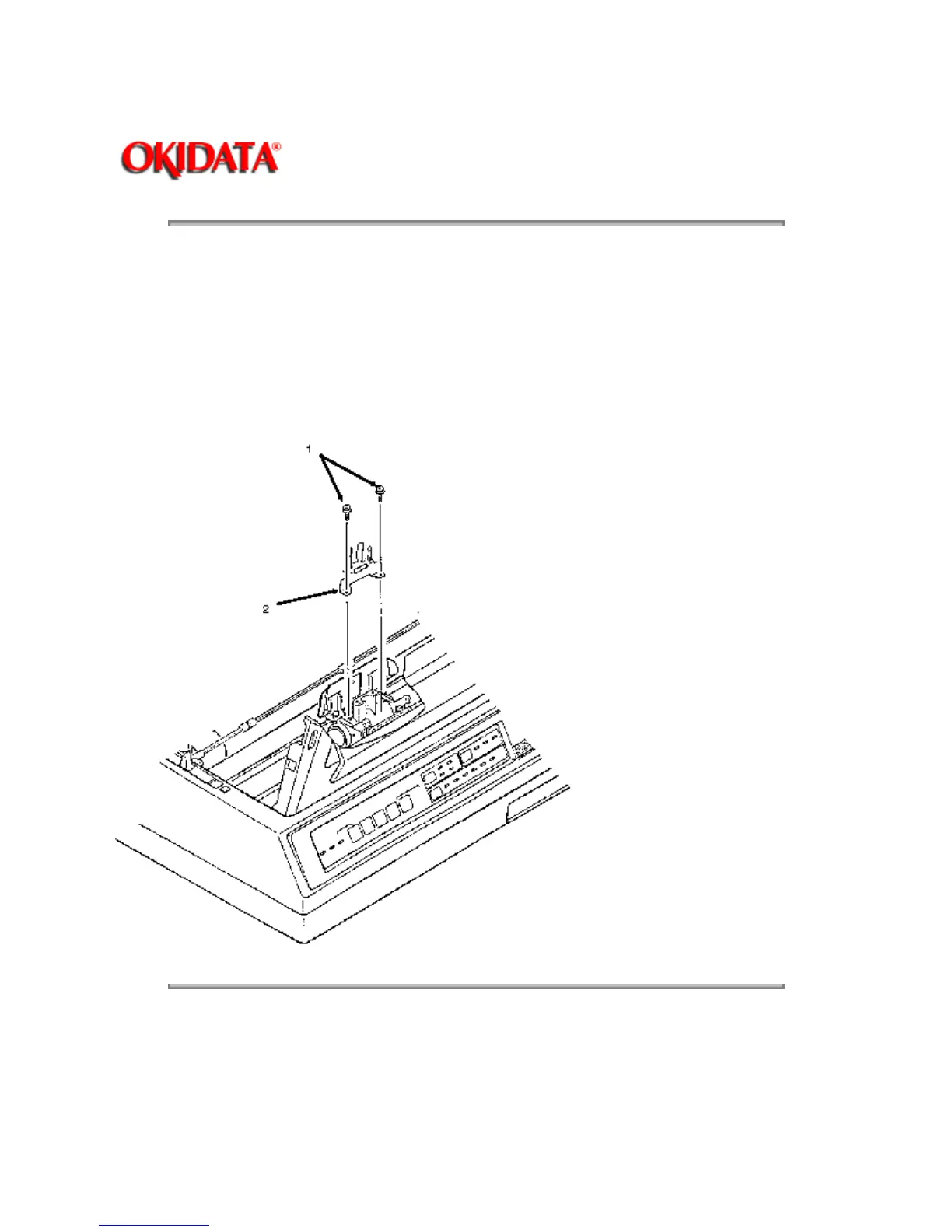
3.2.02 Ribbon Guide
1. Remove the printhead (3.2.01).
2. Remove the two mounting screws (1).
3. Lift the ribbon guide (2) and remove it.
P/N 53055901 Guide: Ribbon (Black) RSPL B.2.04
Copyright 1997, Okidata, Division of OKI America, Inc. All rights reserved. See the OKIDATA Business
Partner Exchange (BPX) for any updates to this material. (http://bpx.okidata.com)



 To Next Page